EasyManua.ls Logo

Sharp ZQ-6100M - Page 141

Sharp ZQ-6100M
194 pages
Print Icon
To Next Page IconTo Next Page
To Previous Page IconTo Previous Page
Loading...
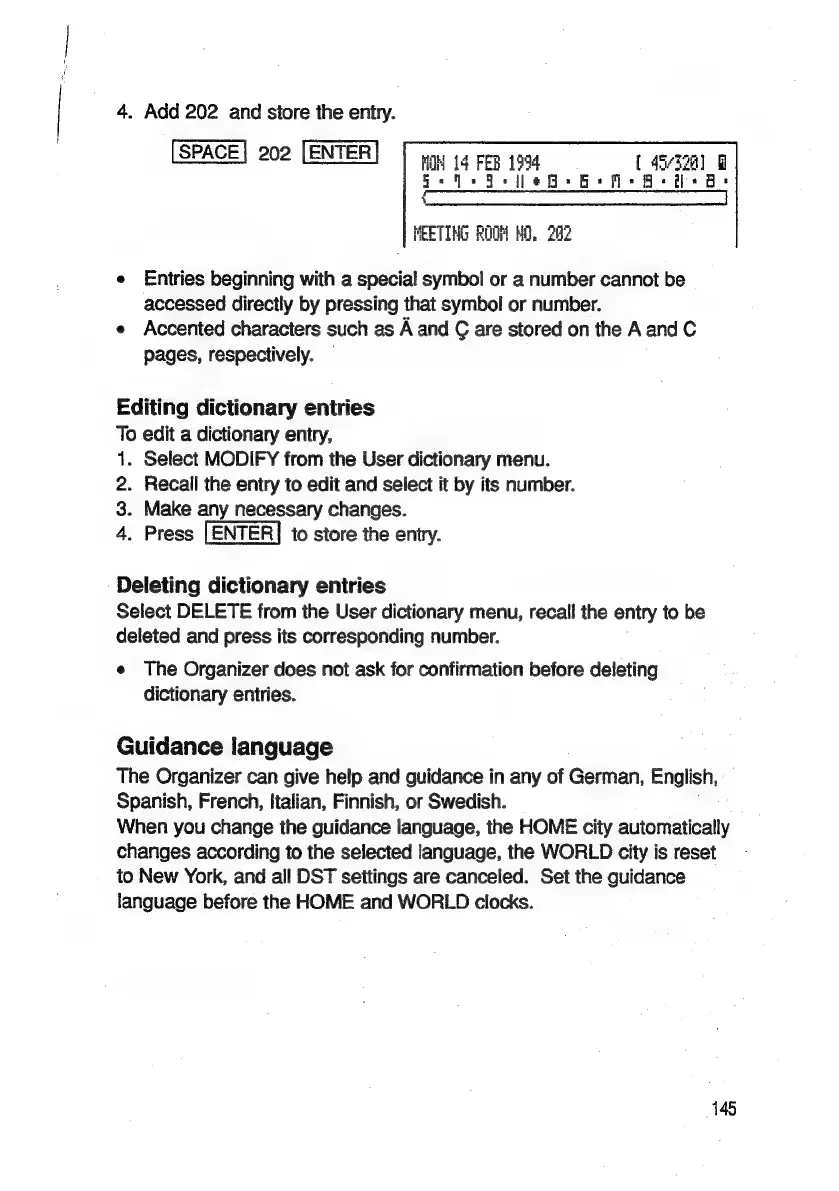
4.
Add
202
and
store
the
entry.
202
nN
14
FEB
194
{457328
+
ae
|
Oe
=
=
=
Ce
4%,
MEETING
ROOM
ND,
282
e
Entries
beginning
with
a
special
symbol
or
a
number
cannot
be
accessed
directly
by
pressing
that
symbol
or
number.
e
Accented
characters
such
as
A
and
G
are
stored
on
the
A
and
C
pages,
respectively.
Editing
dictionary
entries
To
edit
a
dictionary
entry,
1.
Select
MODIFY
from
the
User
dictionary
menu.
2.
Recall
the
entry
to
edit
and
select
it
by
its
number.
3.
Make
any
necessary
changes.
4.
Press
[ENTER]
to
store
the
entry.
Deleting
dictionary
entries
Select
DELETE
from
the
User
dictionary
menu,
recall
the
entry
to
be
deleted
and
press
its
corresponding
number.
e
The
Organizer
does
not
ask
for
confirmation
before
deleting
dictionary
entries.
Guidance
language
The
Organizer
can
give
help
and
guidance
in
any
of
German,
English,
Spanish,
French,
Italian,
Finnish,
or
Swedish.
When
you
change
the
guidance
language,
the
HOME
city
automatically
changes
according
to
the
selected
language,
the
WORLD
city
is
reset
to
New
York,
and
all
DST
settings
are
canceled.
Set
the
guidance
language
before
the
HOME
and
WORLD
clocks.
145

Related product manuals