EasyManua.ls Logo

Sharp ZQ-6100M - Page 146

Sharp ZQ-6100M
194 pages
Print Icon
To Next Page IconTo Next Page
To Previous Page IconTo Previous Page
Loading...
.
Entry
and
file
print
out
is
only
possible
for
the
SCHEDULE,
TO
DO,
TEL,
BUSINESS
CARD,
OUTLINE
and
MEMO
modes.
As
the
©
printer
can
only
print
16-characters
per
fine,
you
may
wish
to
break
entries
into
lines
of
16
characters
or
less
by
inserting
1
characters,
to
enhance
readability
of
printouts.
Secret
data
can
only
be
printed
out
with
the
Secret
function
off.
Press
|ON|
[ON]
to
interrupt
printing.
Any
other
key
press
is
ignored.
if
you
receive
the
message
I/O
DEVICE
ERROR,
check
the
printer
interface
cable
is
connected
correctly
and
that
the
printer
has
power
and
is
turned
on.
When
powering
the
CE-50P
printer
with
the
EA-23E
AC
adapter,
data
with
highlighted
characters
may
not
be
printed
out.
To
print
such
data,
disconnect
the
AC
adapter
and
power
the
printer
with
batteries.
Display
print
out
Almost
any
display
you
can
see
on
your
Organizer
can
be
printed
out
exactly
as
it
stands.
The
only
exceptions
are
momentary
displays
and
Y/N
displays.
Simply
press
PRINT]
at
the
display
you
want
to
print
out.
Single
entry
print
out
-
Any
entry
from
the
SCHEDULE,
TO
DO,
TEL,
BUSINESS
CARD,
OUTLINE
and
MEMO
modes
can
be
printed
out.
Simply
recall
the
entry
and
select
PRINTER
from
the
Option
menu.
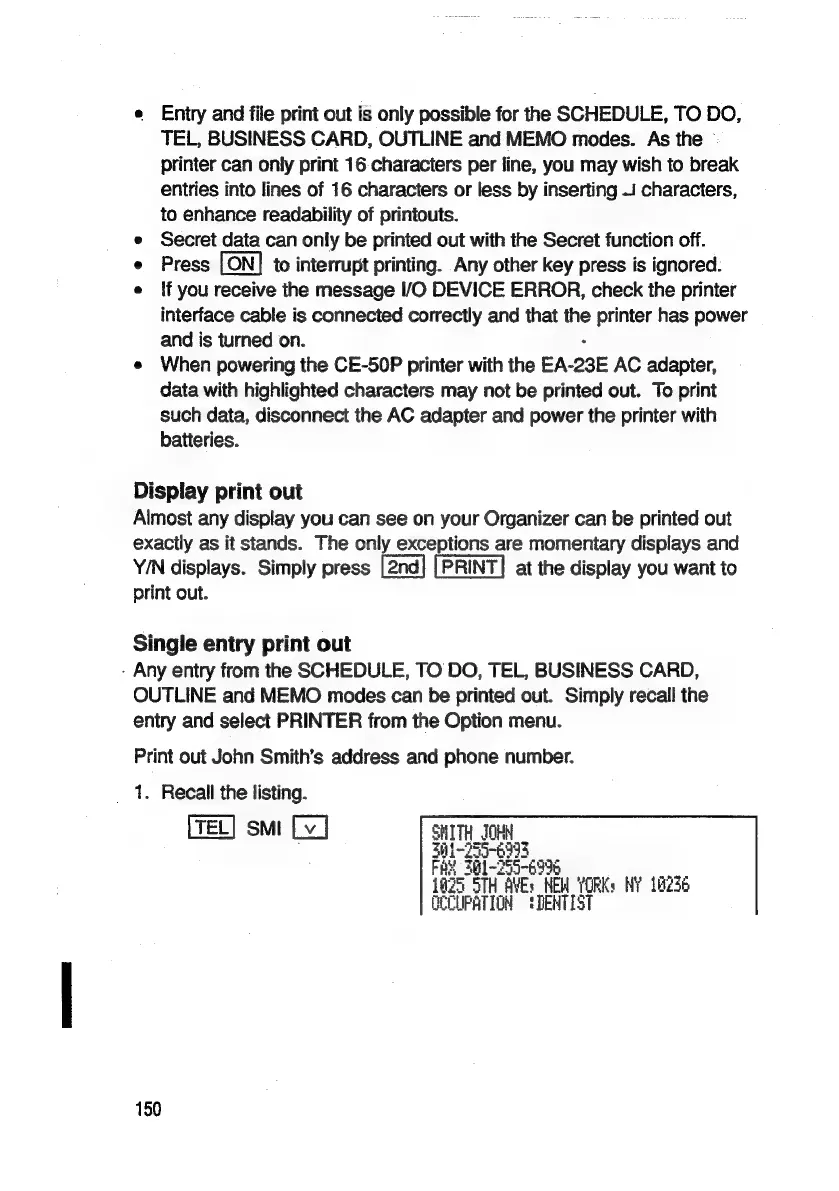
Print
out
John
Smith’s
address
and
phone
number.
1.
Recall
the
listing.
[TEL]
smt
Lv
]
SHITH_JOHN
B-Z55-6993
bY
301-755-699
7
G5
STH
AVEs
HEM
YORKs
NY
10736
OCCUPATION
!DENTIST
150

Related product manuals