EasyManua.ls Logo

Sharp ZQ-6100M - Page 153

Sharp ZQ-6100M
194 pages
Print Icon
To Next Page IconTo Next Page
To Previous Page IconTo Previous Page
Loading...
.
Select
SAVE
A
FILE
and
enter
the
filename.
(Leave
the
space
blank
if
you
do
not
wish
to
specify
a
filename.)
.
Set
the
cassette
recorder
to
record.
.
Press
LENTER]
to
begin
saving.
Press
to
interrupt
transfer.
It
is
wise
to
verify
the
recorded
data
after
transfer
before
you
depend
on
it.
Verifying
data
When
verifying
or
loading
data,
the
Organizer
will
go
through
any
files
stored
on
the
tape
until
it
finds
the
one
which
matches
the
filename
you
specify.
Just
press
without
a
filename
to
verify
or
load
the
first
file
found.
oOah
woh
.
Activate
the
mode
to
verify.
.
Select
CASSETTE
TAPE
from
the
Option
menu.
.
Select
VERIFY
A
FILE.
.
Enter
the
filename
(or
none
to
verify
the
first
found).
.
Set
the
cassette
recorder
to
play.
.
Press
to
search
for
the
file
and
verify.
Press
to
interrupt
the
comparison.
ERROR
will
be
displayed
if
the
files
do
not
match.
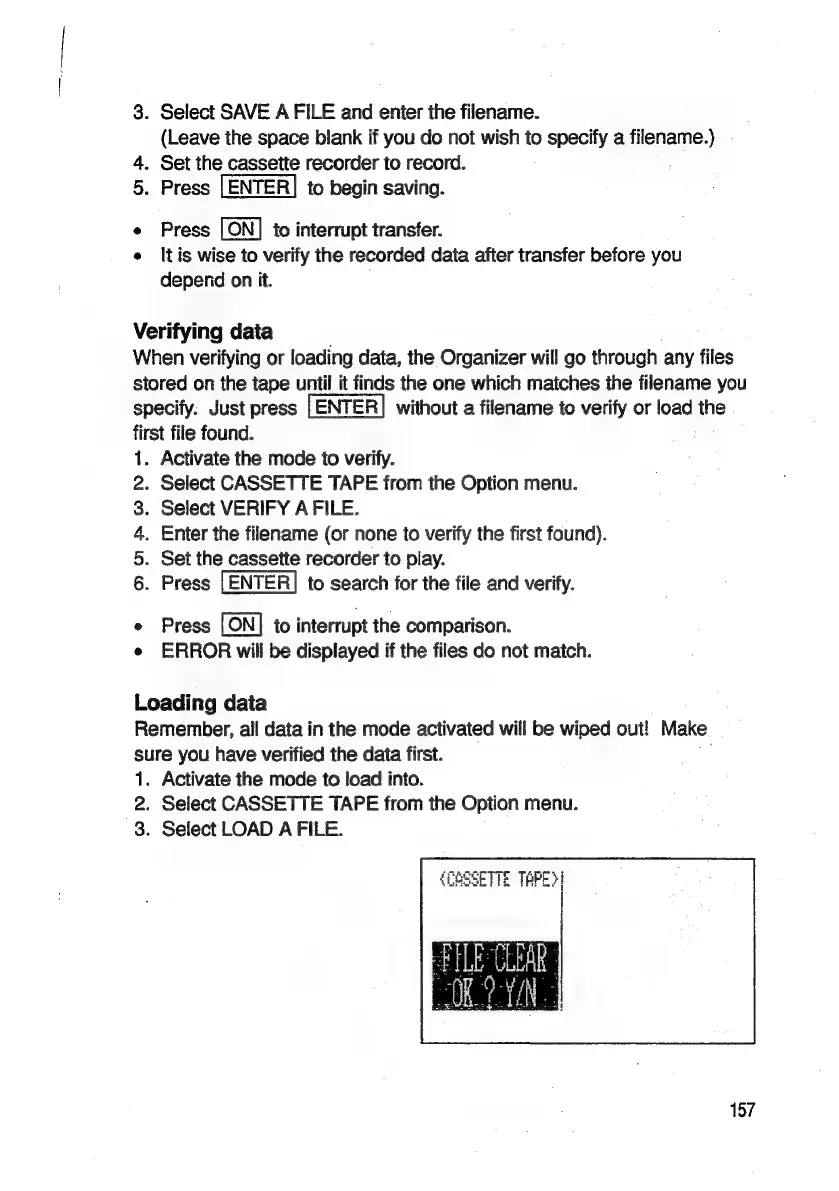
Loading
data
Remember,
all
data
in
the
mode
activated
will
be
wiped
out!
Make
sure
you
have
verified
the
data
first.
,
1.
2.
3.
Activate
the
mode
to
load
into.
Select
CASSETTE
TAPE
from
the
Option
menu.
Select
LOAD
A
FILE.
{COSSETTE
TAPE}!
157

Related product manuals