EasyManua.ls Logo

Sharp ZQ-6100M - Page 154

Sharp ZQ-6100M
194 pages
Print Icon
To Next Page IconTo Next Page
To Previous Page IconTo Previous Page
Loading...
.
Press
to
go
ahead,
any
other
key
to
leave
memory
intact.
.
Enter
the
filename
(or
none
to
load
the
first
found).
.
Set
the
cassette
recorder
to
play.
.
Press
to
search
for
the
file
and
load.
Press
to
interrupt
transfer.
Noon
&
PC
link
With
Sharp’s
Organizer
Link
software
and
cable
package,
you
can
.
exchange
data
with
a
personal
computer.
The
many
benefits
include:
e
Backup
of
Organizer
data
to
a
hard
drive
or
floppy
disk.
e
Printing
Organizer
data
on
a
standard
printer.
e
Archiving
schedule
data.
e
Data
creation
and
editing
on
the
computer
for
transfer
to
your
Organizer.
The
link
is
made
via
the
15-pin
computer-link
port
on
the
left
side
of
the
Organizer
using
an
interface
cable
to
suit
your
computer.
See
the
Organizer
link
manual
for
connection
and
software
operating
details.
Preparing
the
Organizer
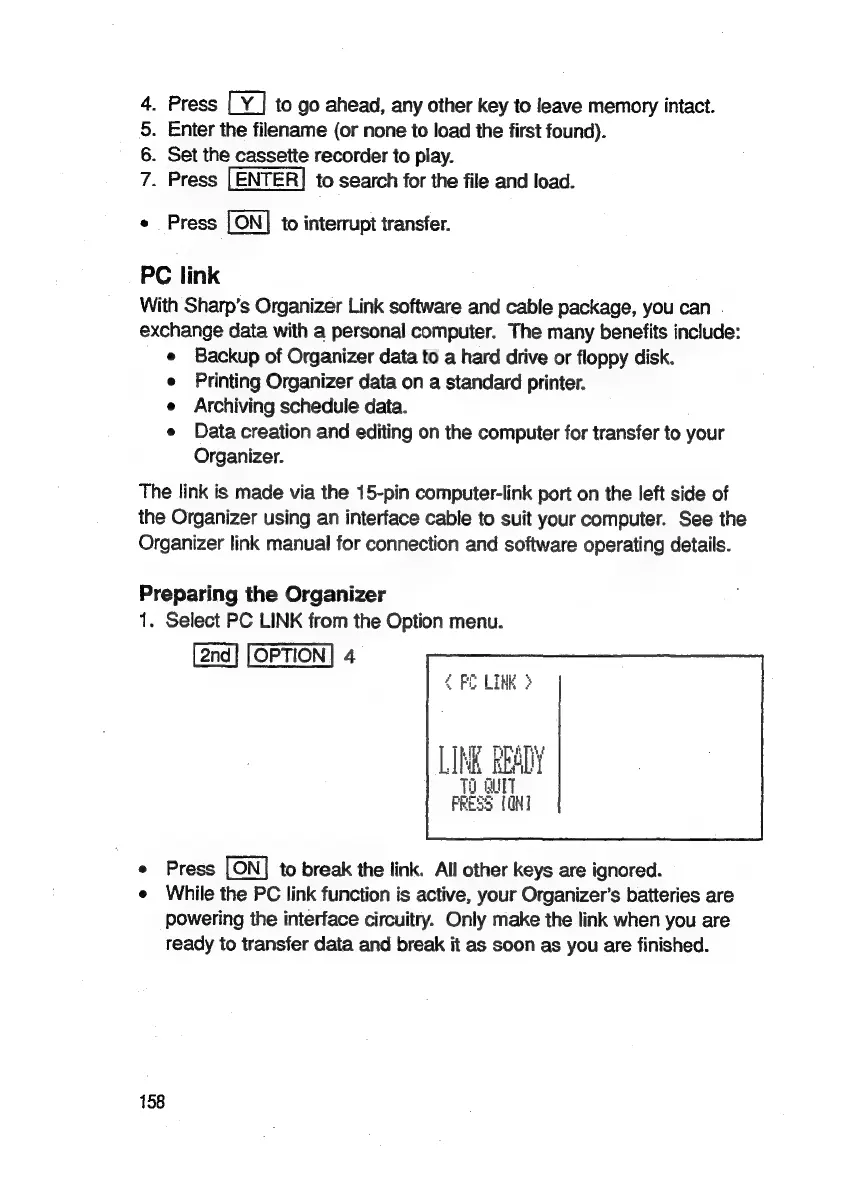
1.
Select
PC
LINK
from
the
Option
menu.
OPTION]
4
<
FO
LINK
}
0
QUIT
>
{OHI
Dy
e
Press
to
break
the
link.
All
other
keys
are
ignored.
e
While
the
PC
link
function
is
active,
your
Organizer’s
batteries
are
powering
the
interface
circuitry.
Only
make
the
link
when
you
are
ready
to
transfer
data
and
break
it
as
soon
as
you
are
finished.
158

Related product manuals