EasyManua.ls Logo

Sharp ZQ-6100M - Page 162

Sharp ZQ-6100M
194 pages
Print Icon
To Next Page IconTo Next Page
To Previous Page IconTo Previous Page
Loading...
The
numbers
on
the
left
are
of
course
the
index
for
your
choice,
then
there
is
the
name,
number
and
finally
the
major
parameters
for
each
of
the
remote
computers
in
the
directory.
The
1200-7E1
means
1200
bits
per
second,
7
data
bits,
even
parity
and
1
stop
bit.
2.
Select
the
system
you
want;
in
this
case
CompuServe
page
1,
number
1.
1
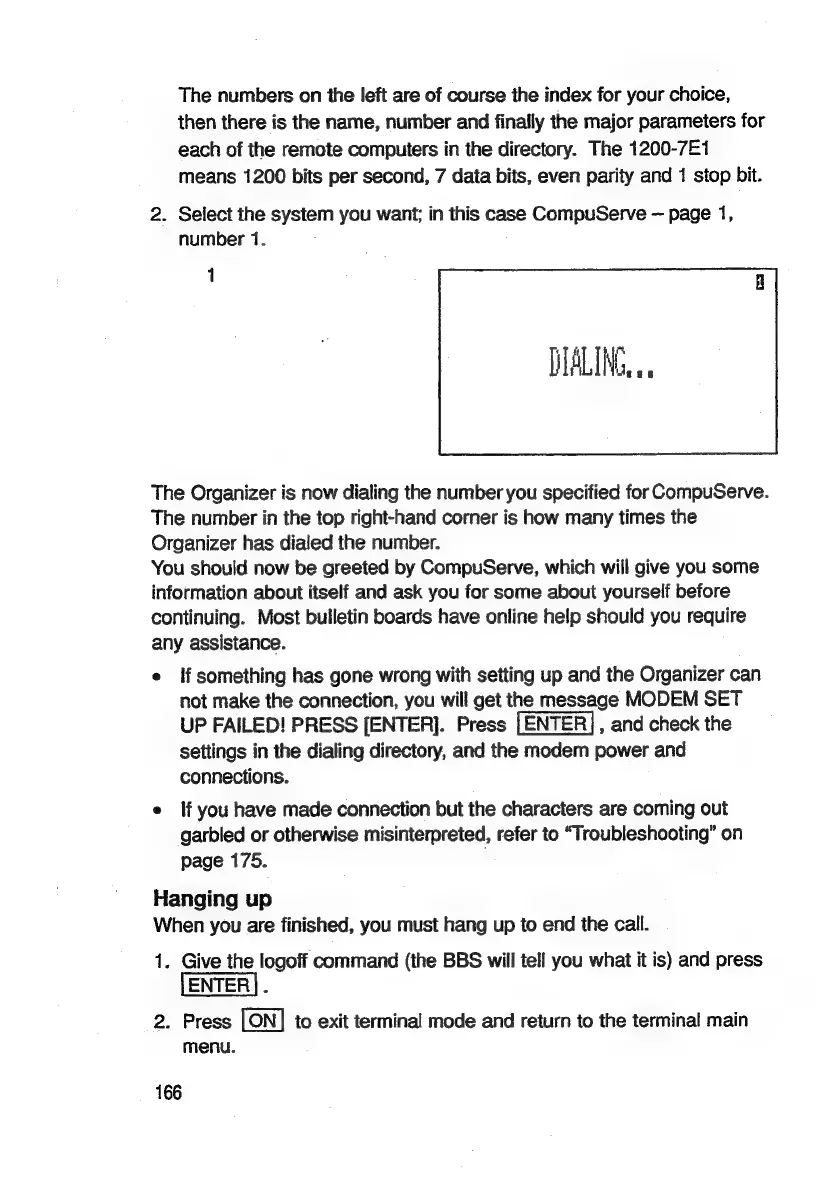
DIALING...
The
Organizer
is
now
dialing
the
number
you
specified
for
CompuServe.
The
number
in
the
top
right-hand
corner
is
how
many
times
the
Organizer
has
dialed
the
number.
You
should
now
be
greeted
by
CompuServe,
which
will
give
you
some
information
about
itself
and
ask
you
for
some
about
yourself
before
continuing.
Most
bulletin
boards
have
online
help
should
you
require
any
assistance.
e
{f
something
has
gone
wrong
with
setting
up
and
the
Organizer
can
not
make
the
connection,
you
will
get
the
message
MODEM
SET
UP
FAILED!
PRESS
[ENTER].
Press
[ENTER],
and
check
the
settings
in
the
dialing
directory,
and
the
modem
power
and
connections.
e
If
you
have
made
connection
but
the
characters
are
coming
out
garbled
or
otherwise
misinterpreted,
refer
to
“T!
roubleshooting”
on
page
175.
Hanging
up
When
you
are
finished,
you
must
hang
up
to
end
the
call.
1.
Give
the
logoff
command
(the
BBS
will
tell
you
what
it
is)
and
press
[ENTER]
.
2.
Press
to
exit
terminal
mode
and
return
to
the
terminal
main
menu.
166

Related product manuals