EasyManua.ls Logo

Sharp ZQ-6100M - Page 163

Sharp ZQ-6100M
194 pages
Print Icon
To Next Page IconTo Next Page
To Previous Page IconTo Previous Page
Loading...
Receiving
calls
You
may
also
want
to
receive
a
call
from
another
computer
or
Organizer.
1.
Enter
the
configuration
you
want
for
receiving
the
call
into
the
dialing
directory,
but
leaving
the
telephone
number
blank.
2.
Enter
the
terminal
mode
by
selecting
this
configuration
from
the
dialing
directory.
3.
Enter
ATSO=1
and
press
[ENTER].
This
sets
the
modem
for
auto-answer
after
1
ring.
The
modem
will
respond
with
OK
after
you
press
[ENTER]
and
wait
for
the
next
incoming
call.
Auto-logon
To
save
you
the
monotonous
task
of
logging
on
every
time
you
connect
to
a
host,
you
can
program
the
Organizer
to
do
it
for
you
automatically.
1.
Choose
the
entry
you
want
to
automate
from
the
dialing
directory.
2.
Go
to
the
last
item
of
the
configuration
by
pressing
[¥]
or
ENTER}
until
the
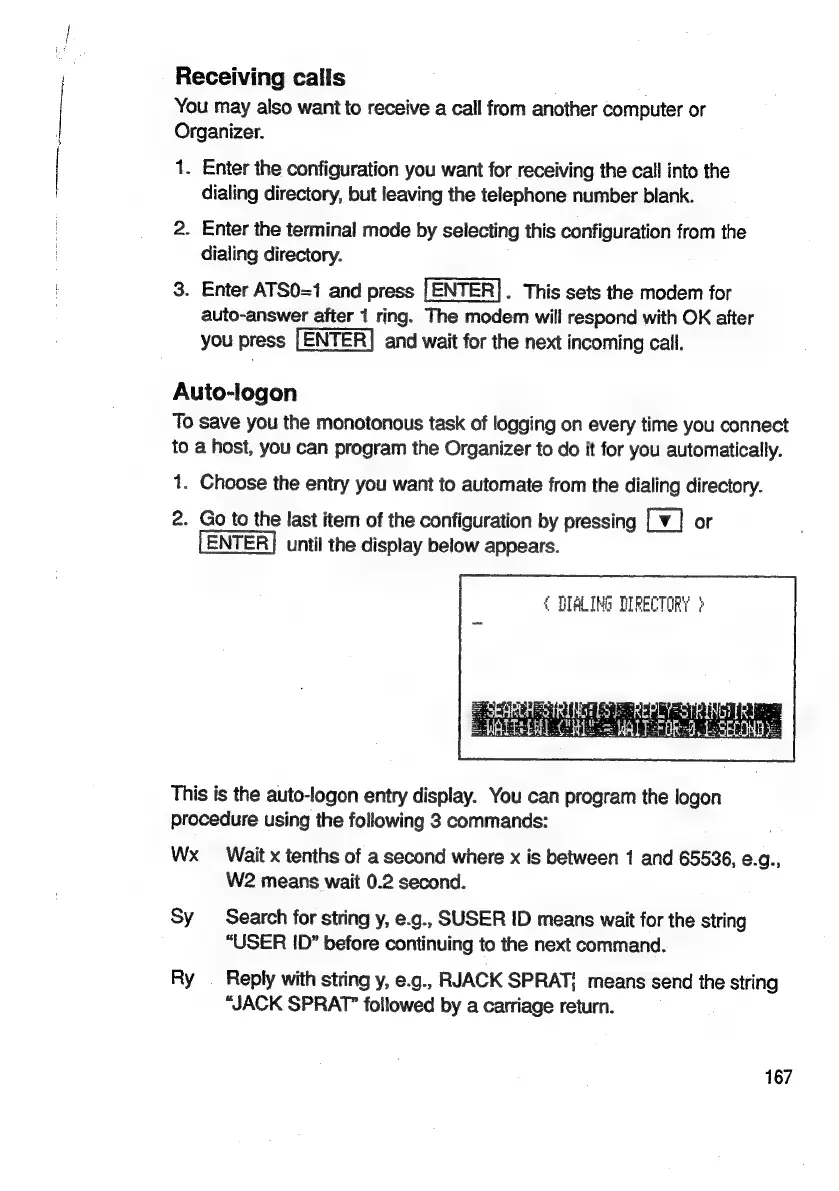
display
below
appears.
{
DIALING
DIRECTORY
}
This
is
the
auto-logon
entry
display.
You
can
program
the
logon
procedure
using
the
following
3
commands:
Wx
Wait
x
tenths
of
a
second
where
x
is
between
1
and
65536,
e.g.,
W2
means
wait
0.2
second.
Sy
Search
for
string
y,
e.g.,
SUSER
ID
means
wait
for
the
string
“USER
ID”
before
continuing
to
the
next
command.
Ry
Reply
with
string
y,
e.g.,
RJACK
SPRAT;
means
send
the
string
“JACK
SPRAT”
followed
by
a
carriage
return.
167

Related product manuals