EasyManua.ls Logo

Sharp ZQ-6100M - Page 30

Sharp ZQ-6100M
194 pages
Print Icon
To Next Page IconTo Next Page
To Previous Page IconTo Previous Page
Loading...
Enter
the
month
and
day
as
2
digits
and
the
year
as
4
digits.
Fora
single-digit
month
or
day,
prefix
with
a
“O”.
e
The
Organizer
is
initially
set
to
express
the
date
in
the
order
of
day,
month,
year.
This
may
be
changed
to
month,
day,
year.
(See
“Date/Calendar
format”
on
page
146.)
6.
Store
the
time
and
date.
ENTER
e
Onpressing
[ENTER],
the
HOME
clock
starts
from
0
seconds,
so
you
may
easily
synchronize
with
a
time
reference.
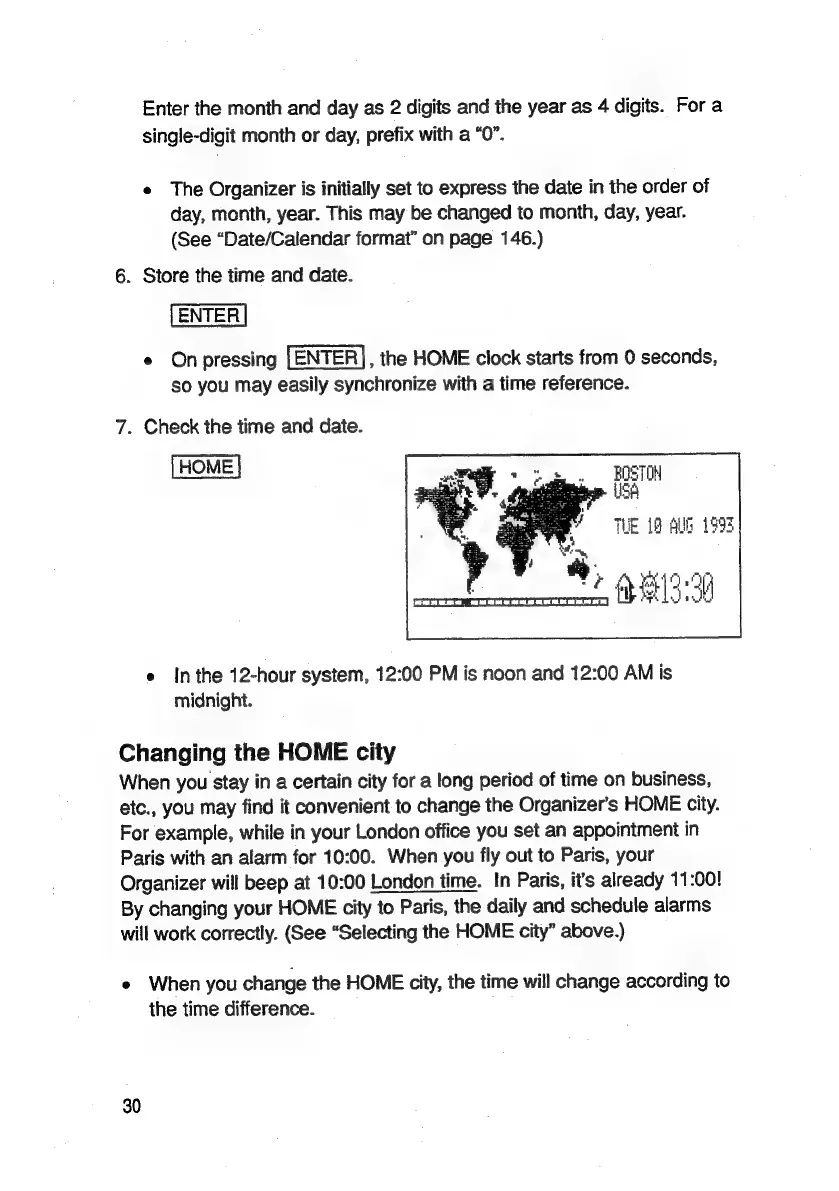
7.
Check
the
time
and
date.
[HOME
|
THE
19
AUG
1993
*)
219-99
e
Inthe
12-hour
system,
12:00
PM
is
noon
and
12:00
AM
is
midnight.
Changing
the
HOME
city
When
you
stay
in
a
certain
city
for
a
long
period
of
time
on
business,
etc.,
you
may
find
it
convenient
to
change
the
Organizer’s
HOME
city.
For
example,
while
in
your
London
office
you
set
an
appointment
in
Paris
with
an
alarm
for
10:00.
When
you
fly
out
to
Paris,
your
Organizer
will
beep
at
10:00
London
time.
In
Paris,
it's
already
11:00!
By
changing
your
HOME
city
to
Paris,
the
daily
and
schedule
alarms
will
work
correctly.
(See
“Selecting
the
HOME
city”
above.)
e
When
you
change
the
HOME
city,
the
time
will
change
according
to
the
time
difference.
30

Related product manuals