EasyManua.ls Logo

Sharp ZQ-6100M - Page 51

Sharp ZQ-6100M
194 pages
Print Icon
To Next Page IconTo Next Page
To Previous Page IconTo Previous Page
Loading...
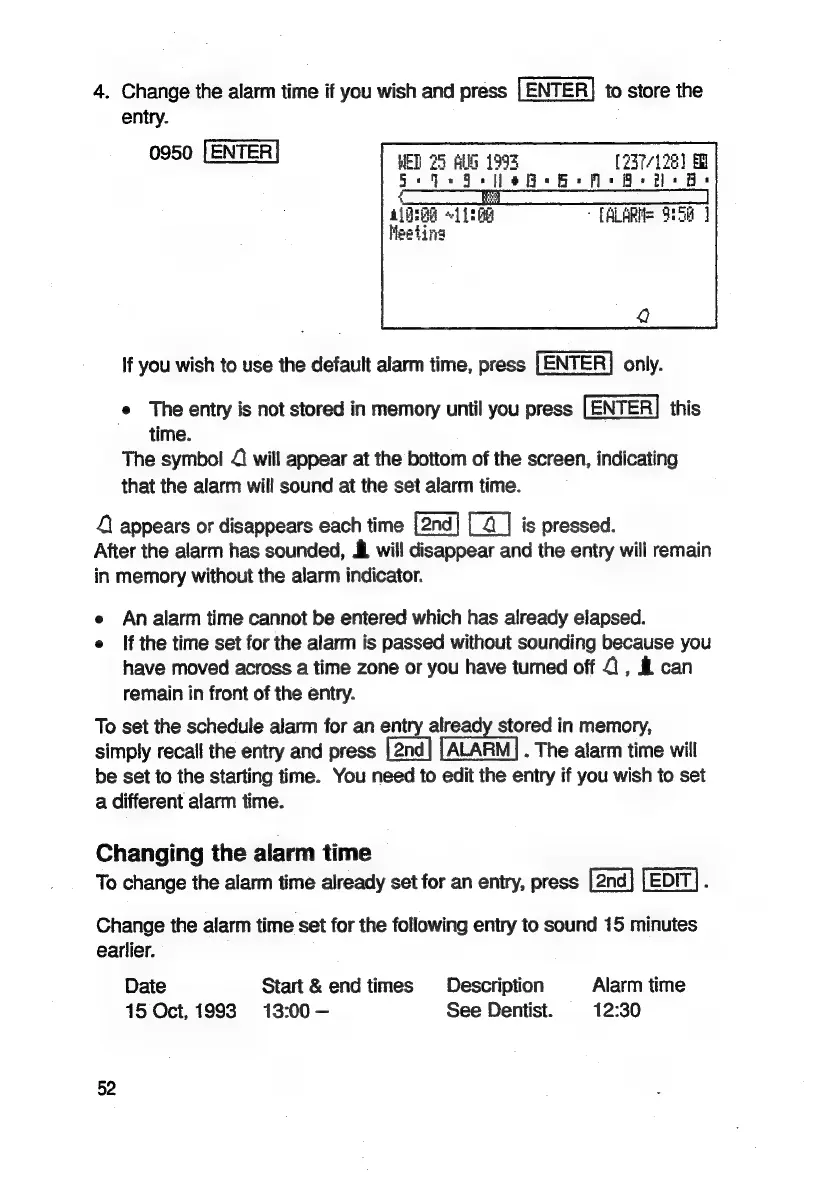
4.
Change
the
alarm
time
if
you
wish
and
press
[ENTER}
to
store
the
entry.
0950
LENTER
WED
25
AUG
1995
237/128)
See
Fe
fle
B
He
Ms
Ae
hs
Be
aired
«11:68
[ALARMS
O:5a
|
Meeting
If
you
wish
to
use
the
default
alarm
time,
press
[ENTER]
only.
e
The
entry
is
not
stored
in
memory
until
you
press
[ENTER]
this
time.
The
symbol
{
will
appear
at
the
bottom
of
the
screen,
indicating
that
the
alarm
will
sound
at
the
set
alarm
time.
4
appears
or
disappears
each
time
[4]
is
pressed.
After
the
alarm
has
sounded,
&
will
disappear
and
the
entry
will
remain
in
memory
without
the
alarm
indicator.
e
Analarm
time
cannot
be
entered
which
has
already
elapsed.
e
If
the
time
set
for
the
alarm
is
passed
without
sounding
because
you
have
moved
across
a
time
zone
or
you
have
turned
off
2,
&
can
remain
in
front
of
the
entry.
To
set
the
schedule
alarm
for
an
entry
already
stored
in
memory,
simply
recall
the
entry
and
press
.
The
alarm
time
will
be
set
to
the
starting
time.
You
need
to
edit
the
entry
if
you
wish
to
set
a
different
alarm
time.
Changing
the
alarm
time
To
change
the
alarm
time
already
set
for
an
entry,
press
EDIT}.
Change
the
alarm
time
set
for
the
following
entry
to
sound
15
minutes
earlier.
Date
Start
&
end
times
Description
Alarm
time
15
Oct,
1993
13:00
-—
See
Dentist.
12:30
52

Related product manuals