EasyManua.ls Logo

Sharp ZQ-6100M - Page 94

Sharp ZQ-6100M
194 pages
Print Icon
To Next Page IconTo Next Page
To Previous Page IconTo Previous Page
Loading...
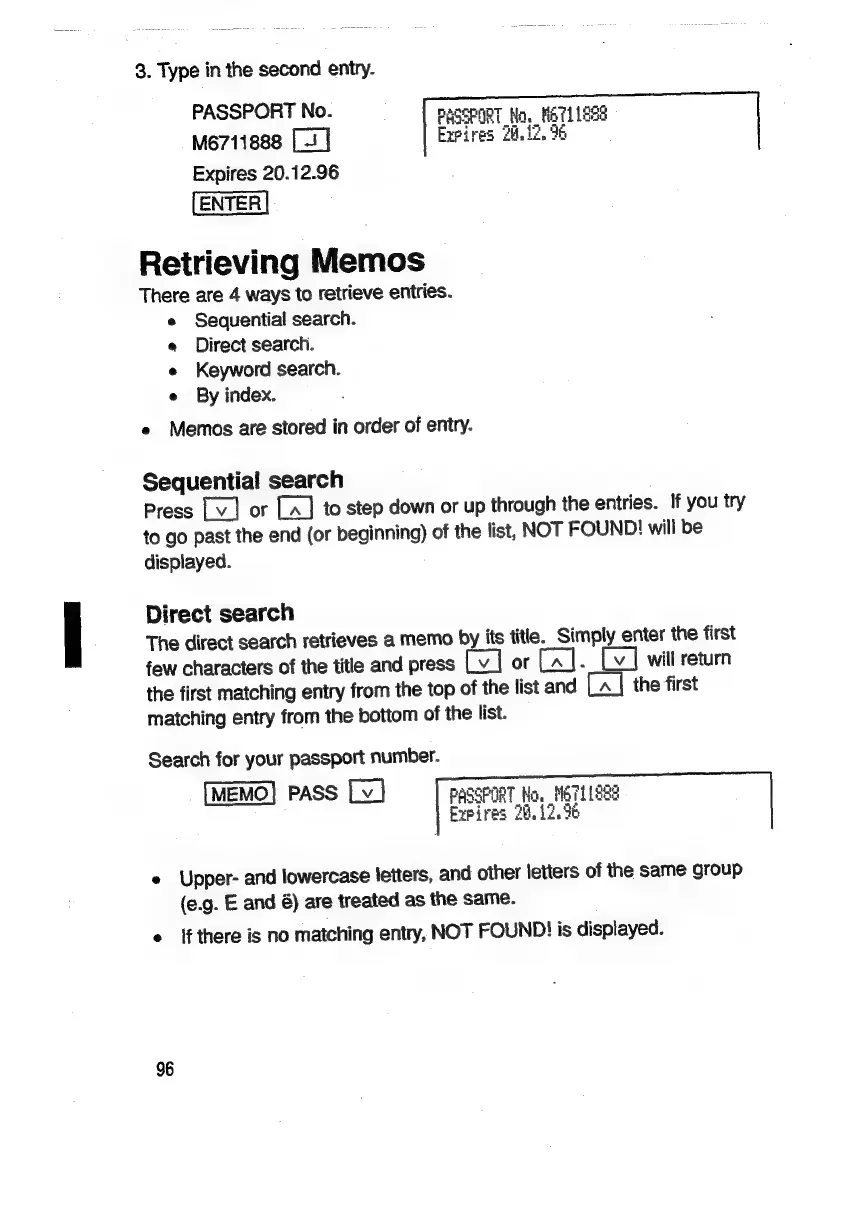
3.
Type
in
the
second
entry.
PASSPORT
No.
PASSPORT,
Na,
NETLIGE@
M6711888
Expires
24,12.
96
Expires
20.12.96
ENTER
Retrieving
Memos
There
are
4
ways
to
retrieve
entries.
e
Sequential
search.
e
Direct
search.
e
Keyword
search.
e
By
index.
e
Memos
are
stored
in
order
of
entry.
Sequential
search
Press
or
to
step
down
or
up
through
the
entries.
If
you
try
to
go
past
the
end
(or
beginning)
of
the
list,
NOT
FOUND!
will
be
displayed.
Direct
search
The
direct
search
retrieves
a
memo
by
its
title.
Simply
enter
the
first
few
characters
of
the
title
and
press
or
[a].
will
return
the
first
matching
entry
from
the
top
of
the
list
and
the
first
matching
entry
from
the
bottom
of
the
list.
Search
for
your
passport
number.
PASS
PASSPORT
Ho.
M6TLLe3s
Expires
28.12.96
e
Upper-
and
lowercase
letters,
and
other
letters
of
the
same
group
(e.g.
E
and
6)
are
treated
as
the
same.
e
lf
there
is
no
matching
entry,
NOT
FOUND!
is
displayed.
96

Related product manuals