EasyManua.ls Logo

Sharp ZQ-6100M - Page 96

Sharp ZQ-6100M
194 pages
Print Icon
To Next Page IconTo Next Page
To Previous Page IconTo Previous Page
Loading...
e
!famemo
is
being
displayed
when
you
press
INDEX|],
it
will
be
at
the
top
of
the
list.
Otherwise,
the
first
memo
will
appear
at
the
top.
Editing
Memos
To
edit
a
memo,
recall
it
and
press
EDIT|.
Make
any
changes
you
want
(see
page
20
for
more
details)
and
press
[ENTER]
to
store
it.
e
Ifyou
press
ENTER]
instead
of
just
[ENTER]
,
the
edited
memo
will
be
stored
as
a
new
one
without
erasing
the
original.
Deleting
Memos
Memos
can
be
deleted
one
at
a
time
or
all
at
once.
To
delete
a
single
memo,
recall
it
and
press
and
for
confirmation.
Alternatively,
it
can
be
deleted
from
the
index
simply
by
selecting
it
and
_
pressing
:
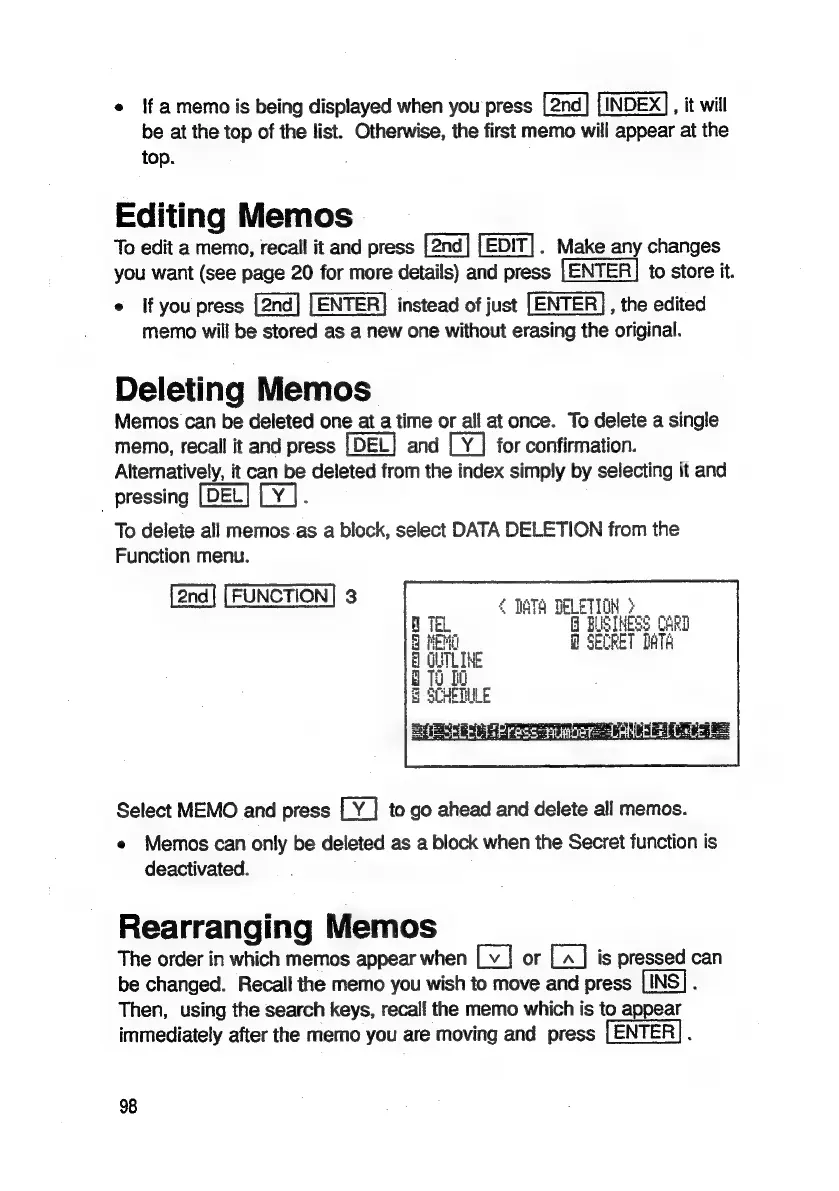
To
delete
all
memos
as
a
block,
select
DATA
DELETION
from
the
Function
menu.
[2nd]
[FUNCTION]
3
fOr
Cie
vote
Nari,
Inte
:
g
a
i
Select
MEMO
and
press
to
go
ahead
and
delete
all
memos.
e
Memos
can
only
be
deleted
as
a
block
when
the
Secret
function
is
deactivated.
Rearranging
Memos
The
order
in
which
memos
appear
when
or
is
pressed
can
be
changed.
Recall
the
memo
you
wish
to
move
and
press
;
Then,
using
the
search
keys,
recall
the
memo
which
is
to
appear
immediately
after
the
memo
you
are
moving
and
press
.
98

Related product manuals