4 5
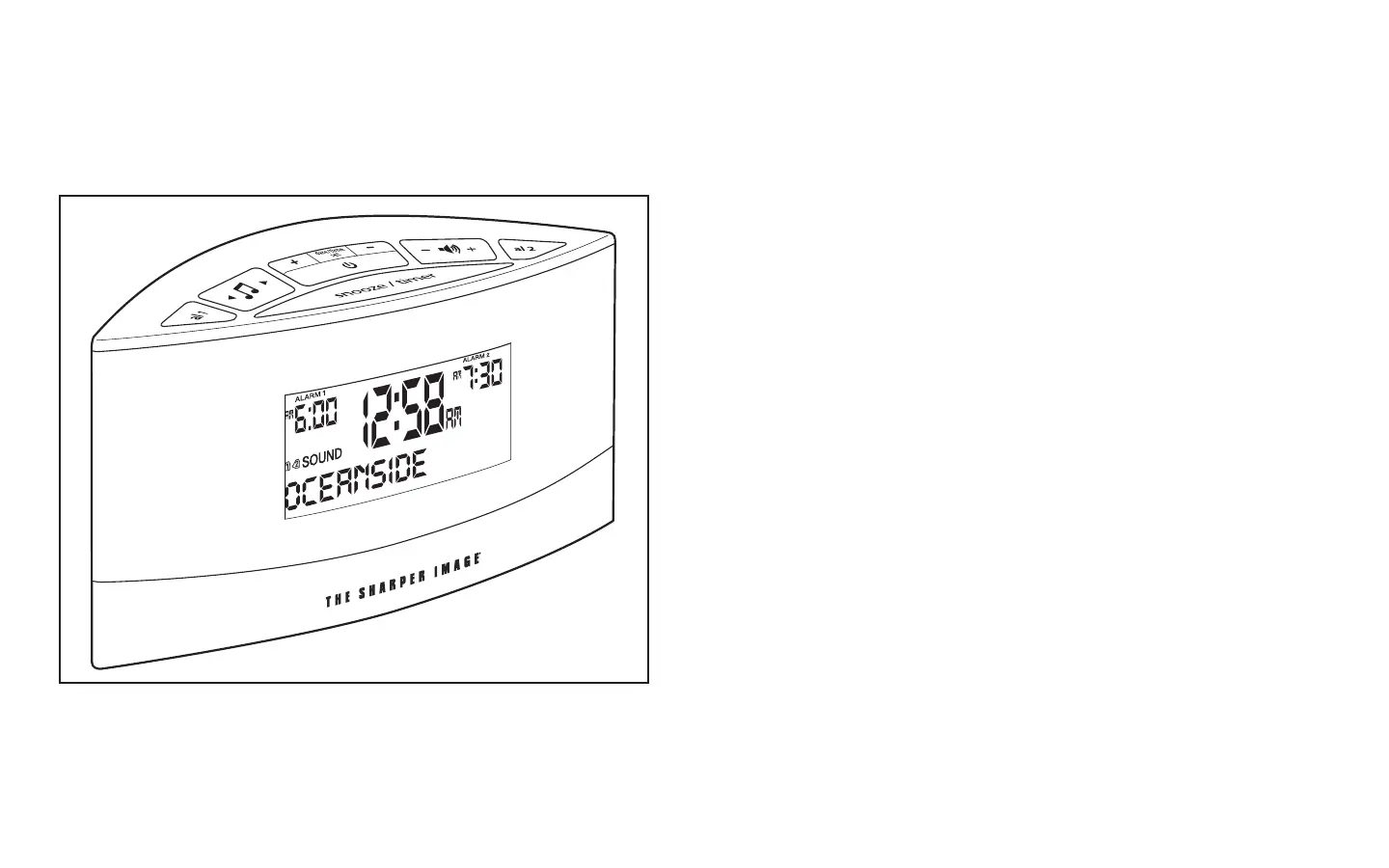
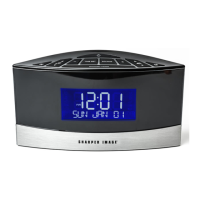
Fig. 1
EC-B100_Sound Machine.ai 6/29/09 12:33:05 PM
Sound Soother
®
Features:
• 20DigitallyRecordedSounds:Aviary,Brook,City,Dockside,EbbTide,
Everglades, Fireside, Foghorns, Heartbeat, North Woods, Oceanside, Rain,
Rainforest, Roadside, Steam Train, Summer Night, Surfs Up, Thunderstorm,
White Noise, Wind Chimes.
• Easy-to-readilluminatedLCDwithwhitebacklightdisplaystime&soundname
• DualAlarmClockforindividualwaketimes
• ChoiceoftwoAlarmWakeModes:SoothingSoundsorBeepTone
• Snoozeautomaticallysetfornineminutesforextendedsleep
• Digitalvolumecontroladjuststhevolumeofyoursoundselection
• 2-pcspeakerincluded(2.5”indiameter)
• Poweredby3VDC(atotalof3(three)AAbatteries(notincluded))or6V
300mA(120Vinput)AC/DCadaptor(included)
Battery installation:
Alarm clock uses an AC adaptor (included) or 3 (three) AA batteries
(not included).
ThebatterypowerisdesignedonlytoprovideMEMORYBACK-UPfortheclock
andalarmsettings.ThreeAAbatteries(notincluded)shouldbeinsertedfollowing
thepolaritymarkedinthebatterycompartmentifmemoryback-upisdesired(in
theeventofpoweroutagesoriftheunitisunplugged).However,thetimewill
not be illuminated on the clock display. As soon as the power supply returns, the
display will indicate the correct time.
NOTE: Battery must be installed in order for clock memory back-up to operate.
In the event of a power failure or disconnection, if the battery is not installed, the
clock and alarm will need to be re-set when power is restored.


 To Next Page