6
7
Internet Weather Station Wireless Overview
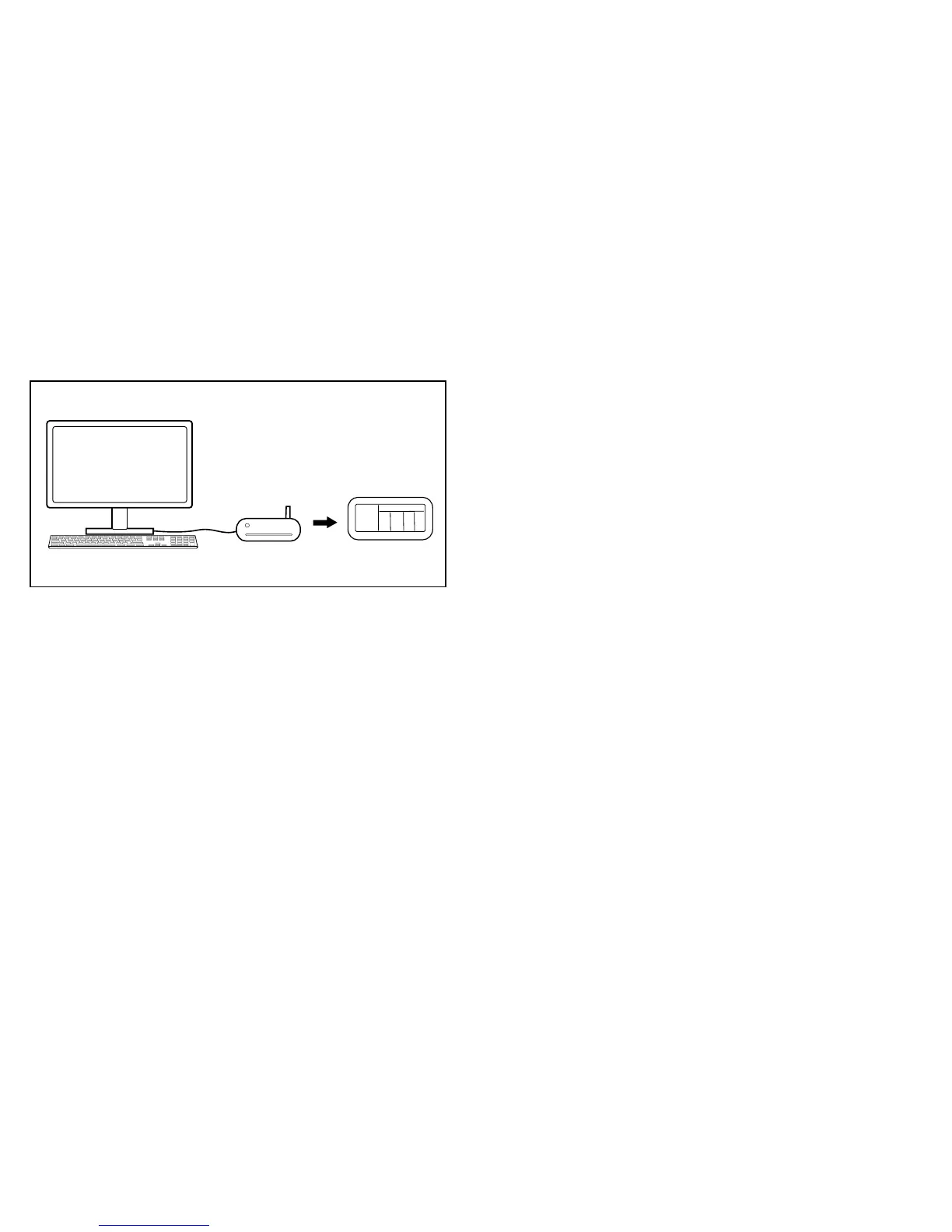
Receiving your 5-DAY Weather Forecast
The Internet Weather Station Wireless Weather Forecaster is powered by your home
Internetservice.Yourpersonalized5-dayforecastdataisuploadeddirectlyfromyour
PC and is automatically sent to the Main Unit wirelessly, via USB transmitter. Place
your Weather Forecaster in the convenience of your kitchen, bedroom, or wherever
within range to receive the latest weather details in your home.
Your complete forecast includes:
•WeatherForecast
•High&LowTemperature
•AverageHumidity
•ChanceofPrecipitation
•Rainfall
•MaximumUVIndex
•AverageWindSpeed&Direction
Internet Connection on your
Personal Computer
Digital 5-Day
Weather Forecast
USB Transmitter
Main Unit (Receiver)
International coverage includes over 20,000 cities:
•Europe:Over9,200citiesselection
•NorthAmerica:Over10,900citiesselection
•AsiaPacific:Over300citiesselectioninJapan&Australia
Enjoy additional features such as:
•Auto-SynchronizedClockfromInternet
•Sunrise&SunsetTime
•Calendar,Weekday&SingleDailyAlarm
Getting Started
Hereisyourquickstartguideforbasicsetup:
1. Insert4(four)AAbatteriesintotheMainUnit.
2. Plug the included adapter into the DC input located on the left side of the
Main Unit.
3. Install2(two)AAAbatteriesintotheUSBtransmitter.
4. Connect the USB transmitter to your PC via USB port.
5. Flip the antenna into the vertical position.
Fig. 2


 To Next Page