USB TRANSMITTER Button Name and Function
There is only one key on the USB Transmitter:
Installation
Wemakewirelesstechnologyeasytoinstall.Justfollowthestepsbelowforeach
of the two units:
TheMainUnit(Receiver)andtheUSBtransmitter(foryourhomecomputer).
Setting Up the MAIN UNIT (RECEIVER)
BATTERY INSTALLATION:
Slidetoopenbatterydoor,install4(four)AAbatteriesaccordingtothepolarity
indicated. Close battery door.
For Your Home Computer: USB TRANSMITTER &
PC PROGRAM Installation
BATTERY INSTALLATION & USB CONNECTION:
1. SlidetoopenbatterydooronthebottomoftheUSBtransmitter.Insert2(two)
AAA batteries according to the polarity indicated. Close the battery door.
2. Connect USB transmitter to your PC via any USB port.
3. Flip the antenna into vertical position.
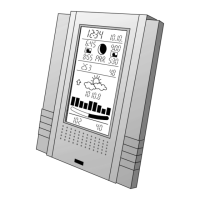
MAIN UNIT Button Names and Functions
There is one key located on the top of the unit. This can be used for two reasons:
1. Press the SNOOZE/MODEbuttontotriggersnoozealarm.
2. Or press the SNOOZE/MODE button to choose between weather forecast
details such as:
-Hi/LoTemperature
-Rainfall/ChanceofPrecipitation
-MaximumUVIndex/AverageHumidity
-AverageWindDirection/AverageWindSpeed
- Auto-scroll display function
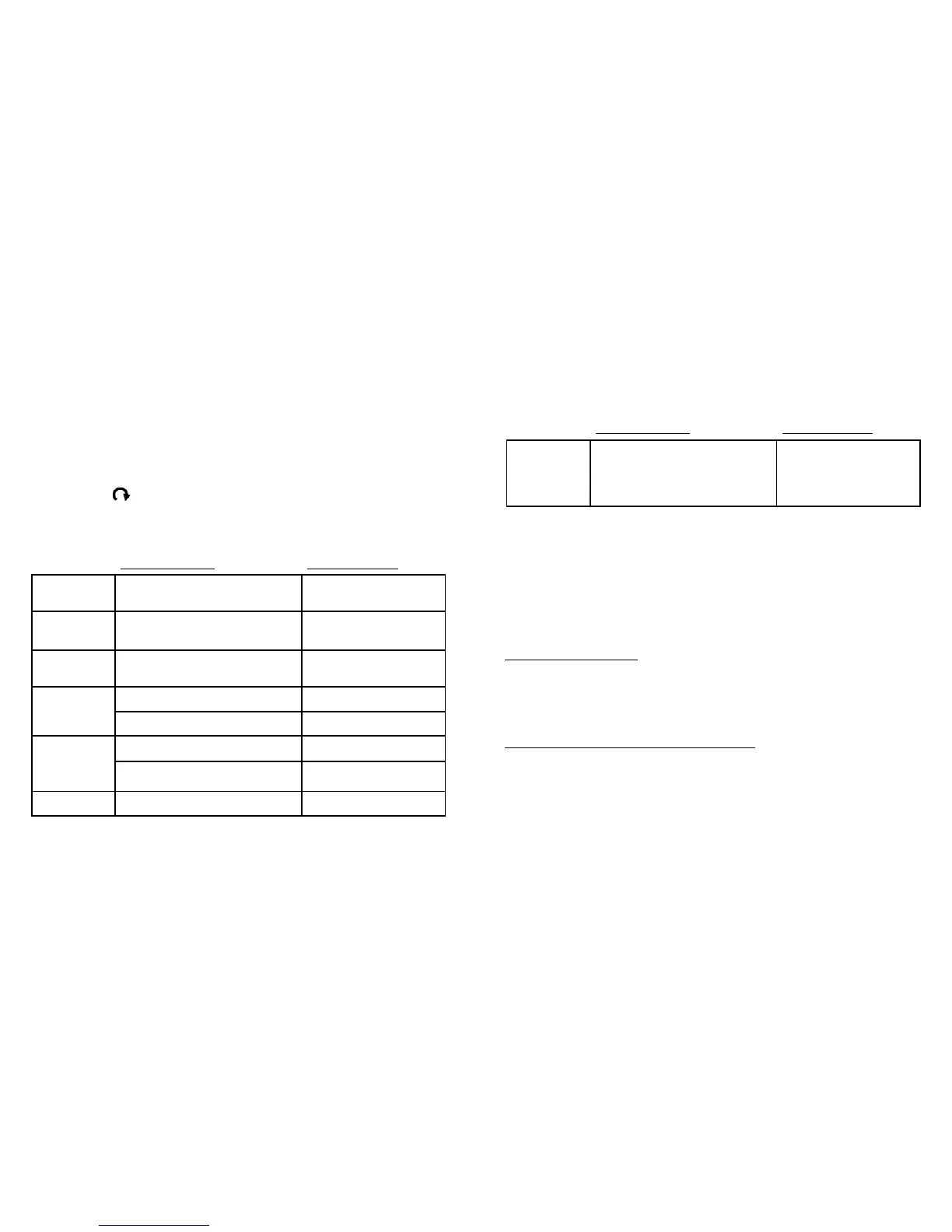
There are six multi-tasking keys located on the back of the unit:
Press Functions Hold 3 seconds
PC SEARCH
Receive RF signal from
USB transmitter
CLOCK
Readtime,day-of-week,sunrise/
sunset time
12/24Hour&
day/monthformat
ALARM
Read alarm time;
enable/disablealarm
Alarm time setting
WIND /
5
Select wind speed unit
1 step forward in setting Fast advance in setting
C/F /
6
SelectDegreeC/F
1 step backward in setting Fast backward in setting
RAIN
SelectRainfallunit(mmorinch)
Press Functions Hold 3 seconds
TRANSMIT
Transmit weather forecast data
andsynchronizewithMain
Unit(Receiver)
Turnon/offcontinuous
red LED indicator
9
8


 To Next Page