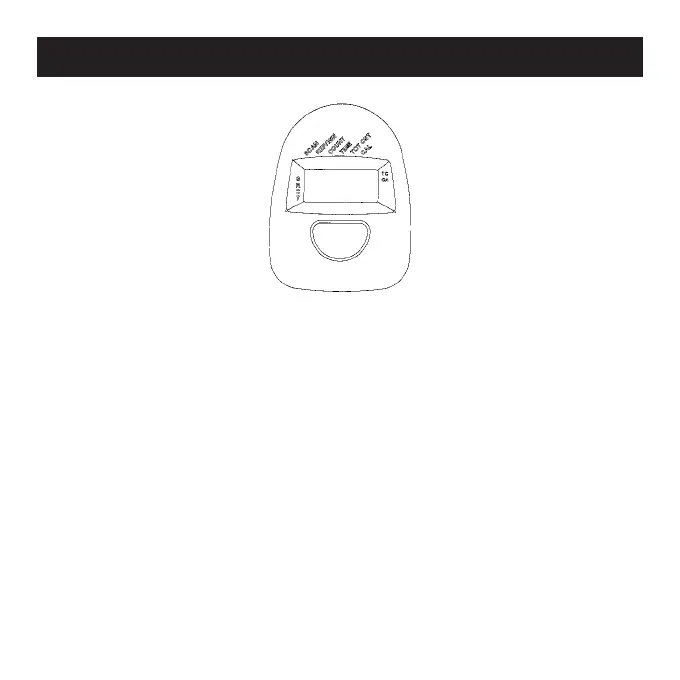
Auto on/off & Auto - As long as the machine is in motion, the
LCD screen is on.
Start/Stop - If there is no movement within four minutes, the
screen turns off automatically.
Auto Scan - Press the button until the arrow points to S. The dis-
play will rotate through all five functions - Time, Total Count,
Calories Burned, Steps/Min, and Count every 30 seconds. Each
appears on-screen for six seconds. Note: Auto scan does not
show pulse rate.
Elapsed Time - To count the elapsed time, press the button until
the arrow points to T.
Functions
❤
❤



 To Next Page