-76-
2.9.3 Auto Zero
Select Menu Map item [41].
When the displayed value is within the Zero Range and the stability symbol has
illuminated, zeroing occurs automatically. The
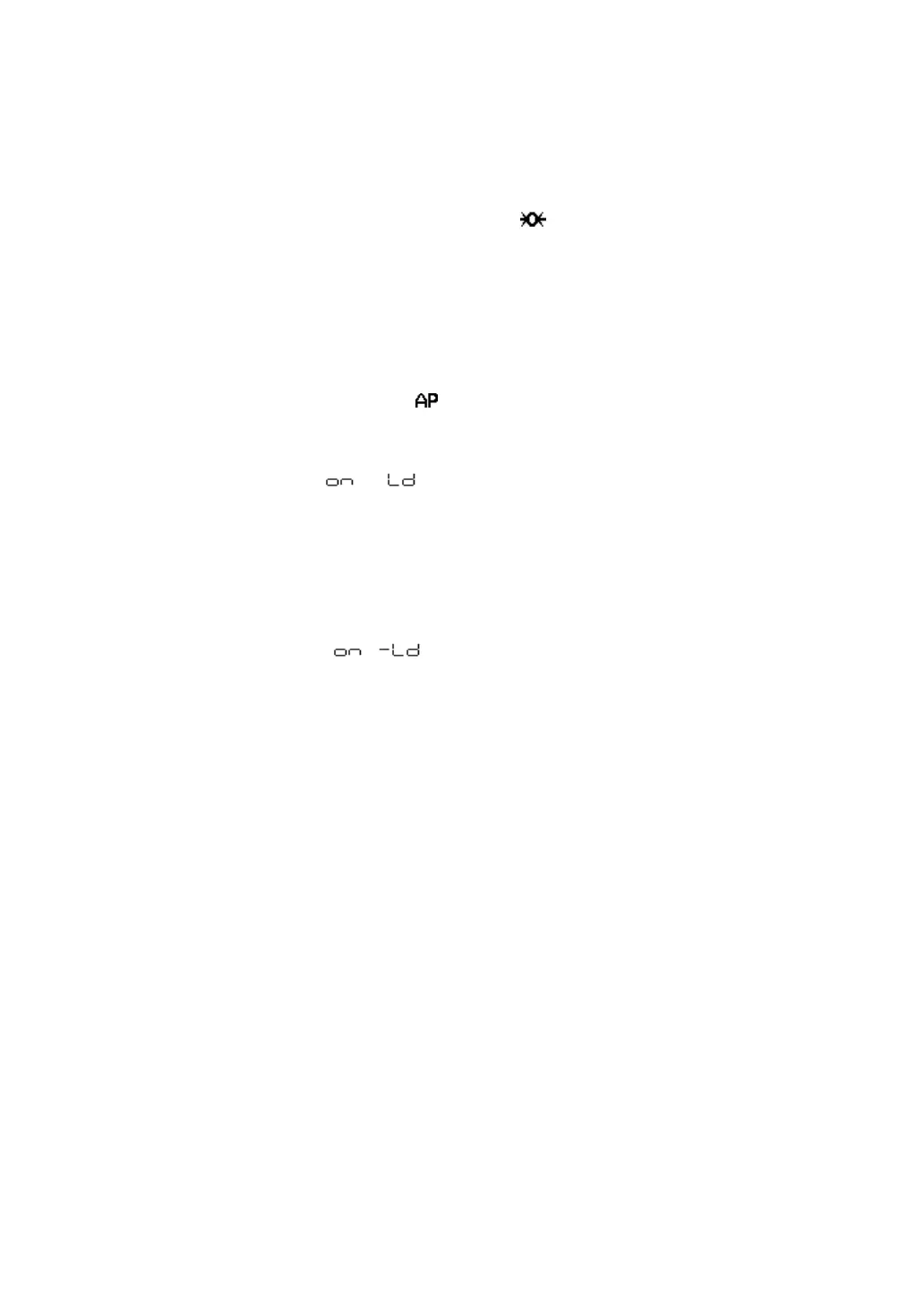
symbol appears in the display
when the Auto Zero function is active.
Other keys function as expected with the Auto Zero function activated.
2.9.4 Auto Print
Auto Print function allows output of the data automatically without pressing the
key for each sample. The symbol is illuminated when the Auto Print
function is activated.
Six types of Auto Print are possible.
Menu Map item [42]
(on positive load)
Load the sample when the value displayed is within the Zero Range. When the
stability symbol has illuminated and the positive displayed value is more than 5
times the Zero Range, data is automatically output.
The next data output is not performed unless the display has returned to a value
within the Zero Range by unloading the sample or pressing the
key.
Menu Map item [43]
(on positive or negative load)
Load or unload the sample when the displayed value is within the Zero Range.
When the stability symbol has illuminated and the displayed positive or negative
value is more than 5 times the Zero Range, data is automatically output.
The next data output is not performed unless the display has returned to a value
within the Zero Range by unloading the sample or pressing the
key.



 To Next Page