High-Speed Video Camera
HPV-X2
This section describes how to operate the camera.
5.1
Operation Flowchart
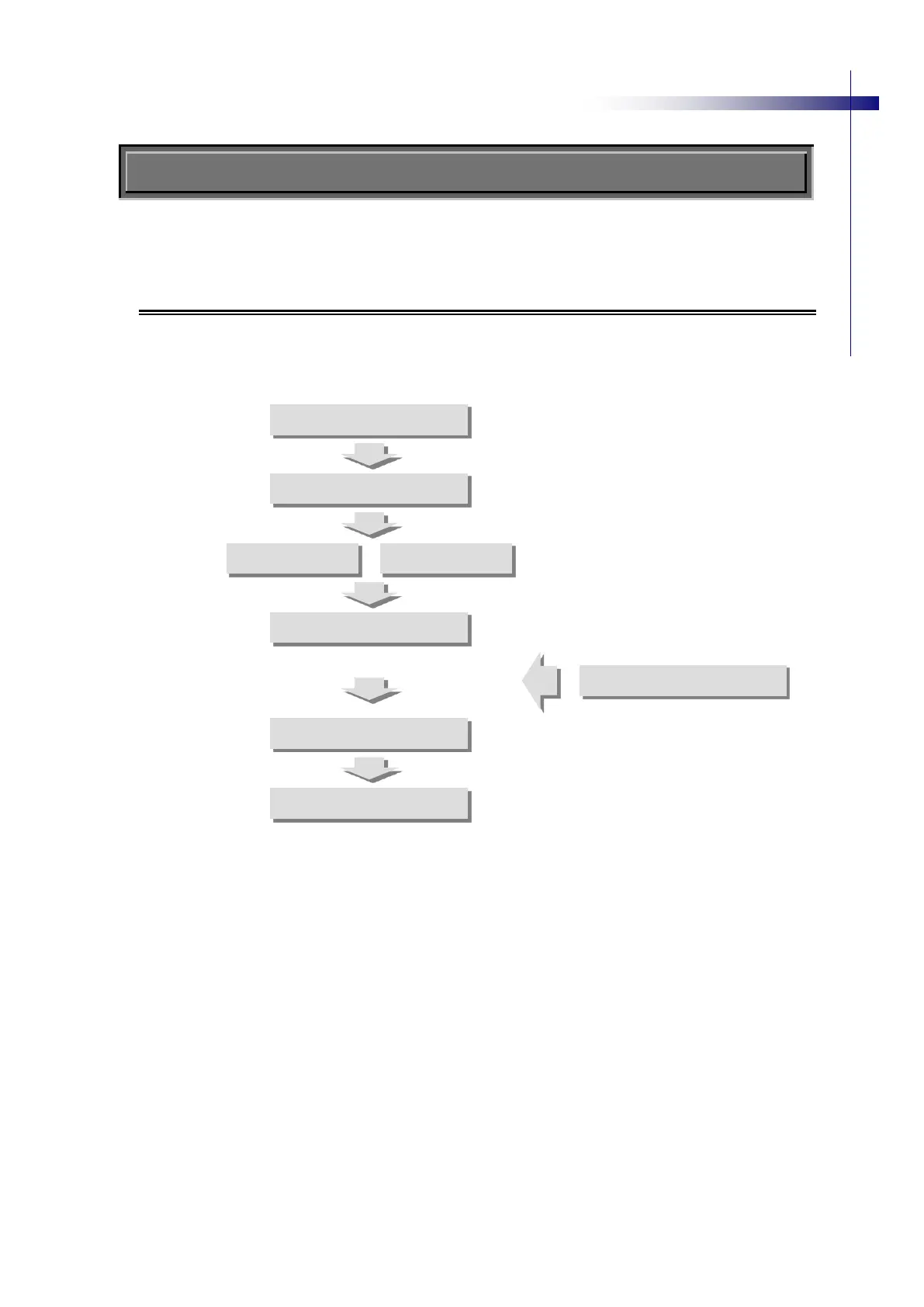
Fig. 5-1 shows a process flowchart of operating cameras.
For details about operation, see the instructions in 5.2 Camera Settings and thereafter
See 5.3 Illumination Setup.
See 5.4.2 Adjusting Exposure.
See 5.4.3 Recording Images.
See 5.4.3 Recording Images.
See 5.4.4 Synchronized Recording Images.
See 5.5 Playing Back Images.
See 5.6.2 Saving Image Files.
Fig. 5-1 Flowchart of Operating Process
Set up recording
parameters.
Set up playback parameters.


 To Next Page