6. INSTALLATION
8
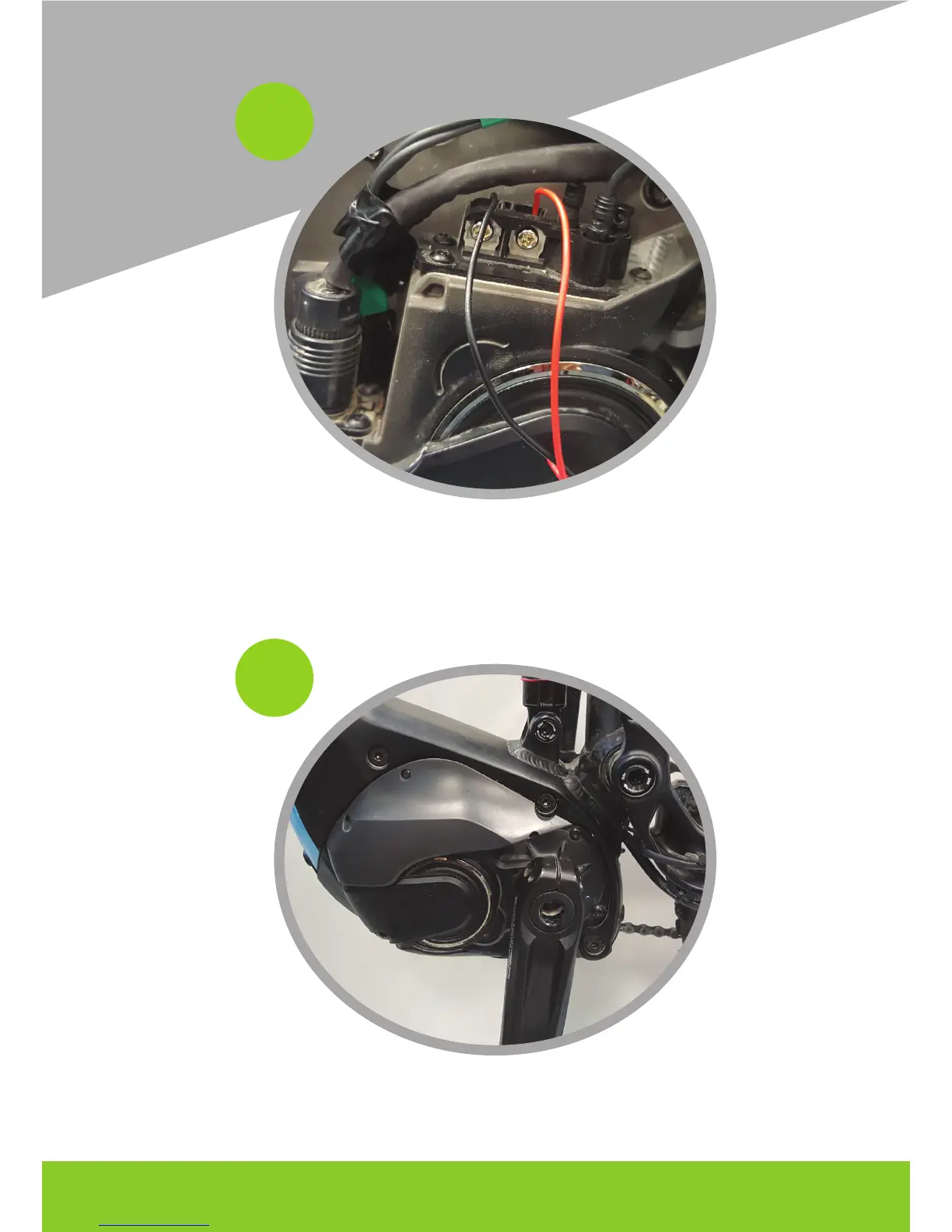
Insert the black cable between the screw with the symbol - and the plate (left), AND the red
cable between the screw with the + symbol and the plate (right). Tighten the two screws.
9
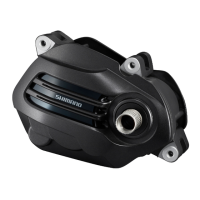
If necessary, order the cables, making sure that there are no cables positioned in correspondan-
ce of the holes where the screws of the protective cap of the motor pass and reposition it.






 To Next Page