7. INSTALLATION
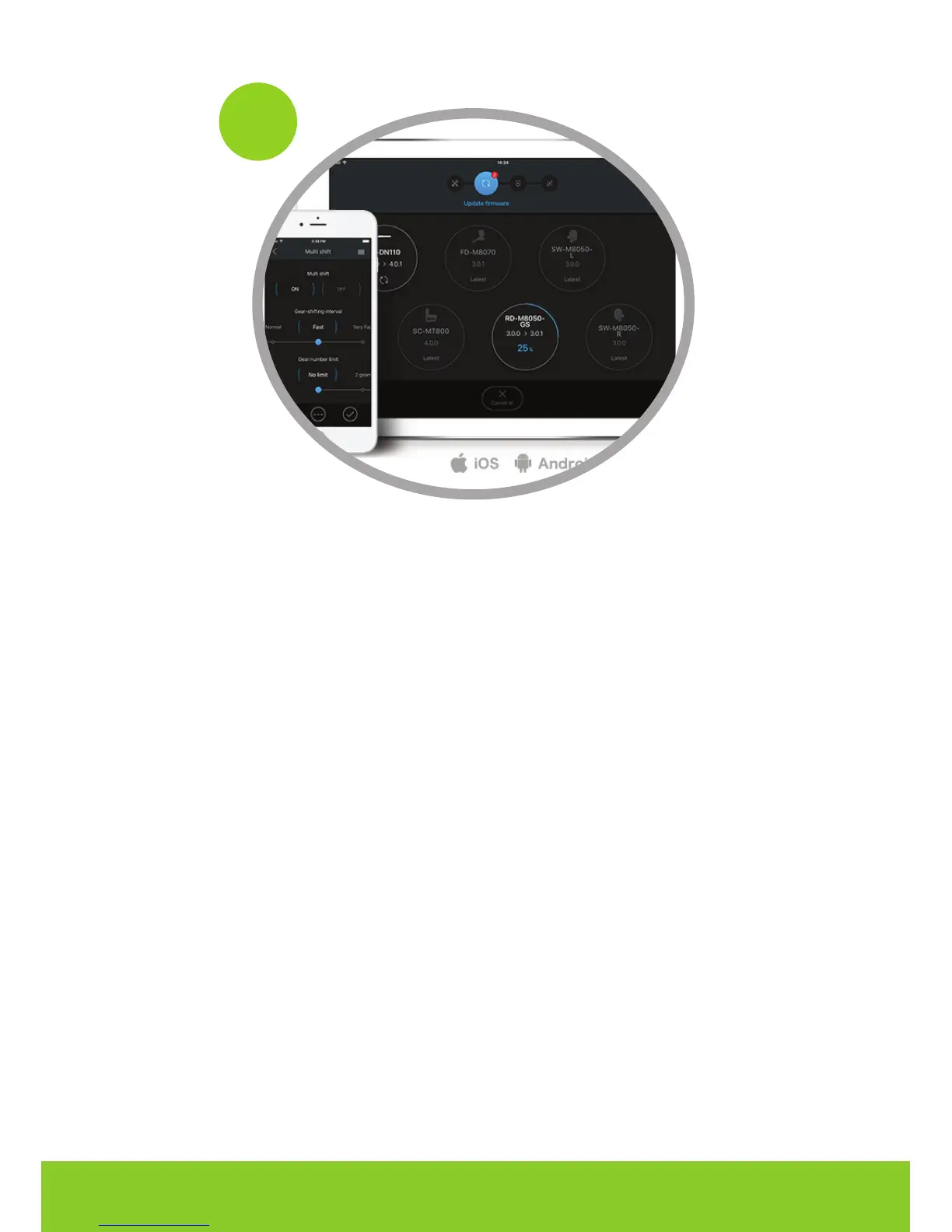
To activate Eplus, turn on the lights (if the key is not active, you must enable it using the Shima-
no E-Tube app). Download the Etube application from Google Play or Play Store:
http://e-tubeproject.shimano.com/
and turn on the “lights” function using the app. The activation can also be performed by the
Dealer using the Shimano Diagnosis.
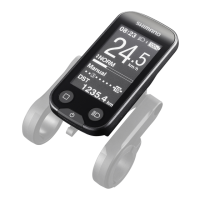
Access the menu by holding down the key on the dashboard
•
Find the “lights” entry, access and select the “ACC” entry •
From now on, the Eplus Unlocker mode will always be active.
10



 To Next Page