11
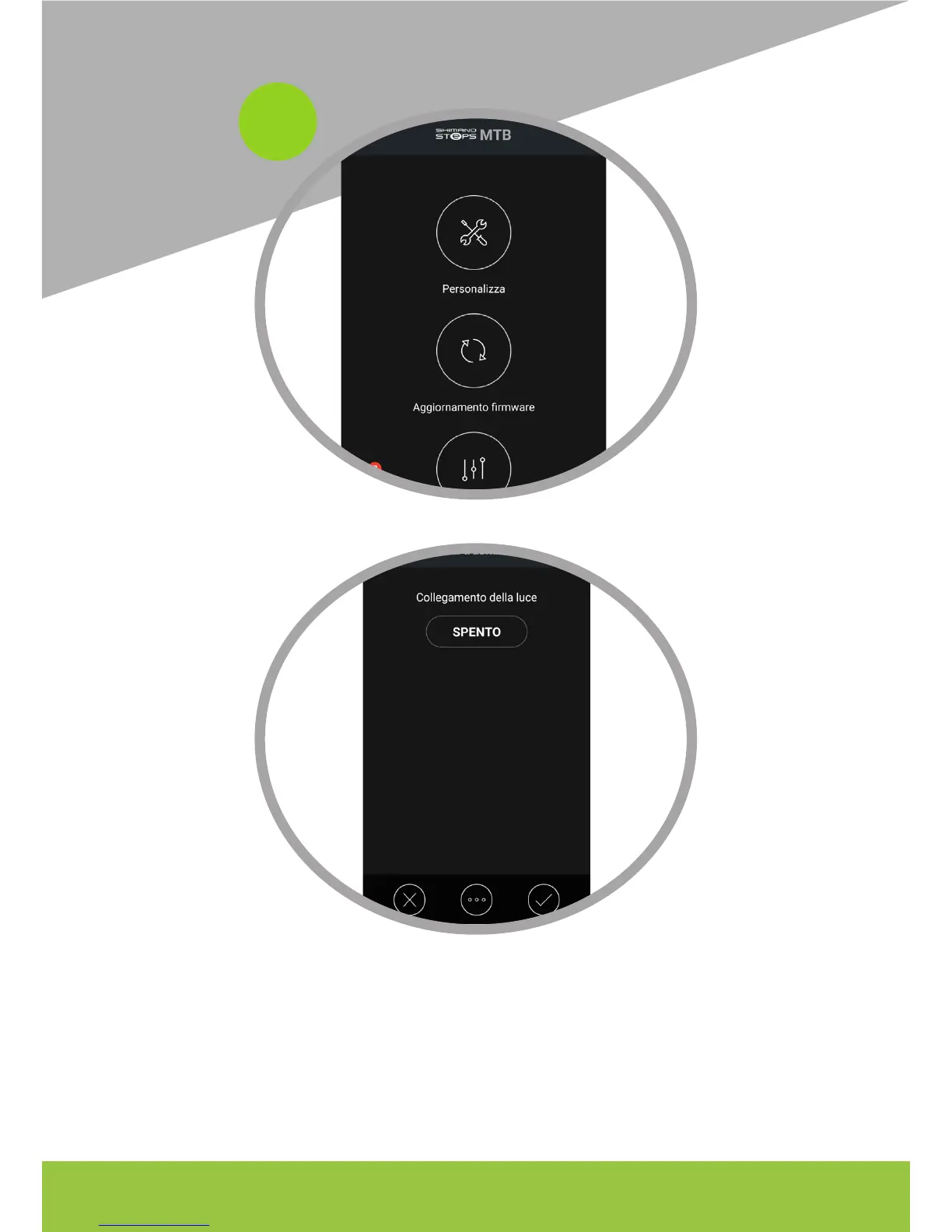
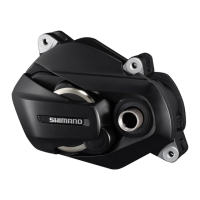
Choose Customize> transmission unit and switch to On.
Press on OFF and save to the bottom right, then exit the application. From this point on, the
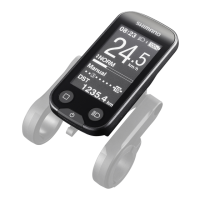
‘lights’ menu will be active on the display: it will then be possible to set the lights from the ‘lights’
menu by choosing ACC to activate the unlocker mode of the Eplus.
WARNING On some models and depending on the FW, you must repeat the operation every time
you turn on / o the bike.




 To Next Page