39
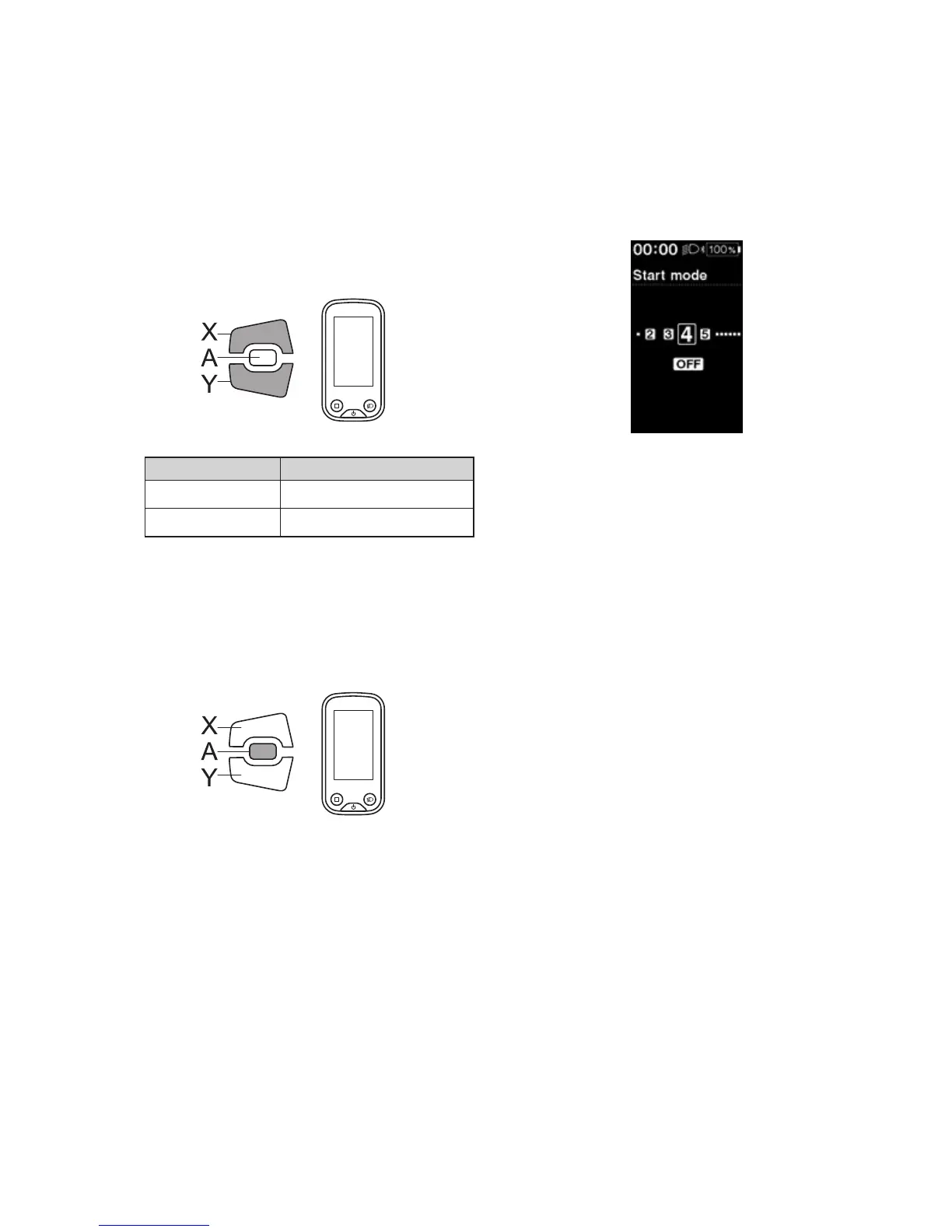
Start mode
Set the start gear of the start mode function.
It is possible to have the gear automatically shifted to the number set here when you start moving from a standstill.
1.
Enter the [Start mode] menu.
(1) Launch the setting menu.
(2) Press Assist-X or Assist-Y to select [Clock], then
press Assist-A.
2.
Press Assist-X or Assist-Y to move the cursor to the
item you want to configure.
Assist
Configurable items Details
[OFF] No setting
[1 - 11] 1-11-speed *
*
The setting will vary depending on the bicycle
derailleur.
3.
Press Assist-A to confirm the setting.
*
The screen will automatically return to the setting
menu screen.
Assist




 To Next Page