30
2.
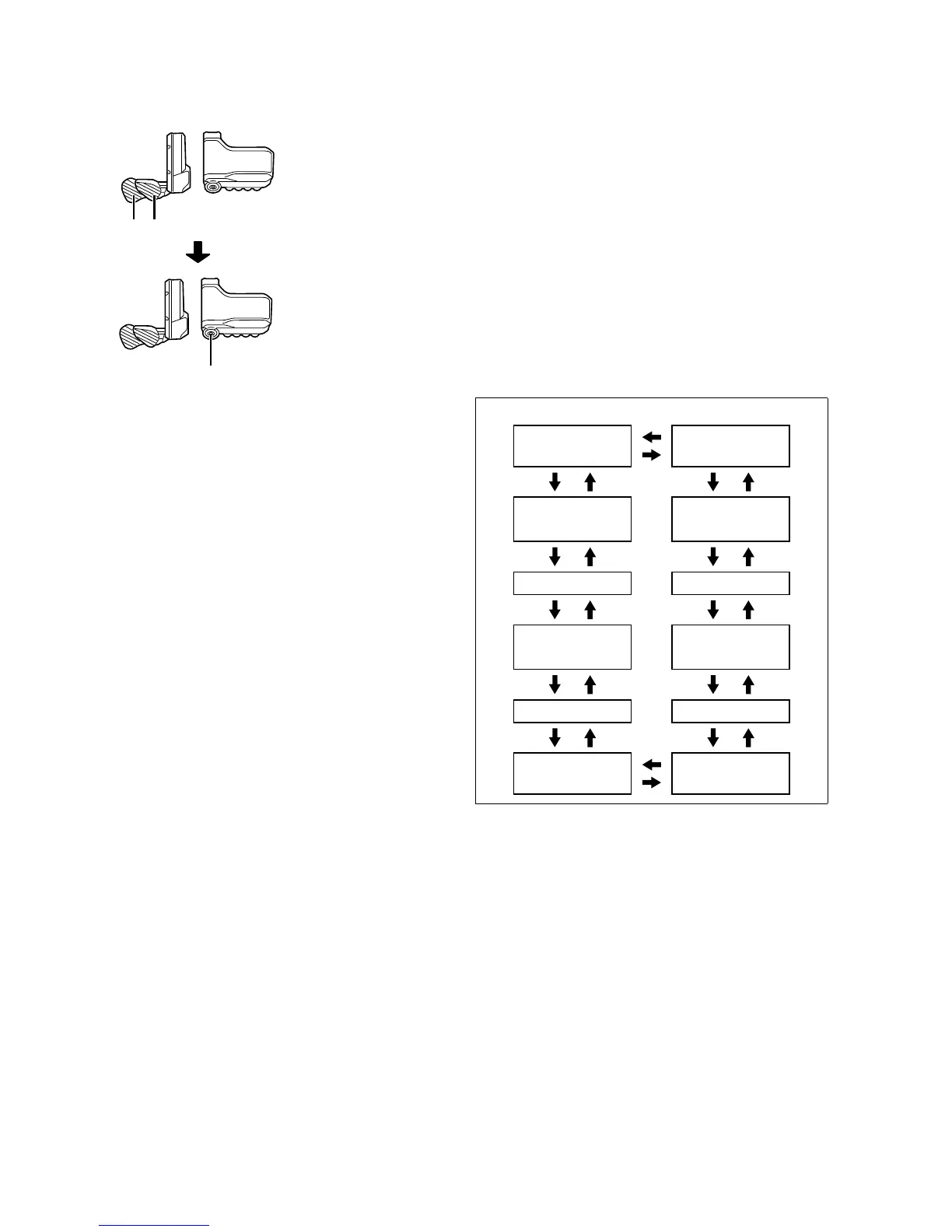
Press X1 or Y1 to select the various menus. Press A to
display the setting screen for the selected menu.
X1Y1
A
SW-E8000-L/SC-E8000
(A)
Clear settings
(B)
Clock setting
(C)
Bluetooth LE pairing
(D)
Bluetooth LE/ANT connection status
(E)
Turning the light on/off
(F)
Display backlight brightness setting
(G)
Turning the beep noise on/off
(H)
Switching between km and miles
(I)
Language setting
(J)
Adjusting the electronic gear shifting unit
(K)
Activating RD Protection Reset*
(L)
Return to the main screen
SC-E8000
(A) Clear Exit (L)
(B) Clock
RD protection
reset
(K)
(C) Bluetooth LE Adjust (J)
(D)
Bluetooth LE/
ANT
Language (I)
(E) Light Unit (H)
(F) Brightness Beep (G)





 To Next Page