36
4.
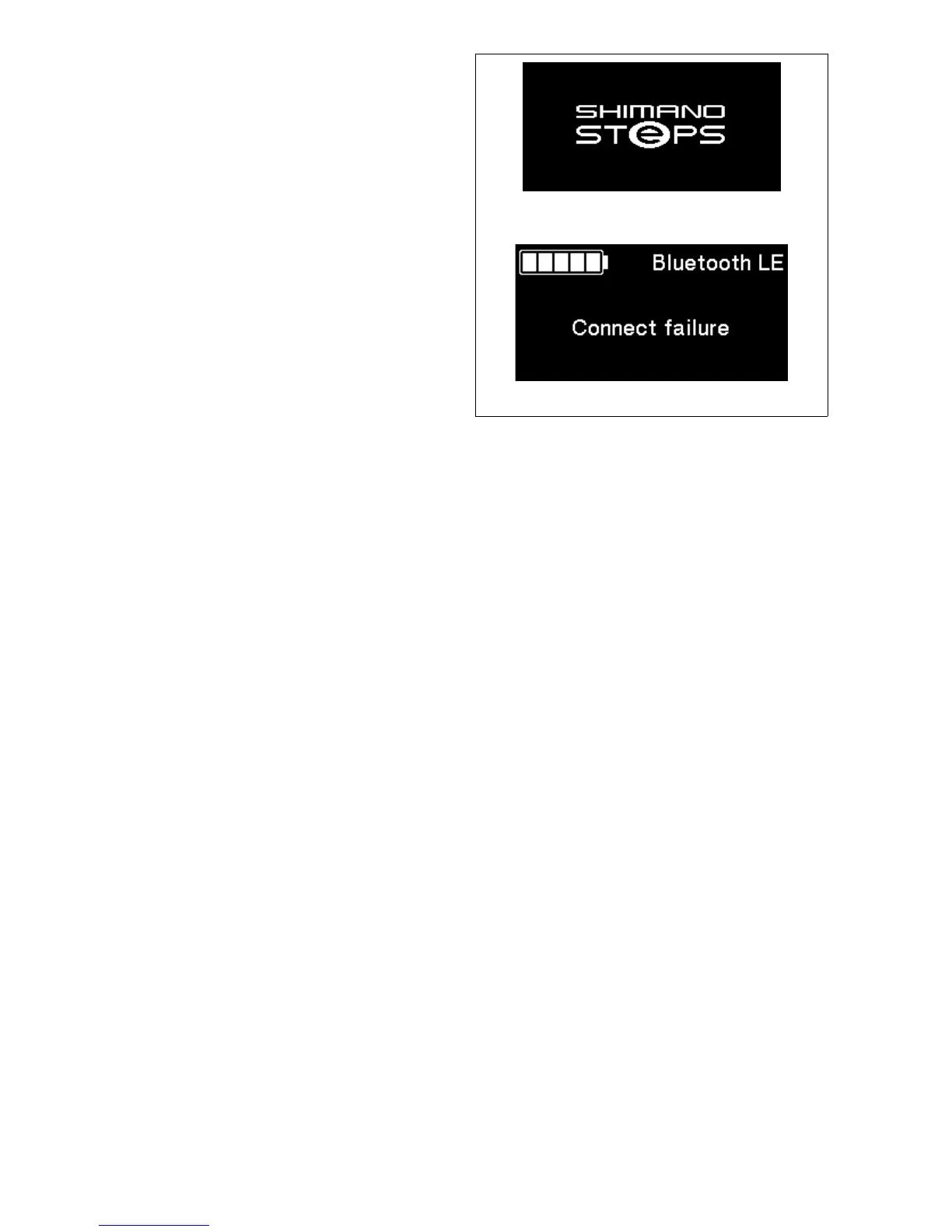
When connection is successful, SHIMANO STEPS logo
is displayed on screen. If connection is not successful,
a message indicating this is displayed.
•
After successful connection or a connection failure,
press one of X1/Y1/A or the screen will
automatically return to the menu list screen after
awhile.
Connection successful
Connect failure
Connection failed
5.
When connection is successful, the unit name will
display in E-TUBE PROJECT.
6.
Select the unit name displayed on screen.
•
To disconnect, cancel the Bluetooth LE connection
from the smartphone/tablet. (The cycle computer
will exit connection mode and return to regular
operation mode.)




 To Next Page