31
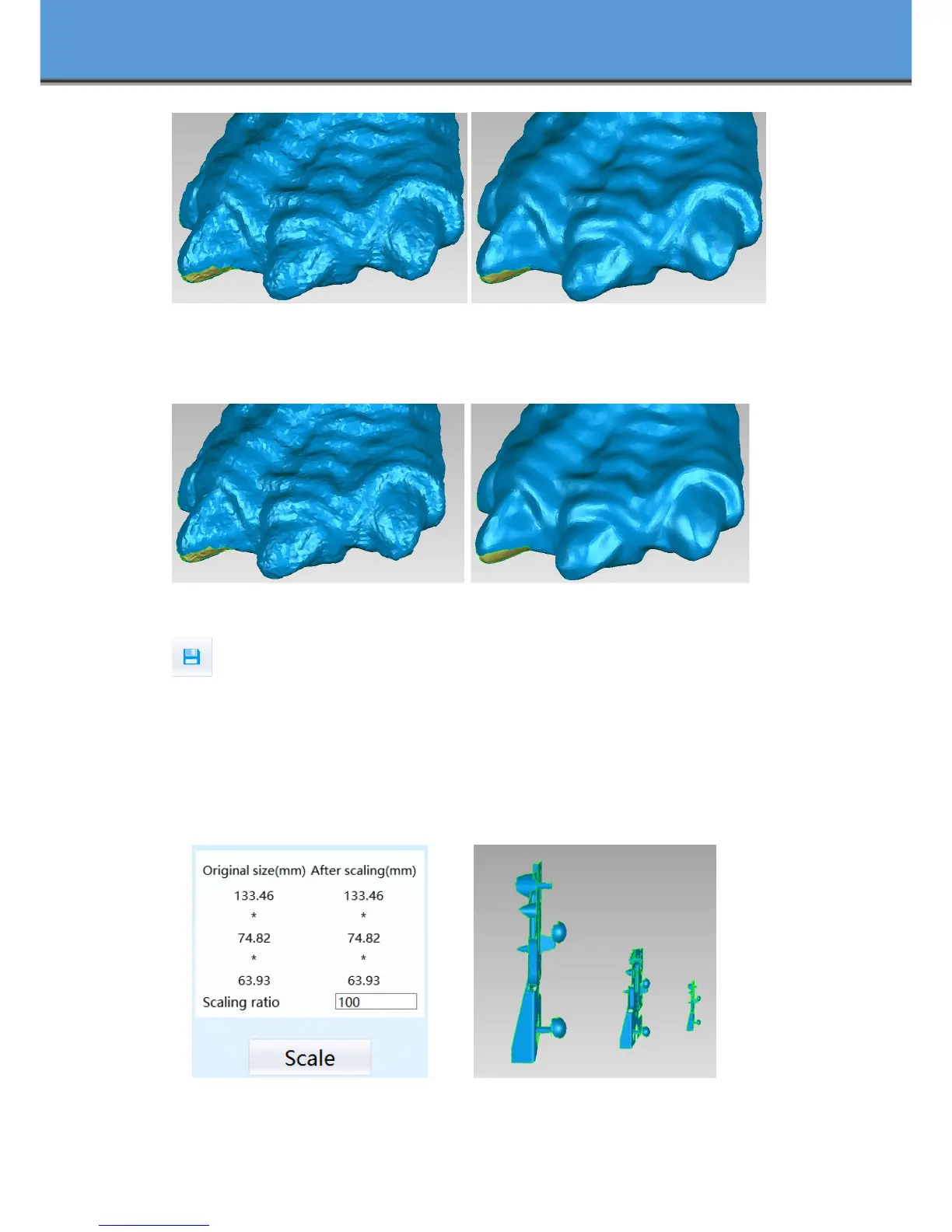
Before smooth After smooth
Sharpen
Improve the overall clarity of the data, the figure below before and after sharpening:
Before sharpen After sharpen
Save Your Data
Before merging can save data as asc single. After merging, it can be saved as asc, stl, ply
and obj. To save color texture, please select Ply and obj.
Scale
Scaling the volume of scanning data, while the quantity of triangular faces and size of data will
not be changed.
Scaling result as reference: From left to right shows double size, original size and half size
respectively.
Scale window Scale result














 To Next Page