10
Scanning/Portrait mode
Scan
2.Moving
1.Straight
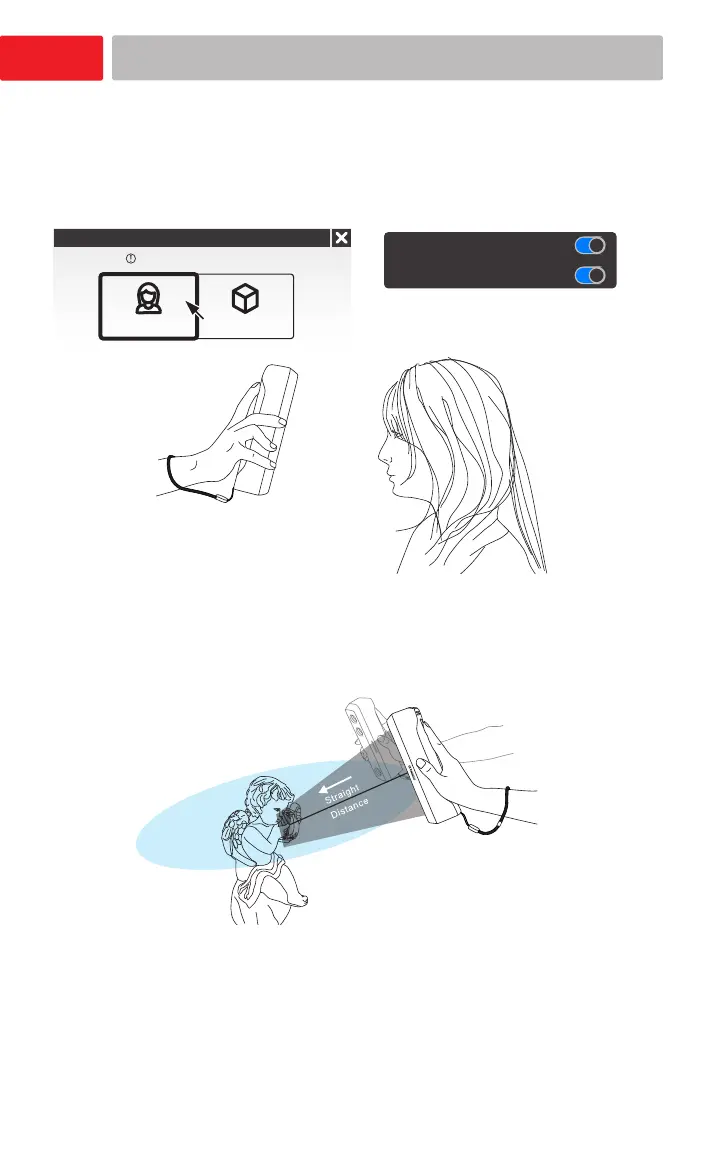
During scanning, keep the scanner cameras facing
straight to the object.
Create a New project group(or open existing project
group). Select Scan mode Portrait.
Portrait mode scanning
Portrait Object
New project
Scan Mode
Texture Flashing
Hair mode
Turn on Texture Flashing
and Hair mode
Move the scanner around the subject slowly and steady
while checking the image on the screen.
Maintain a suitable distance while moving.
Move the scanner over the surface to scan the entire
object.














 To Next Page