EasyManua.ls Logo

Shinko ACS-13A - User Manual

Shinko ACS-13A
44 pages
Print Icon
To Next Page IconTo Next Page
Loading...
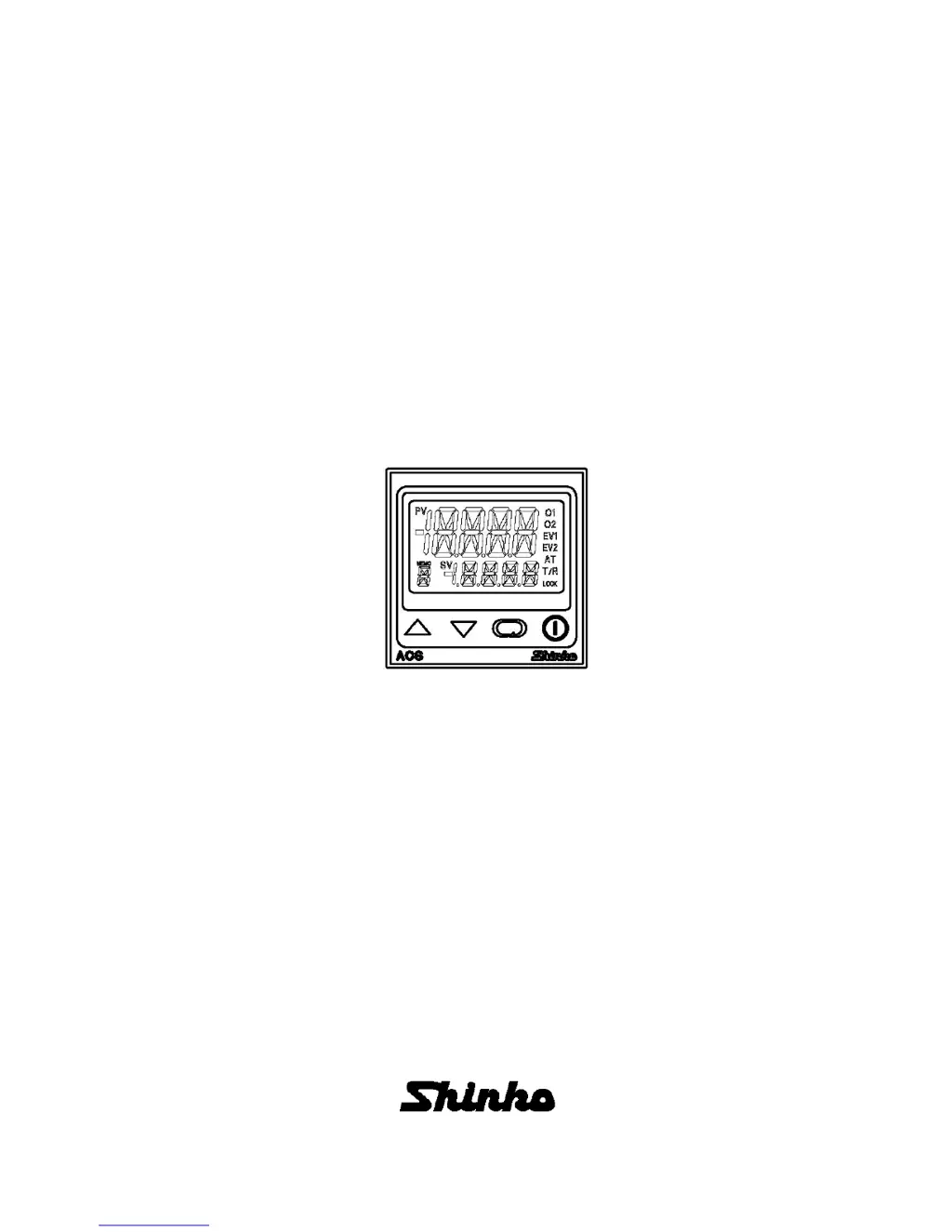
DIGITAL INDICATING CONTROLLER
ACS-13A
INSTRUCTION MANUAL

Other manuals for Shinko ACS-13A

Questions and Answers

  • B
    Brittany TaylorAug 15, 2025
    Why can't I set the SV, P, I, D, proportional cycle or alarm value on my Shinko ACS-13A?
    • D
      Daniel SmithAug 15, 2025
      If you are unable to set the SV, P, I, D, proportional cycle, or alarm value on your Shinko Controller, it might be due to the set value lock (Lock 1 or Lock 2) being active. To resolve this, release the lock in the [Set value lock] settings. Alternatively, AT or auto-reset may be in progress. If it is AT, cancel it. Auto-reset takes approximately 4 minutes to complete.
  • E
    Erin PetersenAug 18, 2025
    What to do if the indication of PV display is irregular or unstable on Shinko ACS-13A Controller?
    • S
      Steve ThompsonAug 18, 2025
      If the PV display on your Shinko Controller is irregular or unstable, consider the following: Ensure the sensor input and temperature unit (Celsius or Fahrenheit) are correctly selected. If a sensor correcting value is unsuitable, adjust it to a more appropriate value. Verify the sensor's specifications are correct. AC leaks into the sensor circuit can cause this issue, so try using an ungrounded type sensor. Lastly, nearby equipment might be causing interference; keep the controller clear of any potentially disruptive devices.
  • A
    antoniomitchellAug 22, 2025
    Why the setting indication does not change in the input range even if the keys are pressed, and new values are unable to be set on Shinko ACS-13A Controller?
    • T
      Tyler MckinneyAug 22, 2025
      If the setting indication does not change in the input range even if the keys are pressed, and new values are unable to be set on your Shinko Controller, the scaling high or low limit value in Setup mode may be set at a point where the value does not change. To fix this, set it to a suitable value while in Setup mode.
  • T
    Tina EsparzaAug 26, 2025
    How to troubleshoot if the temperature does not rise on Shinko Controller?
    • V
      Vanessa PayneAug 26, 2025
      If the temperature does not rise when using your Shinko Controller, first, the sensor may be out of order, so replace it. Second, check whether the Sensor or control output terminals are securely mounted to the instrument input terminals. Ensure that the sensor or control output terminals are mounted to the instrument input terminals securely. Third, check whether the wiring of sensor or control output terminals is correct.
  • L
    Lori GrayAug 28, 2025
    Why does the control output remain in an ON status on my Shinko ACS-13A Controller?
    • M
      Morgan HarperAug 28, 2025
      If the control output of your Shinko Controller remains in an ON status, it could be because the OUT1 or OUT2 low limit value is set to 100% or higher in Setup mode. To resolve this, set it to a suitable value.
  • K
    Keith WalkerSep 1, 2025
    Why does the control output remain in an OFF status on my Shinko ACS-13A?
    • T
      thomasrussellSep 1, 2025
      If the control output of your Shinko Controller remains in an OFF status, it could be because the OUT1 or OUT2 high limit value is set to 0% or less in Setup mode. To resolve this, set it to a suitable value.
  • E
    Eric WarrenSep 7, 2025
    How to fix '[ ]' flashing on the PV display on Shinko Controller?
    • J
      John PetersonSep 8, 2025
      If '[ ]' is flashing on the PV display of your Shinko Controller, verify the following: Check whether the input signal wire for DC voltage (1 to 5V DC) or Direct current (4 to 20mA DC) is disconnected. Check whether the input signal wire for DC voltage (1 to 5V DC) or current (4 to 20mA DC) is securely connected to the instrument input terminals. Check if the polarity of the thermocouple or compensating lead wire is correct. Check whether codes (A, B, B) of RTD agree with the instrument terminals.
  • I
    idavisSep 12, 2025
    How to fix nothing or PV indicated on the PV display of Shinko Controller?
    • D
      Diana BarberSep 12, 2025
      To address the issue of nothing or PV being indicated on the PV display of your Shinko Controller, press the key for approximately 1 second to release the function.

Summary

Preface

Safety Precautions

General safety guidelines and warnings for operating the controller.

Installation Precautions

Environmental Installation Conditions

Specifies required environmental conditions for safe and proper instrument installation.

Wiring Precautions

Electrical Wiring Safety

Important safety measures and procedures for electrical wiring of the controller.

Controller Overview

Mounting Instructions

Wiring Guide

Terminal Arrangement and Connections

Diagram and explanation of the controller's terminal connections for various inputs and outputs.

Initial Setup Procedures

Setup Mode Configuration

Input Type Selection Guide

Guide to selecting the correct sensor input type and unit (°C/°F).

Scaling Limit Settings

How to set the scaling high and low limits for input signals.

Alarm Configuration Settings

Alarm Type Selection

Defining the type of alarms (high, low, range, etc.) for Alarm 1 and Alarm 2.

Control Action Parameter Settings

Direct;Reverse Control Action Selection

Selecting between heating (Reverse) or cooling (Direct) control action.

Main Setting Mode Configuration

Setting Primary Set Value (SV)

Primary configuration of the main Set Value (SV) for the controller.

Sub Setting Mode Configuration

Auto-Tuning (AT) and Auto-Reset Functions

Performing or cancelling Auto-Tuning (AT) and Auto-Reset functions.

PID Control Parameters

Configuring PID control parameters like proportional band and integral time.

Starting Controller Operation

Setting the Desired Value (SV)

Steps to input and register the target Set Value (SV) for control.

Control Output Management

Control Output OFF Functionality

How to temporarily disable the control output without powering down the unit.

Auto;Manual Control Switching Method

Methods for switching between automatic and manual control modes.

Output and Tuning Function Management

AT;Auto-reset Operation

Procedures for initiating and aborting Auto-Tuning and Auto-Reset.

Auto-Tuning (AT) Process Overview

Action Explanation

OUT1 Control Actions Explained

Detailed explanation of OUT1's behavior in Reverse and Direct control modes.

OUT1 ON;OFF Control Action Details

How OUT1 operates in ON/OFF control mode with hysteresis.

Alarm Action Details

Heater Burnout Alarm Function

Describes the functionality and indication of the heater burnout alarm.

OUT2 Control Actions

OUT2 Control with Overlap Band

Standard Specifications

Optional Specifications

Communication Options

Troubleshooting - Display Issues

PV Display Error Indications and Solutions

Explains common error messages and their causes on the PV display.

Troubleshooting - Operation and Control

Shinko ACS-13A Specifications

Power IconPower
supply voltage100 to 240V AC 50/60Hz, 24V AC/DC 50/60Hz
allowable voltage fluctuation100 to 240VAC: 85 to 264VAC, 24VAC/DC: 20 to 28VAC/DC
power consumptionApprox. 8VA
Operating Environment IconOperating Environment
ambient temperature0 to 50°C (32 to 122°F)
ambient humidity35 to 85%RH (No icing and condensation)
accuracy (thermocouple)Within 0.2% of each input span ±1 digit, or within ±2°C (±4°F), whichever is greater
Control Outputs IconControl Outputs
control output (OUT1) relay contact3A 250V AC (resistive load)
control output (OUT1) DC current4 to 20mA DC, Load resistance, Max. 550Ω
control output (OUT2) relay contact3A 250V AC (resistive load)
Weight and Dimensions IconWeight and Dimensions
weightApprox. 120g

Related product manuals