EasyManua.ls Logo

Shinko PCD-33A - User Manual

Shinko PCD-33A
64 pages
Print Icon
To Next Page IconTo Next Page
Loading...
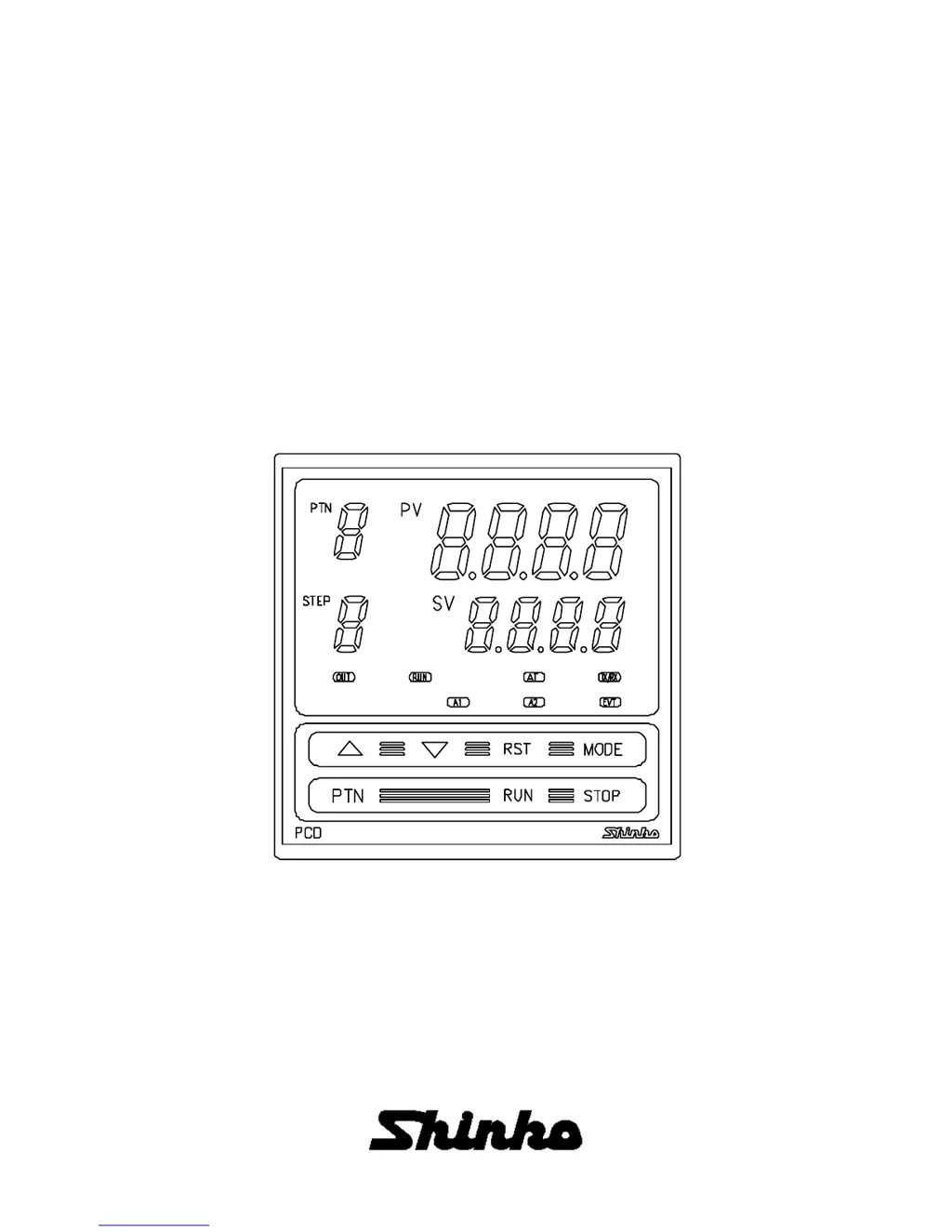
INSTRUCTION MANUAL
FOR
PROGRAMMABLE CONTROLLER
PCD-33A

Table of Contents

Questions and Answers

  • M
    melissabradleyAug 15, 2025
    Why is the process variable (temperature) not rising on my Shinko Controller?
    • L
      Lori BarberAug 15, 2025
      The thermocouple or RTD might be burnt out, or the lead wire of the thermocouple or RTD might not be securely connected to the instrument terminals. Also, check if Direct (Cooling) action has been selected; if so, select Reverse (Heating) action.
  • T
    Tiffany SweeneyAug 18, 2025
    What to do if the PV display is abnormal or unstable on Shinko Controller?
    • S
      Sandra LopezAug 19, 2025
      The designation of the sensor input may be improper, so set the sensor type to match yours and the temperature unit from the Input type selection. The temperature unit might be mistaken, so set the sensor type to match yours and the temperature unit from the Input type selection. The sensor correction value may be unsuitable, so set the value properly from the Sensor correction setting in Auxiliary function setting mode 1. There may be AC leaking into the thermocouple or the RTD circuit, or equipment nearby producing an inductive fault or noise near the controller.
  • I
    ihaynesAug 22, 2025
    What to do if the setting indication does not change in the rated scale range even if the keys are pressed on Shinko Controller?
    • B
      Blake RileyAug 22, 2025
      The SV high limit or low limit in Auxiliary function setting mode 1 may be set at the point the value does not change. Set it again while in Auxiliary function setting mode 1.
  • Y
    ywatsonAug 26, 2025
    How to resolve fast step number progression on Shinko Controller?
    • P
      pmathewsAug 26, 2025
      The program may not have been set. Set the program from the Pattern (Step SV/Time) setting mode. The default value might be PV start. If the PV is higher than the Step SV, the program advances and ends quickly.
  • D
    Derek SmithAug 28, 2025
    Why is the PV display blinking on my Shinko PCD-33A Controller?
    • C
      Christopher PalmerAug 28, 2025
      A thermocouple or RTD may be burnt out. If the input terminal of the instrument is shorted and if nearby room temperature is indicated, the instrument is probably normal and the sensor may be burnt out. Also, the lead wire of the thermocouple or RTD might not be securely mounted to the instrument terminals, the polarity of the thermocouple or compensating lead wire might be reversed, or the codes (A, B, B) of RTD do not agree with the instrument terminals.
  • B
    Bryan OrtizAug 31, 2025
    What to do if the control output (OUT) remains ON status on Shinko Controller?
    • S
      Steven AbbottSep 1, 2025
      The control output low limit setting value might be set to 100% or greater in Auxiliary function setting mode 2. The proportional band might be set to an extremely small value, so set the value appropriately.
  • J
    jessica20Sep 4, 2025
    What to do if the control output (OUT) remains OFF status on Shinko Controller?
    • M
      Mary MccoySep 4, 2025
      The main output high limit setting value might be set to 0% or less in Auxiliary function setting mode 2. The proportional band might be set to an extremely high value, so set the value appropriately.
  • K
    kelseypittmanSep 7, 2025
    What causes the step to not proceed on Shinko PCD-33A?
    • D
      Derek JordanSep 7, 2025
      The wait function may be active, so release the wait function. The fixed value control may be performing due to the Hold function, so press the RUN key for more than 1 second to release the Hold function.
  • K
    Kaitlyn HooverSep 12, 2025
    Why is it impossible to select a program pattern number on Shinko PCD-33A Controller?
    • P
      Patricia MorrisSep 12, 2025
      The program control may be running. Change the mode; the program pattern number can be selected in the program standby mode.

Summary

Safety Precautions

Installation Precautions

Guidelines for safe installation to prevent hazards.

Wiring Precautions

Safety guidelines for electrical wiring to prevent shock.

Running and Maintenance Precautions

Safety measures during operation and maintenance.

Model Names

Model Name Structure

Explains alphanumeric characters representing controller functions or type.

Wiring Connection

Terminal Arrangement Details

Illustrates the layout and function of each terminal on the controller.

Setup and Configuration

Initial Setup Overview

Outlines the initial configuration steps required before operation.

Controller Operations

Operation Flow Chart

Visualizes the operational sequence and mode transitions of the controller.

Program Pattern Selection and Setting

Guides on selecting and configuring program patterns, including step SV/Time.

PID Parameter Settings

Explains settings related to PID control parameters and auto-tuning.

Running the Controller

How to Set the Program

Explains the steps involved in configuring a program pattern for execution.

How to Perform Program Control

Details the procedure for starting and managing program control execution.

PID Auto-Tuning

Describes the process of automatically optimizing PID control parameters.

Control and Alarm Actions

PID, I, D, ARW Actions

Explains the fundamental control actions: Proportional, Integral, Derivative, and Anti-reset windup.

Alarm 1 (A1), Alarm 2 (A2) Actions

Explains various alarm types and their corresponding output actions.

Specifications

Troubleshooting

Shinko PCD-33A Specifications

General IconGeneral
BrandShinko
ModelPCD-33A
CategoryController
LanguageEnglish

Related product manuals