39
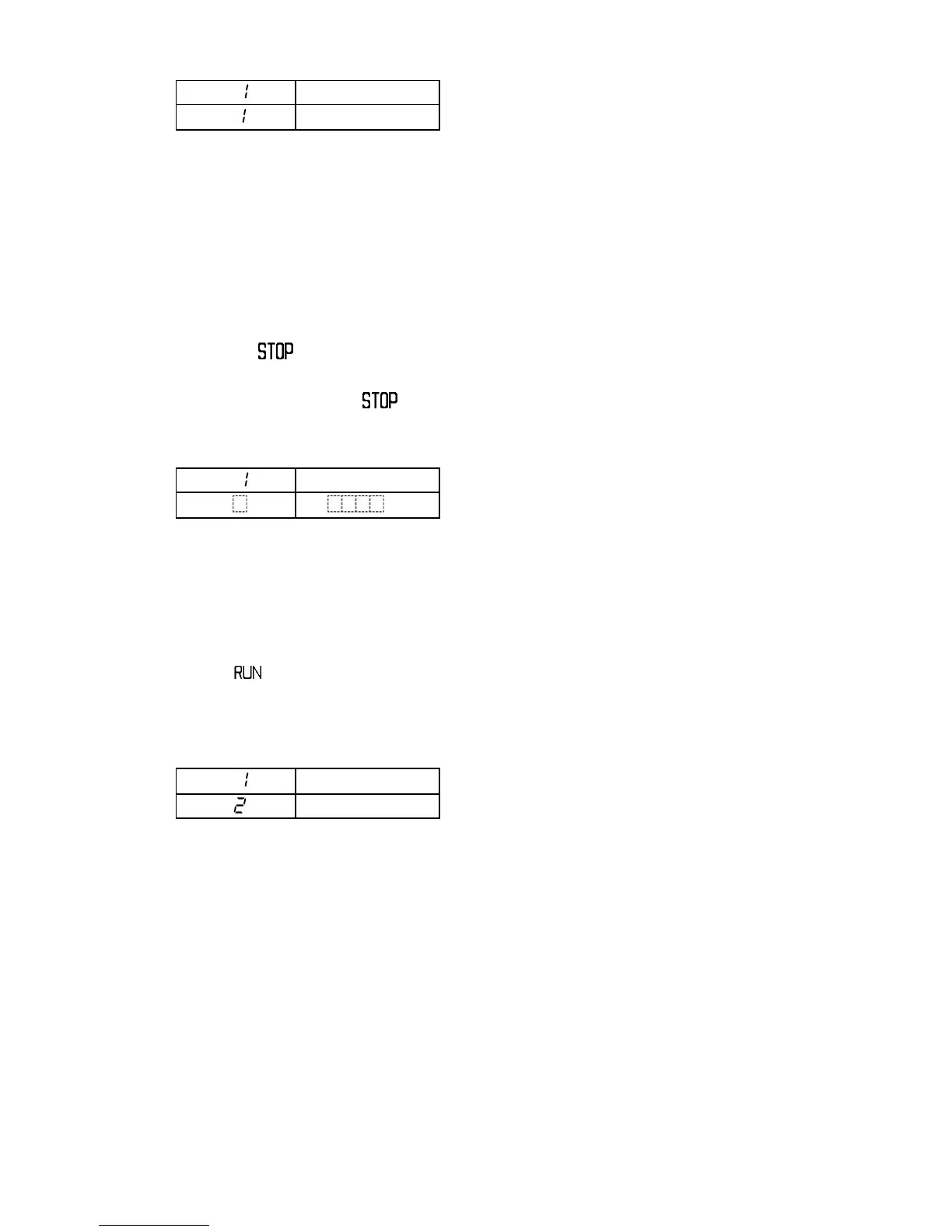
PTN display : Selected program pattern number
PV display : Current actual temperature
STEP display : Step number of the program
control which is running
SV display : Current step temperature
RUN indicator : Lit
EVT indicator : Lit while Run output is ON
Other indicators: Lit or unlit according to the
controller status
7.3 How to stop the program control
Pressing the key for 1 second or greater stops the program control.
The program control also stops by disconnecting (Contact open) input terminals 14 and
17 instead of pressing the key.
[Indication after program control stops]
PTN display : Selected program pattern number
PV display : Current actual temperature
STEP display : Unlit
SV display : Unlit
All indicators : Unlit
7.4 Advance function (Advances to the next step during program control run)
To cancel the current step and advance to the next step during the program control,
press the key for 1 second or greater. This function is also available during Wait
action or during Fixed value control action.
[Indication when Advance function is used at Step 1]
PTN display : Selected program pattern number
PV display : Current actual temperature
STEP display : Step 2 after the Advance
function is used.
SV display : Current step temperature
RUN indicator : Lit during program control run
Other indicators : Lit or unlit according to the
controller status
[Time signal action after Advance function is used]
If Advance function is used, only the step time advances. Time signal output timing
does not change.
The following example shows that if Advance function is used during step 1, time
signal output is turned on 20 minutes after the step 1 is advanced to step 2.
PTN
PV
Actual temp.
STEP
SV
Step SV



 To Next Page