33
[Program standby mode or program control run mode]
(9) Auxiliary function setting mode 2
The settings in Auxiliary function setting mode 2 has already been completed in
Chapter “5. Setup” (p.14).
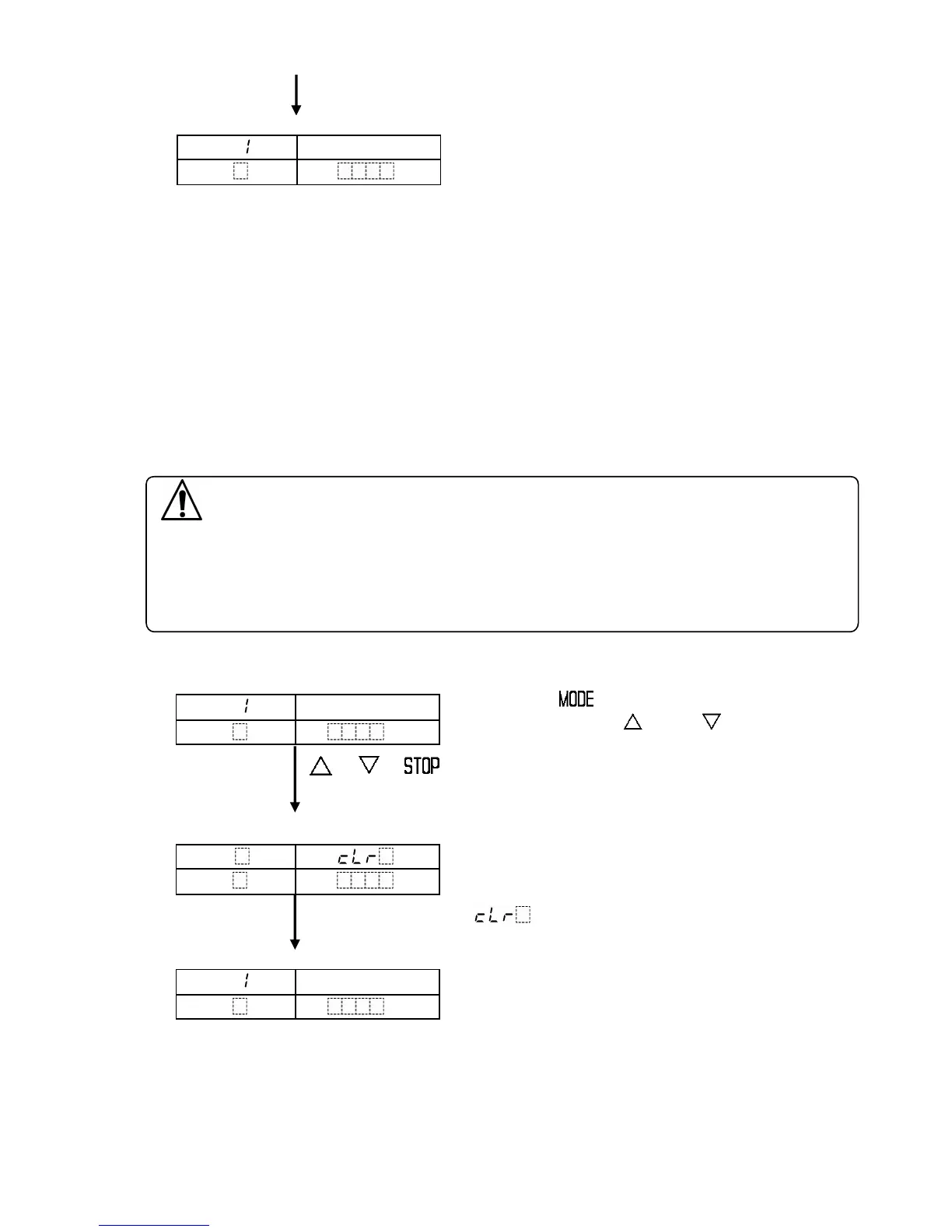
(10) Data clearing function
This function returns all setting values to the default value.
This function can only be carried out during program standby mode.
During program control run mode, this is not available.
Caution
Be sure to note down of all setting values for all patterns before clearing data,
using the photocopiable pages at the end of this manual.
If data has been cleared once, the setting values have to be inputted again
since the lost data can not be restored.
[Program standby mode]
Press the key while for 3 seconds
holding down the and keys.
+ + (3s)
[Data clearing]
All setting values are cleared and they return
to their default values.
During data clearing, the PV display indicates
and other displays are turned off.
[Program standby mode]
After data is cleared, the controller reverts to
the program standby mode.
PTN
PV
Actual temp.
STEP
SV



 To Next Page