Product: 50740 / 50741 / 50742 / 50743
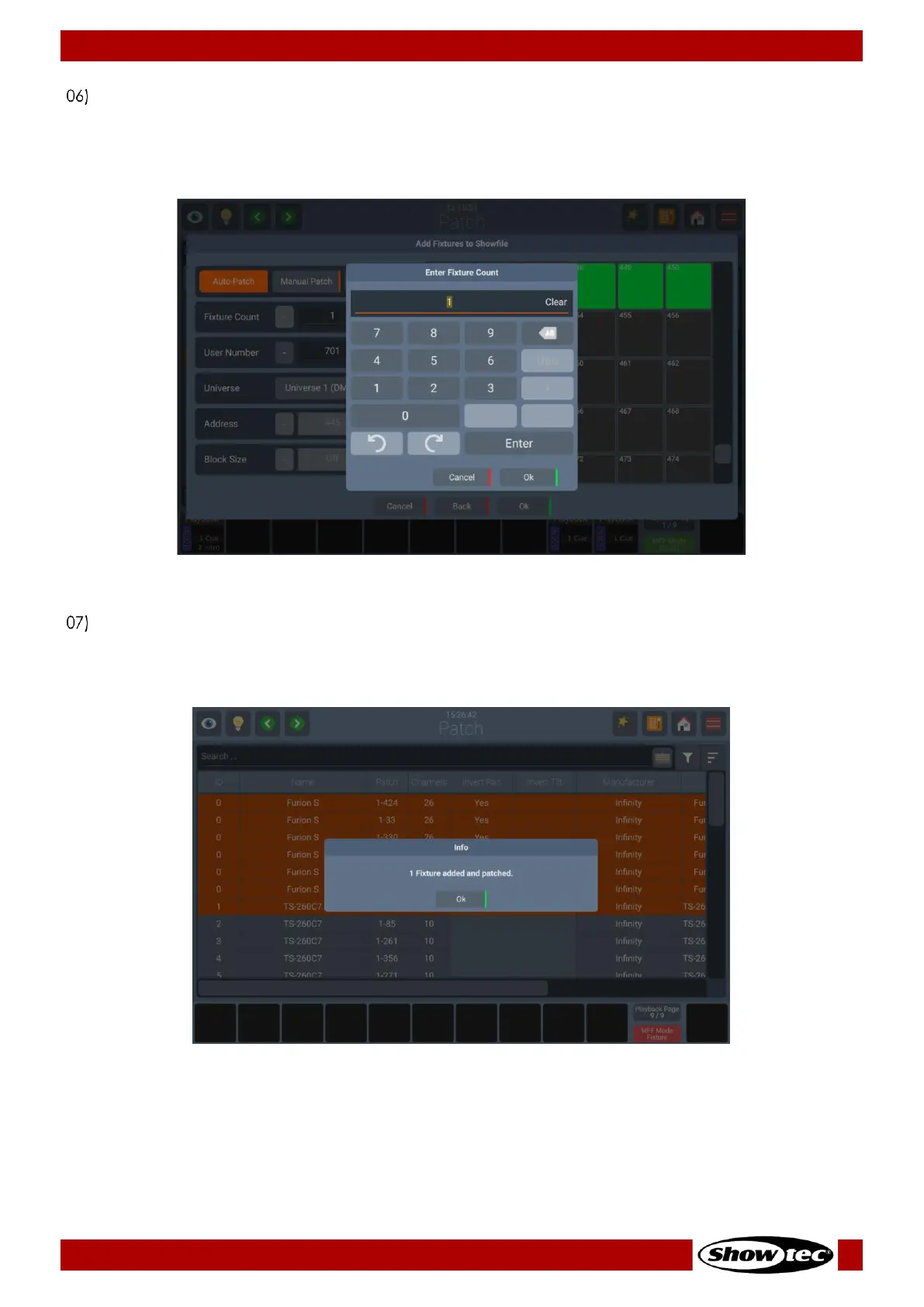
Regardless the Patch option you selected. You can edit the number of fixtures you would like to add,
by typing it, or using the + and – buttons, or pressing the Pencil button. A dialog with a keypad will
appear. The console will automatically suggest a User Number for the Fixture, which you may also
change if you like by pressing the Pencil button. Click on Ok when done.
Fig. 39: Add Fixture – Enter Count
A confirmation dialog for the number of fixtures patched will appear, click Ok. The added fixtures will
appear on the patch table. The console will automatically add the patched Fixtures to the Fixtures
View and you can eventually lay them out in the Magic Sheet View.
Fig. 40: Add Fixtures - Success
More information about laying out fixtures in the Magic Sheet View can be found here: 8.5.2.8 - Arranging
Existing Elements on page 104













 To Next Page