Exporting Log Files
Log files can be used to identify errors in the show file, in libraries or other parts of the software. It contains
useful information. To export the log files:
Open the Setup Menu.
Change to the System Settings Tab.
Click on Maintenance
Click on Export Log-files to USB button.
Note: Log files are deleted when rebooting and shutting down the console. Make sure to export log files
directly after an abnormality occurred.
8.4.3.7. Screens
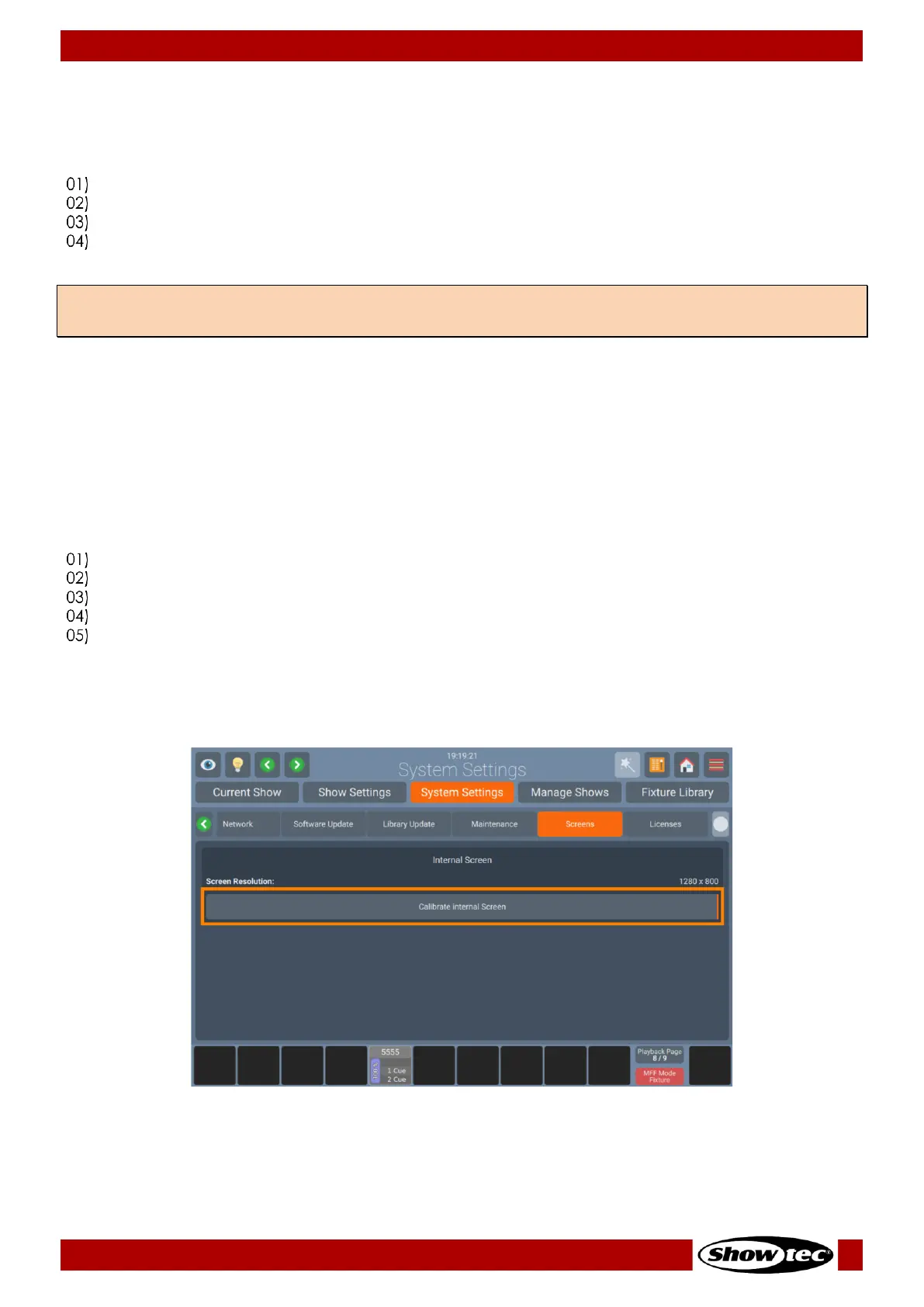
Whitin the Screens page, you may see the resolution of the internal and any external screen connected.
You may as well calibrate them.
Calibrate Internal Screen
Should the internal touchscreen become misaligned and not properly follow your clicks, you may need
to calibrate it. In this case the following steps need to be taken:
Open the Setup Menu.
Change to the System Settings Tab.
Click on Maintenance.
Click on Calibrate Internal Screen.
A wizard will walk you through the calibration process.
Alternatively, you can use the [Shift]+ [Magic Wand] buttons on the Frontpanel and keep them
pressed for two seconds to start the calibration process.













 To Next Page