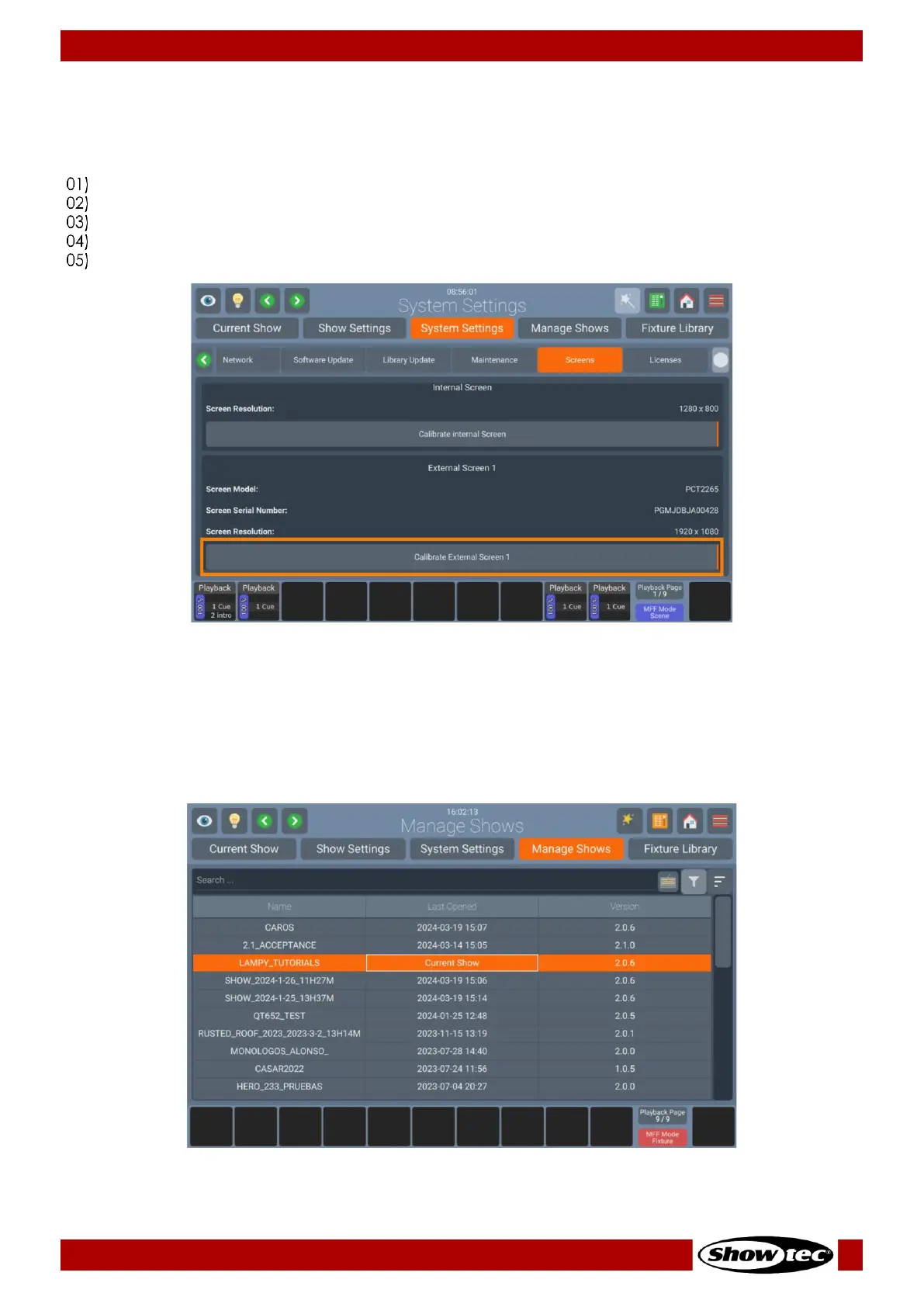
Calibrating the External Touch Screen
After connecting a secondary touchscreen, it is usually misaligned and does not properly follow your
clicks. In this case you will need to calibrate it. To do that, the following steps need to be taken:
Open the Setup Menu.
Change to the System Settings Tab.
Click on Maintenance.
Click on Calibrate External Screen 1.
A wizard will walk you through the calibration process.
8.4.4. Manage Shows Tab
The Manage Shows Tab may be used to Import, Export or Delete Shows. Additionally, it may be used as a
shortcut to open existing shows. It can be accessed from within the Setup Menu.













 To Next Page