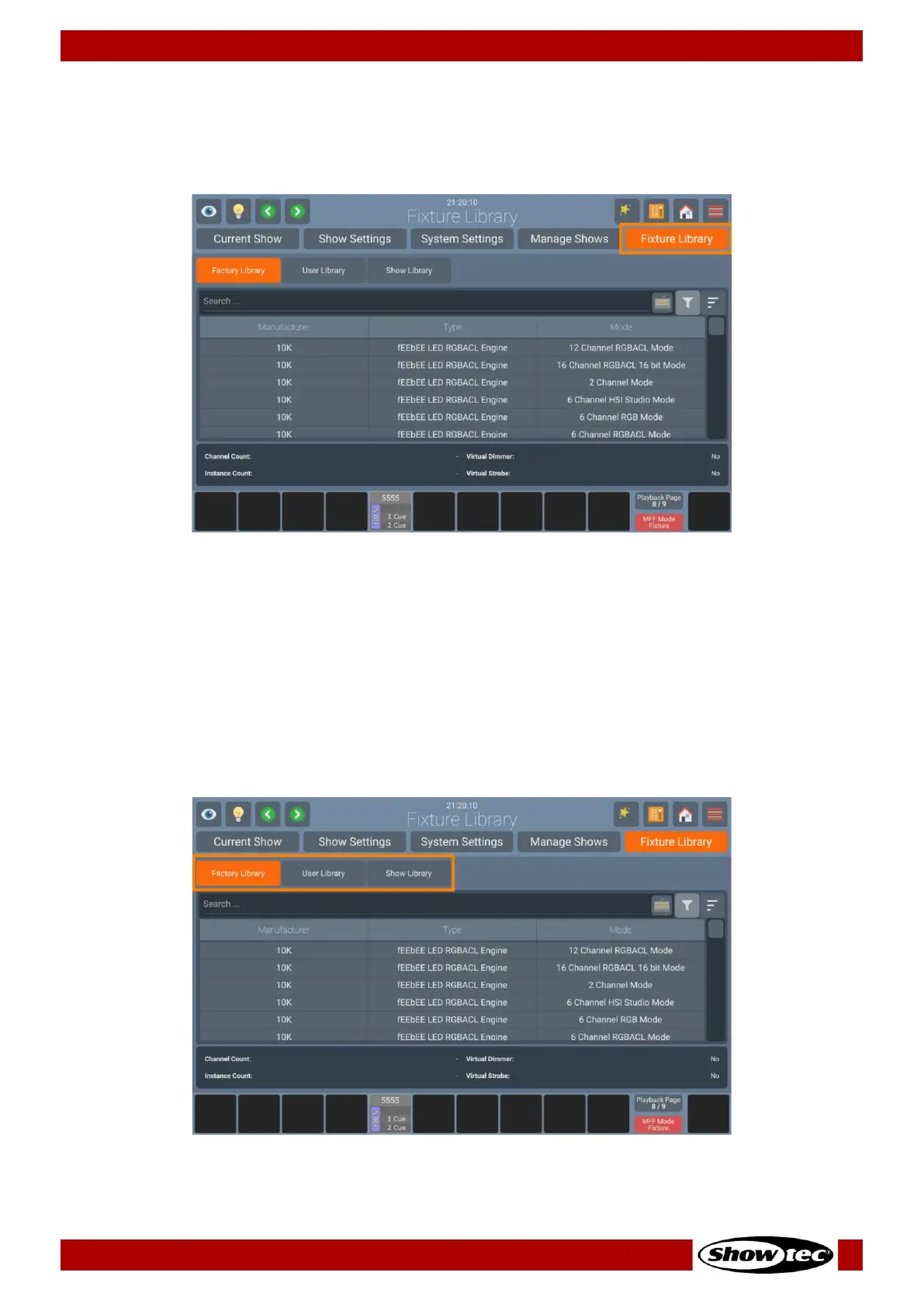
8.4.5. Fixture Library Tab
The Fixture Library Tab may be used to Create, Edit, Import, Export or Delete Fixtures. It can be accessed
from within the Setup Menu.
The Fixture Library Tab consists of 3 different Library types used in the console. These are the Factory
Library, User Library and Show Library.
In short, the Factory Library is shipped with the console OS and may be updated by USB or Internet. It is
read-only. The User Library contains user created and modified fixtures and is available to all shows on the
console. The Show Library is unique for each show and contains the fixture types used in the show file.
To learn more about the different Library types, please see Section 6.3, Fixture Library Basics on page 22.













 To Next Page