Product: 50740 / 50741 / 50742 / 50743
8.4.5.1. Fixture Library Action Dialog
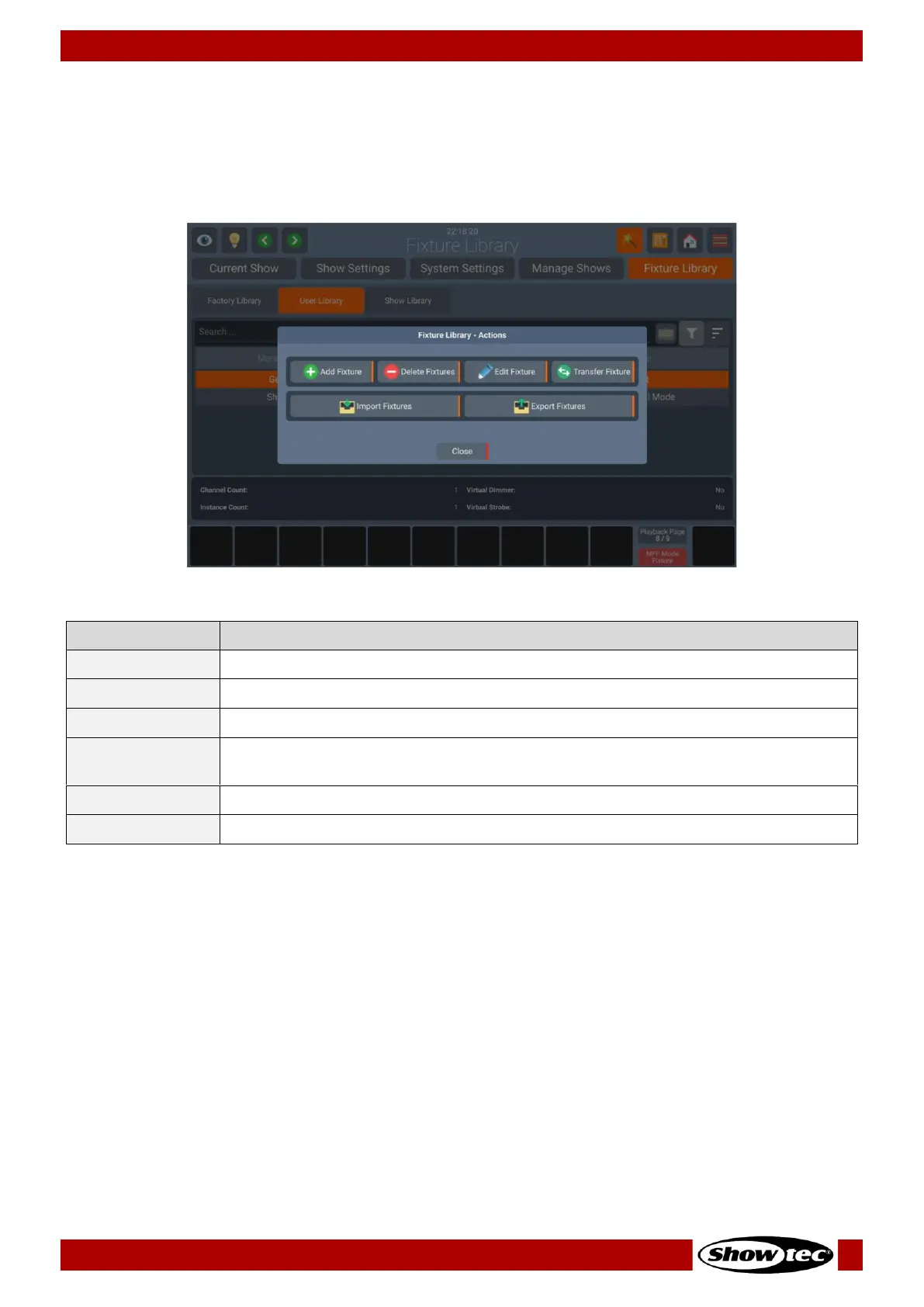
The Fixture Library Action Dialog provides all functionality to work with the Fixture Library tab.
It may be opened by pushing the Magic Wand Button from within the Fixture Library tab. Many of the
actions are only available if a Fixture Library is selected within the Fixture Library Table.
Fig. 80: Fixture Library - Action Dialog
Is used to create a new Fixture Library (Only in User / Show Library)
Is used to delete selected Fixtures (Only in User / Show Library)
Is used to edit the selected Fixture Library (Only in User / Show Library)
Is used to copy the selected Fixture Library between Library categories (Only to
User / Show Library)
Is used to import Fixtures from USB (Only to User / Show Library)
Is used to export Fixtures to USB (From all Library Types)













 To Next Page