EasyManua.ls Logo

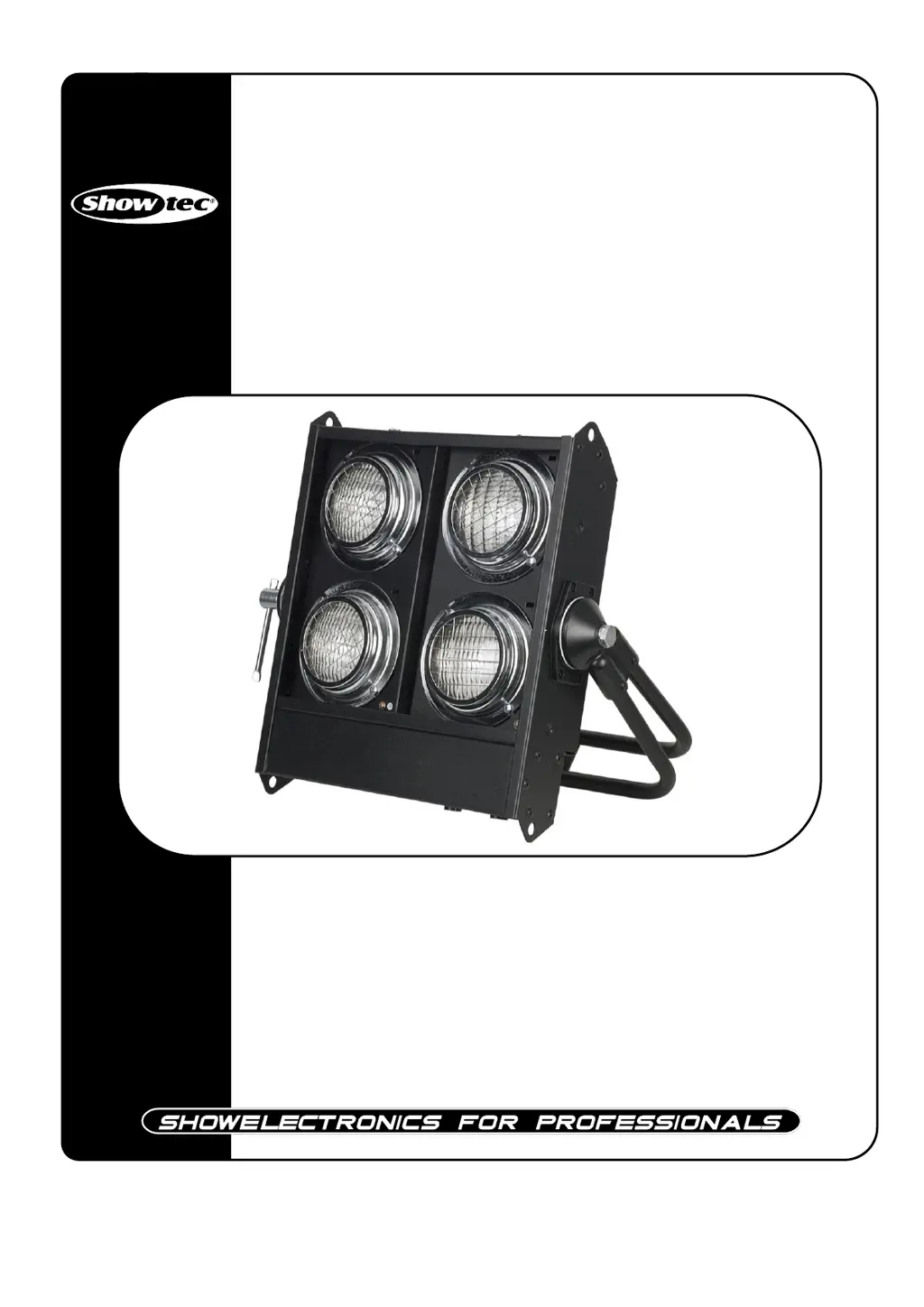
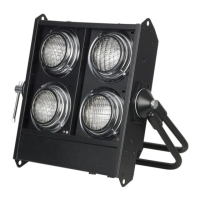
SHOWTEC Stage Blinder 4 DMX Black - User Manual

SHOWTEC Stage Blinder 4 DMX Black
19 pages
Print Icon
To Next Page IconTo Next Page
Loading...
Stage Blinder 4 DMX Black
ORDERCODE 30772

Questions and Answers

  • T
    Tracy HamiltonAug 6, 2025
    What to do if SHOWTEC Stage Blinder 4 DMX Black has no light?
    • L
      lhamiltonAug 6, 2025
      If your SHOWTEC DJ Equipment has no light, there are several things to check: * First, ensure the unit is properly plugged into a suitable power supply. * Second, the lamp may need replacing. Replace the old lamp with a new one that has the same specifications. * Finally, check the fuses. If a fuse is broken, replace it.
  • J
    Jeremiah CameronAug 11, 2025
    What to do if SHOWTEC Stage Blinder 4 DMX Black has no response to DMX?
    • K
      Kerry GlassAug 11, 2025
      If your SHOWTEC DJ Equipment isn't responding to DMX, check the DMX settings to ensure the DMX addresses are correct. Try changing the DMX cable and reconnecting the power. Also, determine if the issue lies with the controller or the light effect itself to identify the source of the problem.
  • M
    Michael BrownAug 16, 2025
    What to do if my SHOWTEC Stage Blinder 4 DMX Black DJ Equipment has no light or the lamp cuts out intermittently?
    • L
      Laura ChandlerAug 16, 2025
      If your SHOWTEC DJ Equipment experiences no light or intermittent lamp cut-outs, start by allowing the fixture to cool down. Clean the fan and ensure that the air vents at the control panel and front lens are not blocked. You might also consider increasing the air conditioning in the room. If the issue persists, the lamp or lamps may be damaged and need replacement. Lastly, verify that the power supply settings match your local AC voltage and frequency. Disconnect the fixture, check the settings, and correct them if necessary.
  • R
    Richard SimmonsAug 21, 2025
    What to do if one or more SHOWTEC Stage Blinder 4 DMX Black fixtures are completely dead?
    • S
      staffordwalterAug 21, 2025
      If one or more SHOWTEC DJ Equipment fixtures are completely dead, first ensure that the power is switched on and all cables are properly plugged in. If the issue persists, check the primary fuse and replace it if it has blown.
  • R
    Raymond KochAug 27, 2025
    What to do if SHOWTEC DJ Equipment fixtures reset correctly, but all respond erratically or not at all to the controller?
    • T
      Tonya WallaceAug 27, 2025
      If your SHOWTEC DJ Equipment fixtures reset correctly but all respond erratically, ensure the controller is properly connected. If the 3-pin XLR Out of the controller doesn't match the XLR Out of the first fixture (i.e., the signal is reversed), install a phase-reversing cable between the controller and the first fixture on the link.
  • P
    Pamela JamesOct 31, 2025
    What to do if SHOWTEC Stage Blinder 4 DMX Black DJ Equipment fixtures reset correctly, but some respond erratically or not at all to the controller?
    • M
      morrowbrendaOct 31, 2025
      If SHOWTEC DJ Equipment fixtures reset correctly but some respond erratically, several factors could be at play. Start by checking the data quality; if it's significantly below 100%, there may be a poor data link connection, damaged cables, a missing termination plug, or a defective fixture disrupting the link. Inspect connections and cables, repairing or replacing them as needed. Ensure a termination plug is inserted into the output jack of the last fixture on the link. Verify the fixture addresses are correctly set. To isolate a defective fixture, bypass one at a time by unplugging both connectors and connecting them directly together. Have a qualified technician service any defective fixture. Also, check if the 3-pin XLR Out on the fixtures matches; if pins 2 and 3 are reversed, install...

Summary

Warning

Unpacking Instructions

Instructions for checking contents and handling packaging upon receiving the product.

Safety Instructions

Guidelines for users regarding safe installation, operation, and maintenance of the device.

Operating Determinations

Operational Guidelines

Specifies conditions for optimal and safe operation, including temperature and humidity limits.

Rigging

Rigging Procedure

Step-by-step instructions for safely attaching and securing the fixture to rigging.

Return Procedure

Returning Merchandise

Steps for returning merchandise, including obtaining an RMA number and proper packaging.

Claims

Handling Claims

Procedures for clients to report shortcomings, defects, or shipping damages and file claims.

Device Description

Features Overview

Lists key technical specifications and capabilities of the Stage Blinder 4.

Device Overview

Visual identification of the device's main components, labelled in a diagram.

Installation

General Installation

Instructions for physically connecting all cables and preparing the unit for operation.

Lamp Installation

Detailed steps for safely replacing the lamp in the fixture.

Setup and Operation

Control Modes

Explains the two operational modes: Stand-alone and DMX512.

Stand-alone Operation

Instructions for operating a single unit without DMX control, using dipswitches.

DMX Control Setup

Instructions for connecting and controlling multiple units via DMX.

XLR Connection Details

Details pin assignments for DMX input/output and controller connections.

DMX Dipswitch Configuration

Guide on configuring dipswitches for DMX addressing and mode selection.

DMX Address Chart

A table to easily find dipswitch settings for specific DMX addresses.

Fixture Linking

Information on connecting multiple fixtures in a DMX chain and limitations.

Data Cabling

Recommendations for choosing and using appropriate DMX data cables.

DMX Channel Modes

Explains the DMX channel configuration and control for the device.

Maintenance

Routine Maintenance

Guidelines for periodic inspection and cleaning to ensure longevity and performance.

Fuse Replacement

Step-by-step instructions for safely replacing a blown fuse.

Troubleshooting

Common Issues

Offers solutions for common operational problems like no light or DMX response.

Fixture Not Lighting

Steps to diagnose and fix issues where the fixture does not produce light.

DMX Communication Failure

Steps to diagnose and fix issues related to DMX communication failures.

Dead Fixture Troubleshooting

Troubleshooting steps for fixtures that do not power on.

Erratic DMX Response

Diagnosing erratic or no response from fixtures in a DMX chain.

Intermittent Light Issues

Steps to resolve issues with intermittent light output or no light.

Product Specifications

Technical Specifications

Detailed technical specifications, dimensions, and lamp information for the Stage Blinder 4.

SHOWTEC Stage Blinder 4 DMX Black Specifications

General IconGeneral
TypeStage Blinder
ControlDMX
ColorBlack
CategoryDJ Equipment
Power Supply230V AC, 50Hz
Lamps4 x

Related product manuals