10
Selecting the Intensity (Dimming) Mode
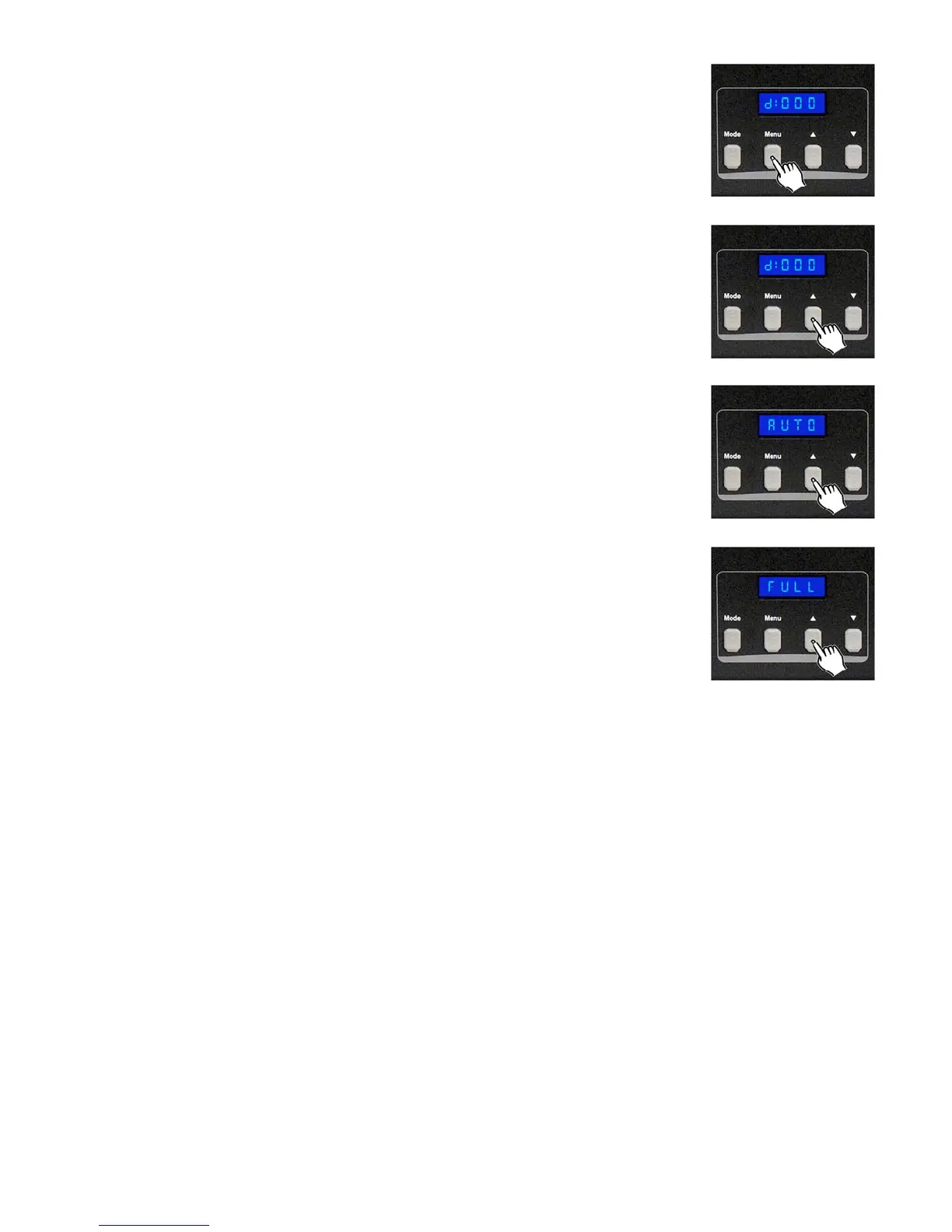
To adjust the output intensity, you must activate the Chase Dimmer Mode.
Hold the MENU button until the display shows “d” followed by 2 digits
Setting the Intensity
Use the UP or DOWN button to change the setting from 00-100.
A value of 000 means the weakest output intensity and a value of 100 means
the highest output.
Auto
The Sunstrip will play all built-in programs, one after the other.
Full
All 10 lights on the Sunstrip will light up and stay on at 100%.













 To Next Page