3. Press enter to save.
Turning the transmitter off and on, or replacing the battery will
restore RF Output to On.
Power-on RF Mute
Power-on RF Mute places the transmitter in RF Mute
mode immediately when turned on.
Starting with the transmitter off, press and hold the
exit button, and then switch on the power
Continue to hold the exit button until the RF Muted
message appears on the home screen
Input Overload
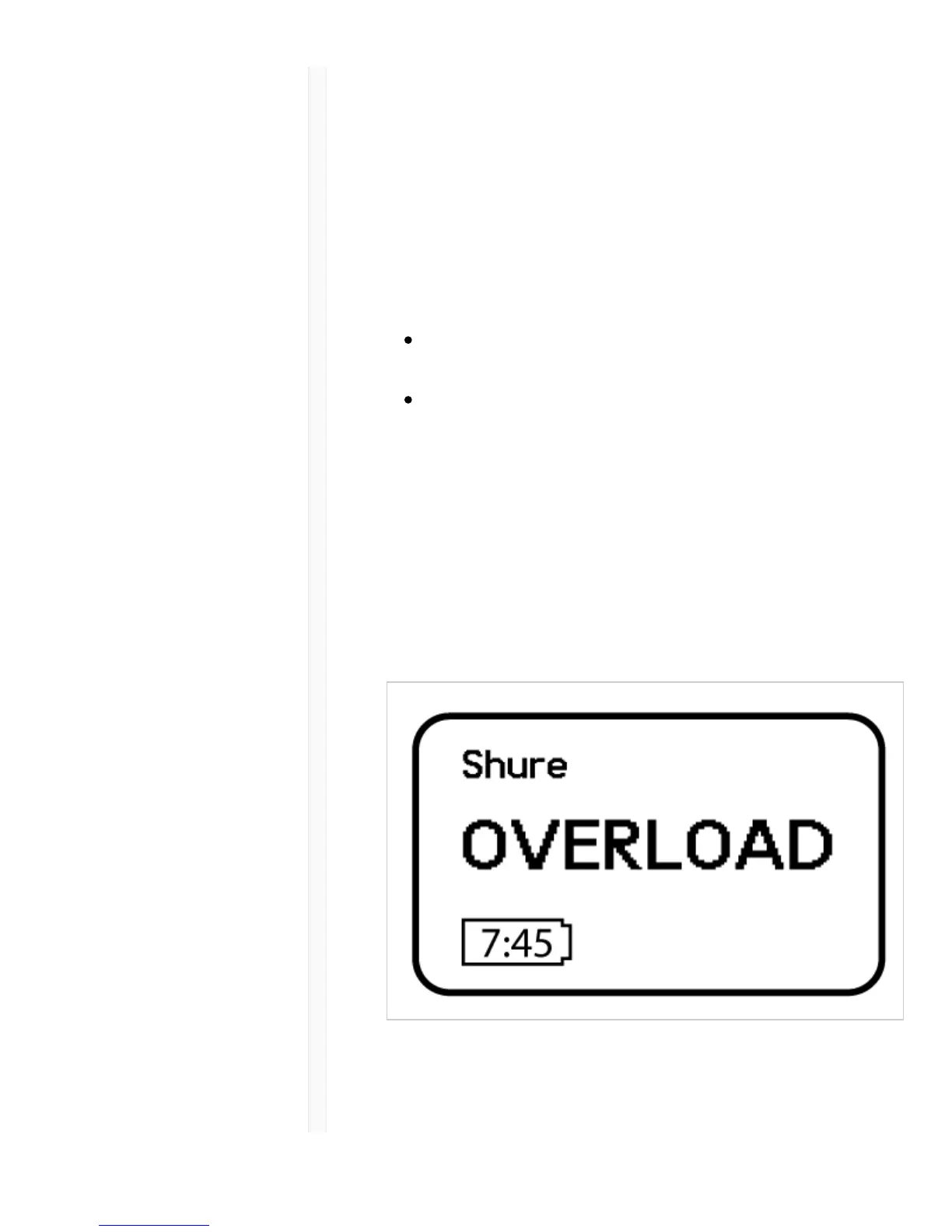
The OVERLOAD message is displayed when the audio
input experiences a high-level input signal. Reduce the
input signal or move mic away from the source to remove
the overload.
Tone Generator



 To Next Page