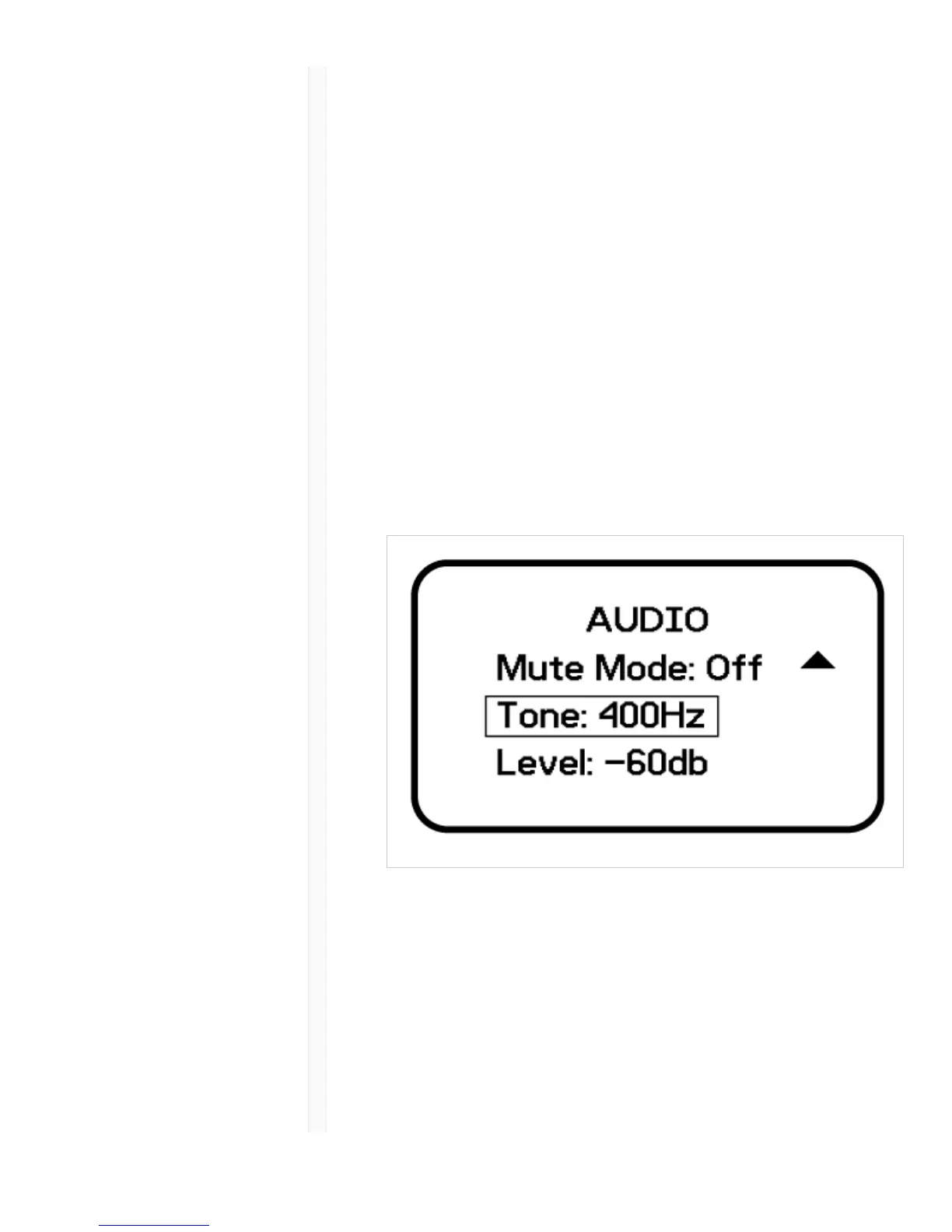
The transmitter contains an internal tone generator that
produces a continuous audio signal. The tone is helpful
when conducting a sound check or for troubleshooting
the audio signal chain. The level of the tone is adjustable
from -60 dB to 0 dB and the frequency can be set to 400
Hz or 1000 Hz.
1. From the Audio menu select Tone.
2. Set the frequency to 400 Hz or 1000 Hz.
3. Select Level and use the arrow buttons adjust the
value between -60 dB and 0 dB.
Tip: Always start with the level set to -60 dB to avoid
overloading speakers or headphones.
Turn off the tone by selecting Off from the menu or by
cycling the transmitter power.
Matching Audio Levels with
Offset
When linking two or more transmitters to a receiver, there
may be a difference in volume levels between
microphones or instruments. If this occurs, use the Offset



 To Next Page