Shure Incorporated
3/36
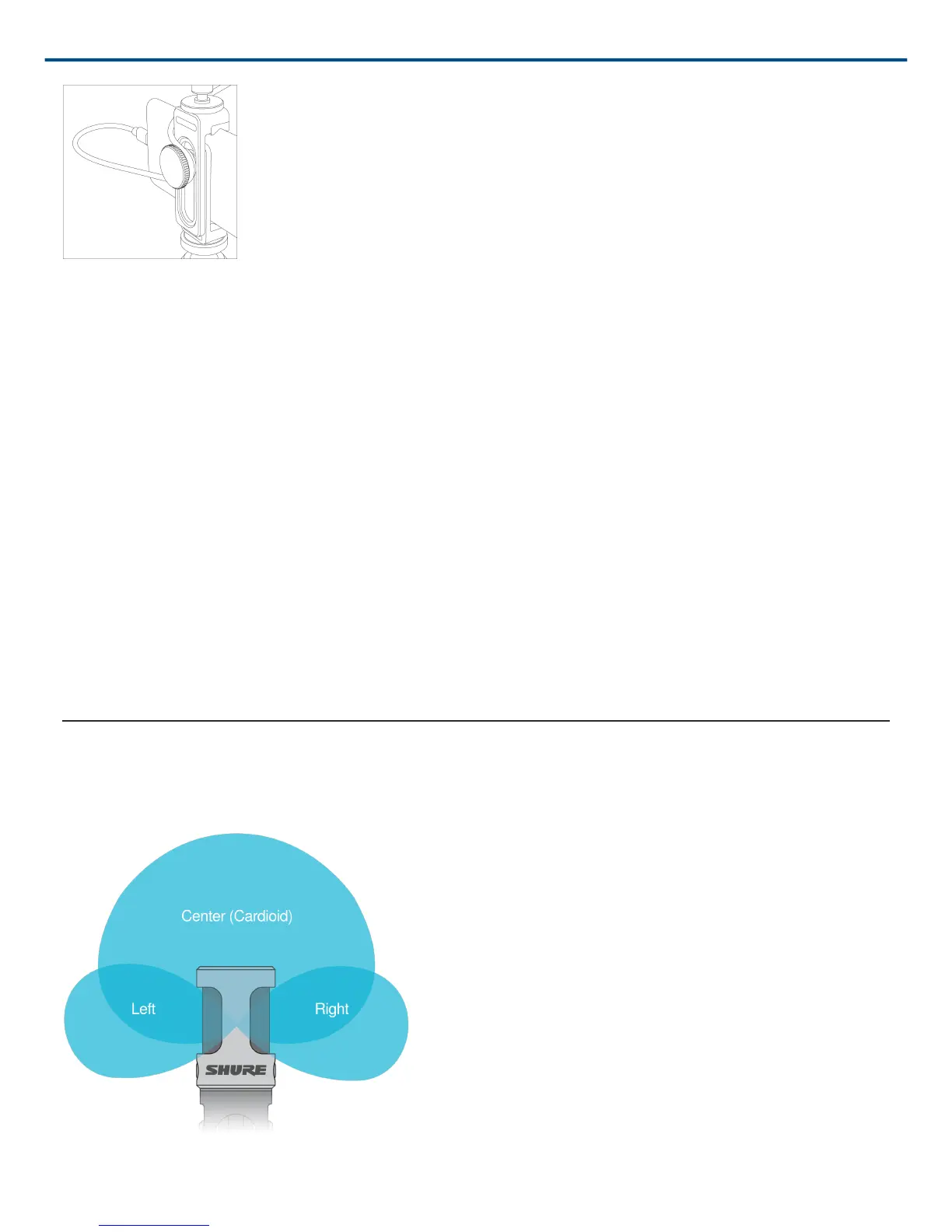
Note: Use the knob on the back of the phone clamp to keep the cable in place and out of the way of the camera.
Recording Audio with the Shure MOTIV app.
Use the MOTIV app to change microphone settings and to record and edit your audio.
1. Adjust your microphone settings.
Select a preset mode that matches your recording situation. Set mic gain and stereo width to optimize audio
recordings. See "Aiming the Microphone" for mic placement information and "The Shure MOTIV App" for infor
mation on adjusting compression, equalization, and more.
2. Set your device to Airplane Mode and Do Not Disturb.
This allows you to record with no audio interruptions from phone calls or app notifications.
3. Test your settings.
Make a test recording. Listen to playback and adjust your settings as needed. Once you start recording, only
mic gain can be adjusted.
4. Press the red Record button to begin recording.
The microphone retains settings from the last time you used the Shure MOTIV app.
The MV88+ Microphone
The MV88+ features two capsules: one capsule has a cardioid pattern and picks up sound directly in front of the
microphone. The other is bidirectional and captures sound from the left and right sides.
Microphone Cartridge



 To Next Page