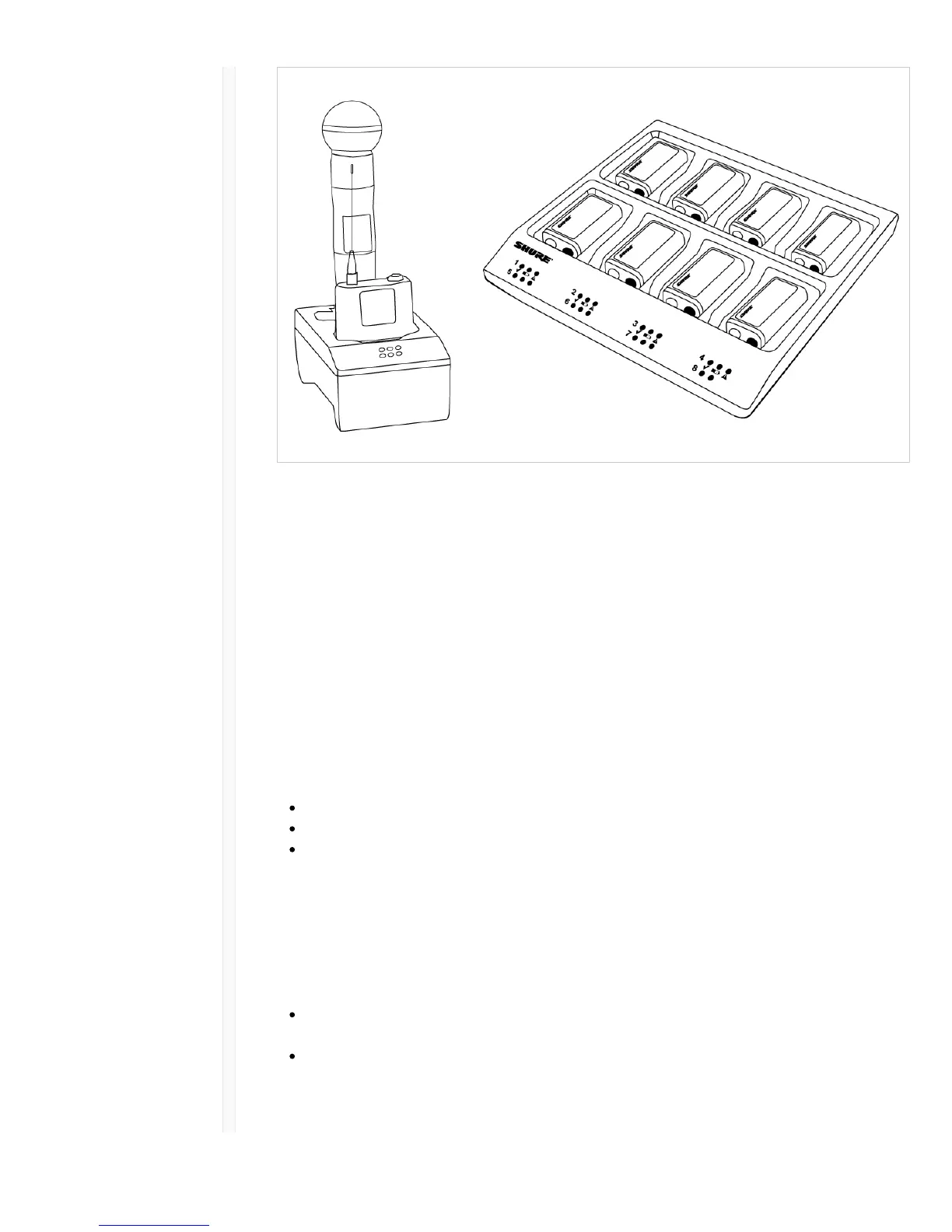
1. Plug the charger into an AC power source.
2. Insert batteries or transmitters into the charging bay.
3. Monitor the charging status LEDs until charging is complete.
Charging Status LED
Color Status
Green Charging Complete
Green/Red Charge level above 90%
Red Charging
Amber Flashing Fault: check connections and battery
Off No battery in bay
Important Tips for Care and Storage of Shure Rechargeable Batteries
Proper care and storage of Shure batteries results in reliable performance and ensures a long lifetime.
Always store batteries and transmitters at room temperature
Ideally, batteries should be charged to approximately 40% of capacity for long-term storage
During storage, check batteries every 6 months and recharge to 40% of capacity as needed
Low Battery Alert
The receiver display can be configured to flash when the battery runtime for a transmitter is less than
30 minutes.
The alert displays the following information based on the type of batteries installed in the transmitter:
SB900 Battery: The receiver screen flashes, the low battery icon is displayed, and the remaining
battery runtime is shown
AA Batteries: The receiver screen flashes and the low battery icon is displayed
1. Press menu while holding the enter button to access the advanced menu.
2. Use the arrow buttons to navigate to the Alert screen.



 To Next Page