EasyManua.ls Logo

Shure GLX-D - User Manual

Shure GLX-D
20 pages
Print Icon
To Next Page IconTo Next Page
Loading...
i4IVSF*ODPSQPSBUFE
"3FW
1SJOUFEJO64"
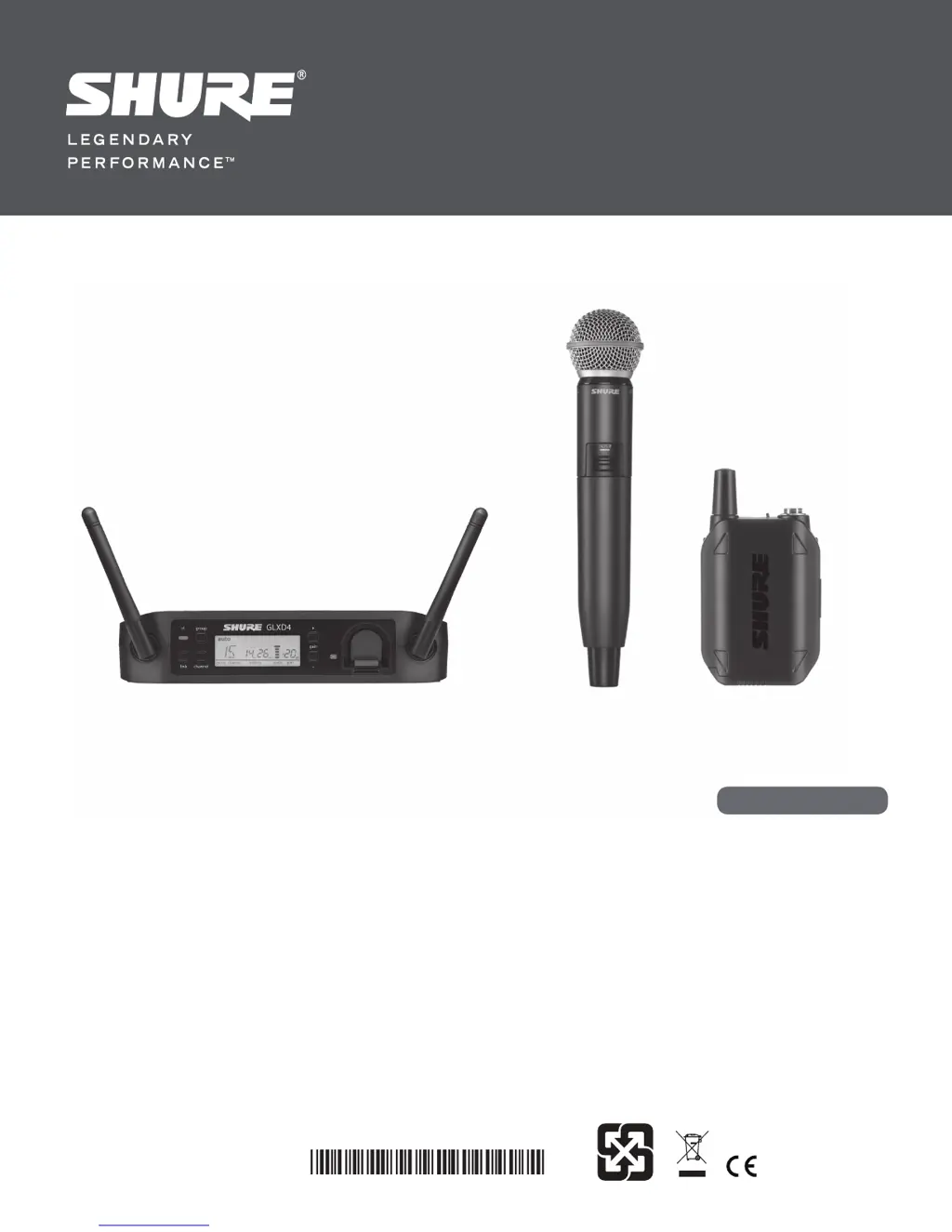
(-9%8JSFMFTT4ZTUFN࣑(-9%3FDFJWFS
6TFS(VJEF

Other manuals for Shure GLX-D

Questions and Answers

  • D
    Dwayne BaldwinSep 9, 2025
    Why is there no sound from my Shure Microphone system when the receiver RF LED is off?
    • C
      Cheryl DoyleSep 9, 2025
      If the receiver RF LED is off on your Shure Microphone system, try the following: * Turn on the transmitter. * Ensure the batteries are correctly installed. * Link the transmitter and receiver. * Charge or replace the transmitter battery.
  • A
    Alan MccallAug 25, 2025
    Why does my Shure Receiver have audio dropouts?
    • E
      echungAug 25, 2025
      Audio dropouts on your Shure Receiver can occur due to several reasons: * If the RF LED is flickering or off: * Change the receiver and transmitter to a different group and/or channel. * Identify nearby sources of interference (cell phones, Wi-Fi access points, signal processors, etc.) and shut down or remove the source. * Charge or change the transmitter battery. * Ensure that the receiver and transmitter are positioned within system parameters. The system must be set up within the recommended range, and the receiver should be kept away from metallic surfaces. * For optimal sound, the transmitter must be used in line of sight from the receiver.
  • L
    Linda GrayAug 25, 2025
    How to fix a Shure Receiver when the LCD screen is off?
    • C
      Cristina RogersAug 26, 2025
      If the LCD screen on your Shure Receiver is off, ensure that the AC adapter is securely plugged into the electrical outlet and that the receiver is powered on.
  • B
    brittanyhopkinsSep 23, 2025
    What to do if Shure Music Pedal receiver LCD screen is off?
    • N
      nataliecarterSep 23, 2025
      If the LCD screen is off on your Shure Music Pedal receiver, ensure the AC adapter is securely plugged into the electrical outlet and that the receiver is powered on.
  • K
    Kevin BrownSep 9, 2025
    What to do if the transmitter indicator LED is flashing red on my Shure GLX-D Microphone system?
    • A
      Ashley HernandezSep 10, 2025
      If the transmitter indicator LED on your Shure Microphone system is flashing red, charge or change the transmitter battery.
  • D
    donald46Sep 14, 2025
    Why does my Shure GLX-D transmitter power off after 1 hour?
    • M
      mary60Sep 14, 2025
      GLX-D transmitters automatically power-off after 1 hour to conserve battery life if the signal from a linked receiver is not detected. Make sure that linked receiver is turned on.
  • R
    Rachael BeltranSep 4, 2025
    What to do if the sound level varies when switching sources on my Shure Music Pedal?
    • A
      Andrea RodriguezSep 4, 2025
      If you experience sound level variations when switching to different sources with your Shure Music Pedal, adjust the transmitter gain as necessary. Consult the Gain Adjustment section for guidance.
  • M
    Madeline MillerSep 4, 2025
    Why can't I adjust the receiver gain control on my Shure Music Pedal?
    • E
      Elizabeth RiveraSep 4, 2025
      If you cannot adjust the receiver gain control on your Shure Music Pedal, check the transmitter. The transmitter must be on to enable gain changes.
  • L
    laurie99Sep 23, 2025
    Why does Shure Music Pedal transmitter power off after 1 hour?
    • J
      Justin WoodsSep 23, 2025
      If the transmitter on your Shure Music Pedal powers off after 1 hour, ensure that the linked receiver is turned on.
  • B
    Bianca OlsenAug 29, 2025
    Why is the transmitter ID function not responding on my Shure device?
    • C
      Christopher GregoryAug 30, 2025
      If the transmitter ID function does not respond and the transmitter LED flashes green three times, the controls are locked. Please refer to the section on Locking and Unlocking Controls.

Summary

Important Safety Instructions

General Safety Precautions

Essential safety guidelines for operating the wireless system and related equipment.

Battery Handling and Warnings

Critical safety information regarding battery use, replacement, and potential hazards.

System Overview and Components

Included and Optional Accessories

Lists the parts that come with the system and other available accessories for purchase.

Quick Start Setup Procedure

Step-by-step guide for initial system setup and establishing a wireless link.

GLXD4 Receiver Controls and Display

Front and Rear Panel Ports and Buttons

Identifies and explains the function of all controls and connectors on the GLXD4 receiver.

Receiver LCD Screen Information

Describes the status indicators, battery life, and other information displayed on the receiver's LCD screen.

Transmitter Operation and Status

Transmitter Controls and Indicators

Details the transmitter's power switch, antenna, ports, and status LED behavior.

Microphone Placement and Wearing Guide

Instructions for properly positioning headworn and bodypack microphones for optimal audio capture.

Battery Management and Charging

Charging Options and Status Lights

Explains how to charge batteries using the receiver bay or external sources and interpret LED charge indicators.

Transmitter Battery Installation

Step-by-step guide for inserting rechargeable batteries into bodypack and handheld transmitters.

Advanced System Setup

Multiple Receiver and Combo Systems

Guidance on setting up systems with multiple receivers and configuring combo systems.

Manual Linking Procedures

Describes the process for manually linking transmitters to receivers and vice versa.

2.4 GHz Wireless Operation

Managing 2.4 GHz Interference

Strategies for overcoming challenges in the 2.4 GHz band, including Wi-Fi coexistence and performance tips.

2.4 GHz Frequency Allocation

Tables detailing frequency assignments for different groups and channels, along with latency information.

System Operation and Controls

Gain Adjustment and Control Locking

How to adjust audio gain and lock/unlock system controls to prevent accidental changes.

Remote ID and Channel Selection

Features for identifying linked devices and manually choosing system groups and channels.

Troubleshooting and Resetting

Common Issues and Solutions

A guide to diagnosing and resolving common problems encountered with the wireless system.

Restoring Factory Settings

Instructions for resetting the receiver and transmitter to their original factory configurations.

Technical Specifications

Performance and Output Specifications

Detailed technical data including range, audio response, RF sensitivity, and output connection details.

GLXD4 Receiver Physical Details

Dimensions, weight, power requirements, and housing materials for the GLXD4 receiver.

Transmitter Model Specifications

GLXD1 Bodypack Transmitter Specs

Technical details specific to the GLXD1 bodypack transmitter, including its dimensions and connector.

GLXD2 Handheld Transmitter Specs

Technical details specific to the GLXD2 handheld transmitter, including its dimensions and weight.

Certifications and Compliance

Regulatory Approvals and Directives

Information on FCC, IC, and European Union certifications and compliance standards.

User Information and Warnings

Guidance for users on RF energy, interference, and best practices for installation.

GLX-D System Features

LINKFREQ Automatic Frequency Management

Explains Shure's intelligent automatic frequency management for seamless audio connections.

Smart Battery and Charging System

Details the smart battery system, charging options, and runtime benefits of GLX-D transmitters.

System Components Overview

Wireless Receiver Models

Features of the GLXD4 Wireless Receiver and GLXD6 Wireless Guitar Pedal Tuner & Receiver.

Wireless Transmitter Models

Features of the GLXD2 Handheld Transmitter and GLXD1 Bodypack Transmitter.

System Options and Applications

GLXD2 Handheld System Options

Various handheld microphone options for vocal applications with the GLXD2 transmitter.

GLXD1 Bodypack System Options

Options for guitar, instrument, presenter, and headset applications using the GLXD1 bodypack transmitter.

Technical Specifications Summary

System Options and Technical Details

Lists system options, included components, and technical specifications for GLXD2 and GLXD1 systems.

General Wireless System Specs

Covers operating range, frequency band, audio range, power, and battery life for the GLX-D system.

Shure GLX-D Specifications

General IconGeneral
Battery LifeUp to 16 hours
System TypeDigital Wireless
RF Output Power10 mW
Connector Type1/4"
Rechargeable BatteryYes (Li-ion)

Videos

How to Charge the Batteries for your GLX-D+ Wireless System

How To Adjust the Gain on a Shure GLX-D Digital Wireless System

How to Set Up a Shure GLX-D Digital Wireless System

How to Reset a Shure GLX-D Wireless System

Related product manuals