OFF = encryption disabled
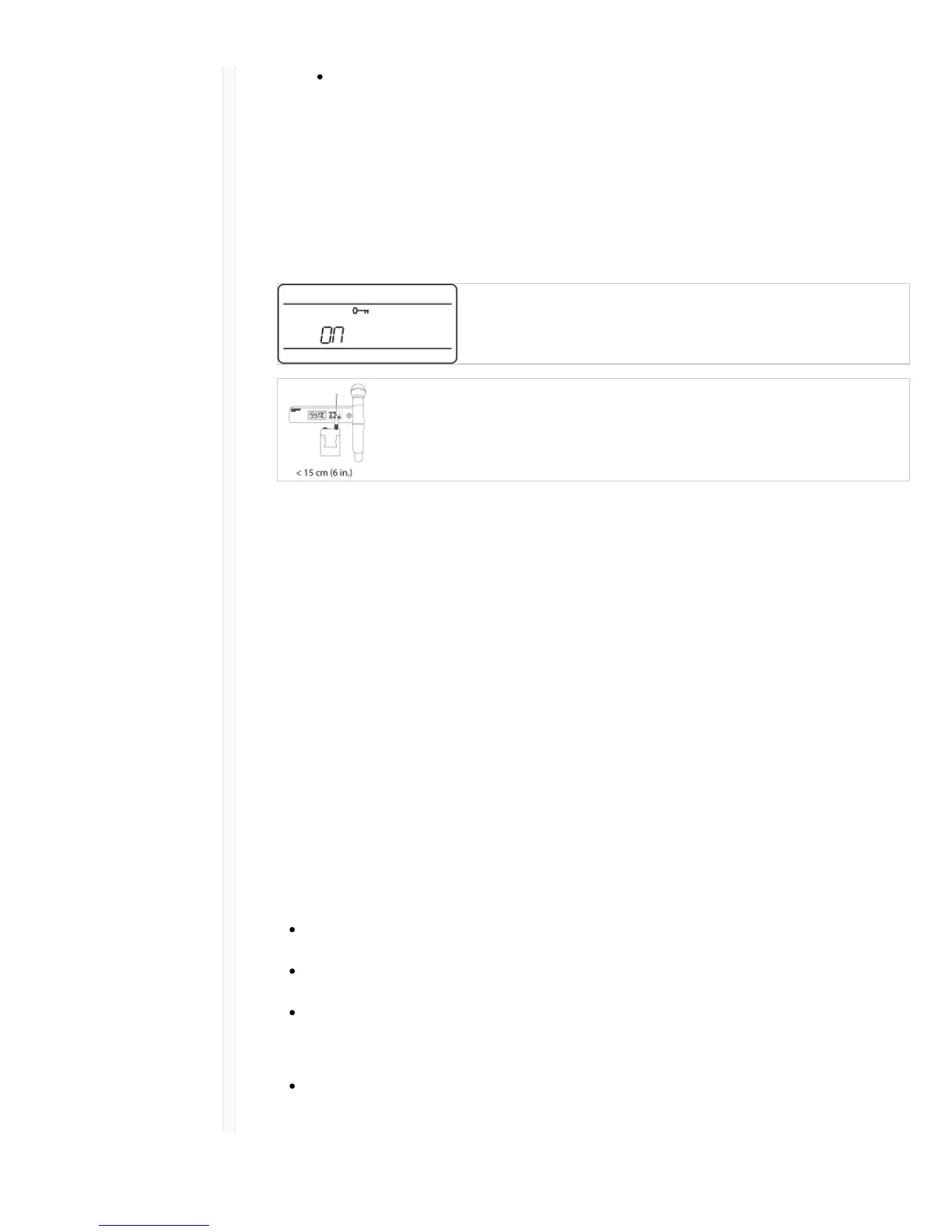
3. Press enter to save. The key icon will be shown on the receiver display.
4. Press the sync button and align the IR sync windows of the transmitter and receiver. The
encryption key icon will appear on the transmitter screen when the IR sync is complete and the
encryption key has been transferred from the receiver.
Additional transmitters can share the same encryption key with a single receiver. Perform an IR sync to
encrypt each additional transmitter.
Note: When OFF is selected to disable encryption, perform an IR sync to clear the encryption key from the
transmitter and prevent an encryption mismatch error or FAIL message.
Removing Encryption
1. Press the menu button to navigate to the encryption menu.
2. Select OFF.
3. Press enter to save.
4. IR sync the transmitter and receiver to clear the encryption key from the transmitter and prevent
an encryption key mismatch between components, indicated by a FAIL message.
Note: If encryption has been set from off to on, the receiver will generate a new encryption key and must be IR
synced to the transmitter to share the new key.
System Set Up
Creating Audio Channels
A wireless audio channel is formed when a receiver and transmitter are tuned to the same frequency.
To ease setup, frequencies available to the QLX-D system are organized into groups and channels.
Each group contains a number of channels, and each channel is assigned to a specific preset
frequency.
The QLX-D system provides 3 methods for tuning the receiver and transmitter to the same frequency:
Scan and IR Sync: The receiver scans the RF spectrum for the best available frequency and an IR
sync automatically tunes the transmitter to the receiver frequency
Manual Group and Channel Assignment: Manually setting the receiver and transmitter to the
same group and channel number forms an audio channel
Manual Frequency Assignment: Manually setting the receiver and transmitter to the same
frequency rather than using groups and channels forms an audio channel
Important: Before you begin a scan or frequency assignment:
Turn off: All transmitters for system you are setting up to prevent interference with frequency
scans.



 To Next Page