Error codes are generated when the receiver detects a condition that can potentially affect system
performance.
If an error is displayed on the receiver, use the following table to identify the problem and find the
corresponding solution.
Error Code Description Solutions
Err.001 Audio Compatibility Update transmitter and receiver firmware to the latest
version.
Err.002 Encryption Mismatch between
Shure product lines
Set encryption to off for components from different Shure
products lines, such as QLX-D and ULX-D.
Err.003 Encryption Mode Mismatch Perform an IR sync between the transmitter and receiver
to clear the error.
Err.004 Band Mismatch Receiver and transmitter are operating in overlapping
frequencies from different bands.
Err.005 Frequency Mismatch Receiver and transmitter are from bands that do not
share compatible frequencies.
Err.006 No Frequencies Found Rescan, select a different group, or use WWB to find a
frequency.
Err.007 Firmware Mismatch Update firmware on the transmitter and receiver.
Err.008 Shure SB900 battery runtime
does not appear on display
Check that battery is firmly installed into the battery
compartment. If condition persists, replace the battery.
Err.009 Transmitter Type Mismatch To complete the firmware update, match the type of
transmitter to the type of firmware the receiver currently
has.
HH BP = handheld or bodypack firmware
BN GN = gooseneck or boundary firmware
Hardware and Connectors
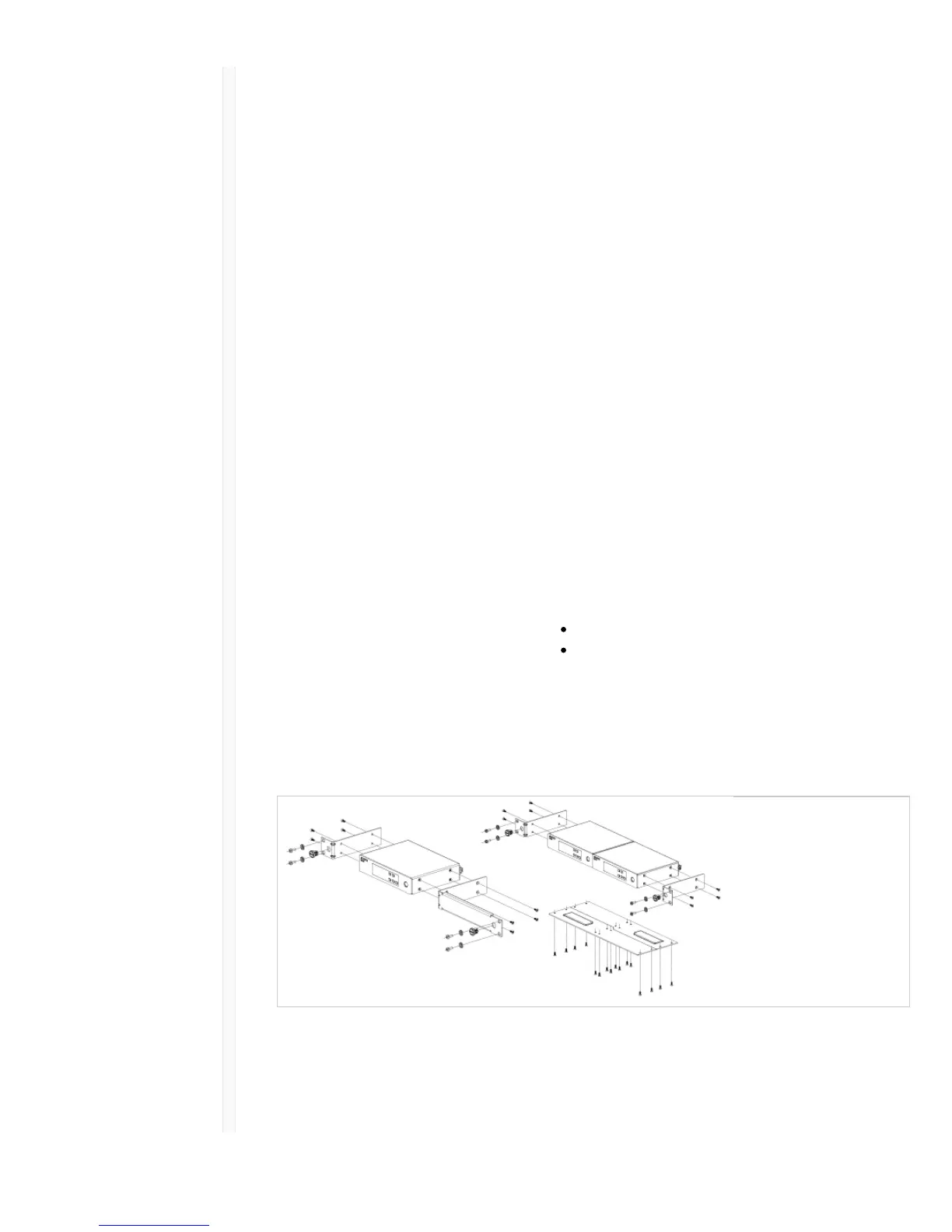
Single and Dual Rackmount Assembly
Securing the AC Power Cord



 To Next Page