28
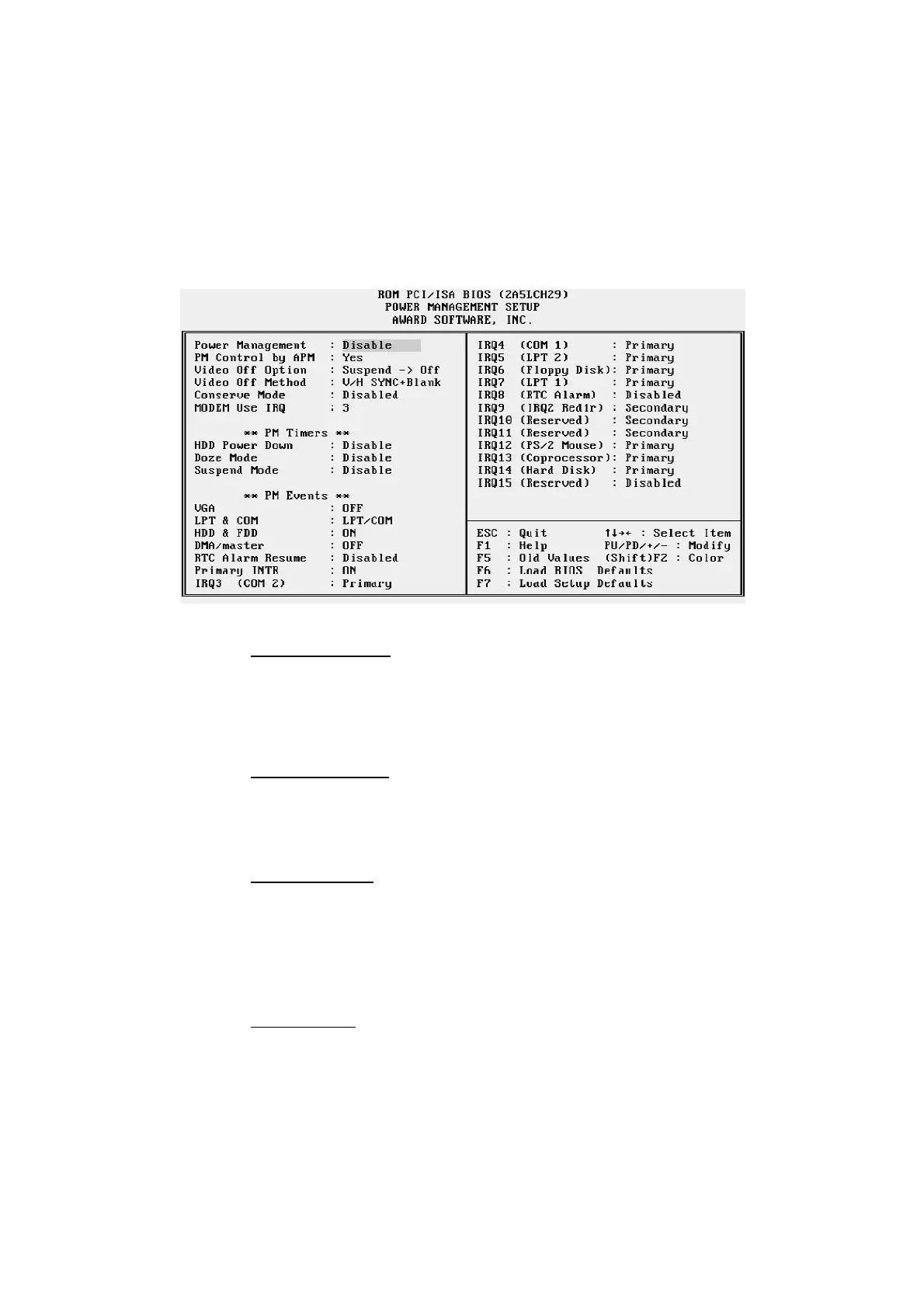
Power Management Setup
Power Management
This item determines the options of the power management function. Max Saving puts
the system into power saving mode after a brief period of system inactivity; Min
Saving is the same as Max Saving except the time of the system inactivity period is
longer; Disabled disables the power saving feature; User Defined allows you to set
power saving options according to your preference.
PM Control by APM
If this item set to No, system BIOS will be ignored and APM calls the power to
manage the system.
If this item setup to Yes, system BIOS will wait for APM's prompt before it enter any
PM mode e.g. DOZE, STANDBY or SUSPEND.
Video Off Method
This determines the manner in which the monitor is blanked.
V/H SYNC+Blank This selection will cause the system to turn off the vertical and
horizontal synchronization ports and write blanks to the video buffer.
Blank Screen This option only writes blanks to the video buffer.
DPMS Allows the BIOS to control the video display card if it supports the DPMS
feature..
Video Off After
This item define when to activate the video off feature for monitor power manage-
ment. The settings are N/A, Doze, Standby and Suspend.



 To Next Page