Figure 19: Configuration of digital inputs
•
A configuration of your digital inputs is also possible.
•
For configuration click on the selected port first and on the gear second to set
Logic and DebounceValue.
•
Use your mouse to get more information about Logic or DebounceValue.
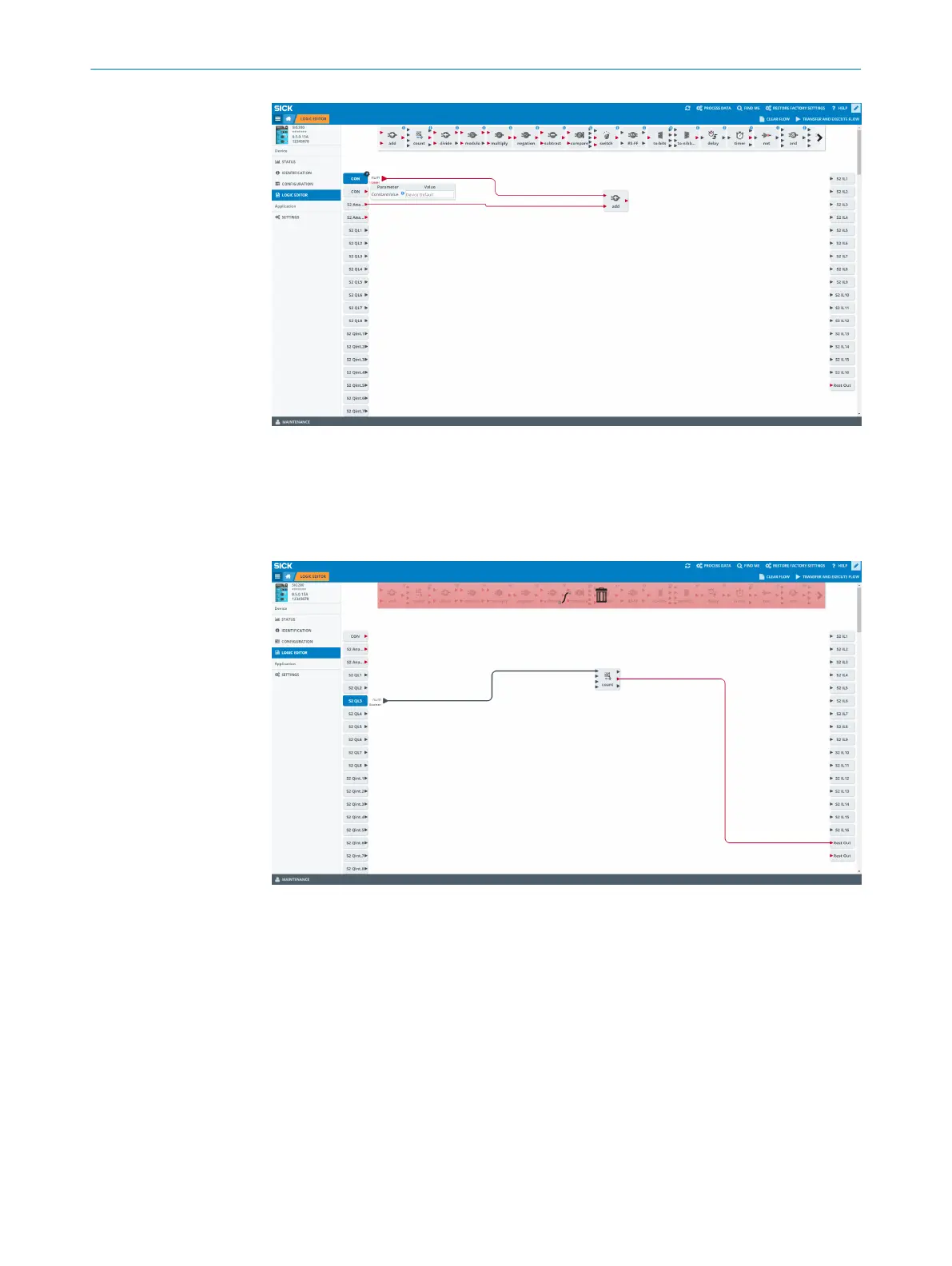
Figure 20: Delete connections
To remove a connection click on your desired connection and put it in into the garbage
bin on the upper area via drag & drop.
DEVICE FUNCTIONS
8
8024482.1FJ7 /2022-05-31 | SICK O P E R A T I N G I N S T R U C T I O N | Sensor Integration Gateway - SIG200
77
Subject to change without notice



 To Next Page