Chapter 1: Overview
Chapter 1: Overview
This chapter provides you the description for the LED and connector for front and rear view of the
router. Before you use/install this router, please take a look at this information first.
Physical Outlook
Front Panel
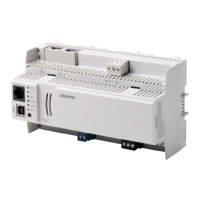
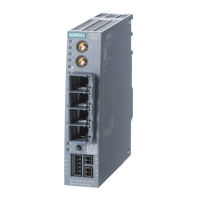
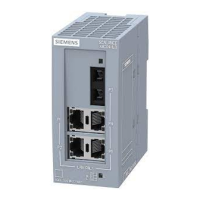
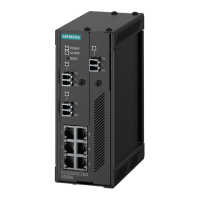
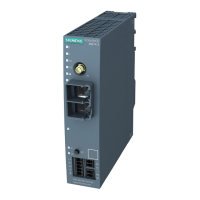
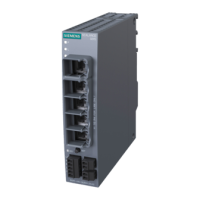
The following illustrations show the front panel of the ADSL Router (with USB interface and
without USB interface):
LED Indicators
The ADSL Router is equipped with five LEDs on the front panel as described in the table below
(from left to right):
LED Color Status Description
Unlit Power off or wait for USB connection going up.
Blinking User data is going through USB port.
USB Green
Solid
USB connection is OK.
Unlit Power off or no Ethernet carrier is present.
Blinking
Ethernet carrier is present and user data is going
through Ethernet port.
Ethernet
Green
Solid Ethernet carrier is present.
Unlit No PPPoA or PPPoE connection PPP Green
Solid
At least one PPPoA or PPPoE connection is up. The
users can access the Internet now.
Power off or ADSL line connection is handshaking or
training is in progress.
Unlit
Blinking User data is going through ADSL port.
DSL Green
Solid ADSL line connection is OK.
Power off.
Unlit Power Green
Solid
Power on.




 To Next Page