20
en
Wall mounting
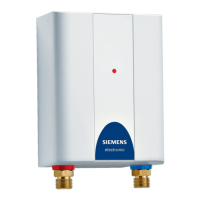
Undersink appliances
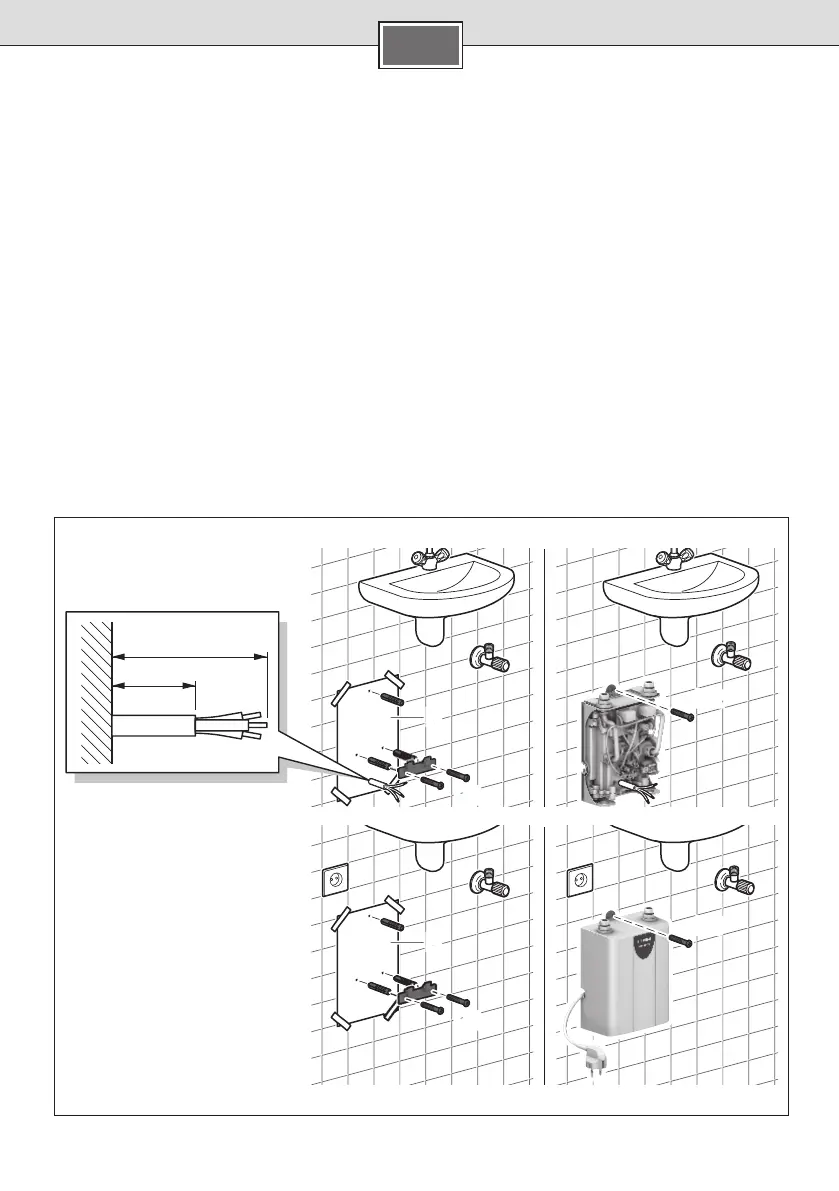
Attach mounting template ■D to the wall.
Mark the locations for the holes; drill the holes
■
and insert the wall plugs.
Attach the installation bracket to the wall using ■
the screws (D1).
Only for permanently installed appliances:
Pass the connection cable through the cable
■
grommet, suspend the appliance in the instal-
lation bracket and screw it onto the mounting
bracket (D2).
Only for appliances with mains plug:
Suspend the appliance in the installation bracket
■
and screw it onto the mounting bracket (D3).


 To Next Page