1-2
Manual OP5, OP15
( ) J31069-D0840-U001-A2-7618
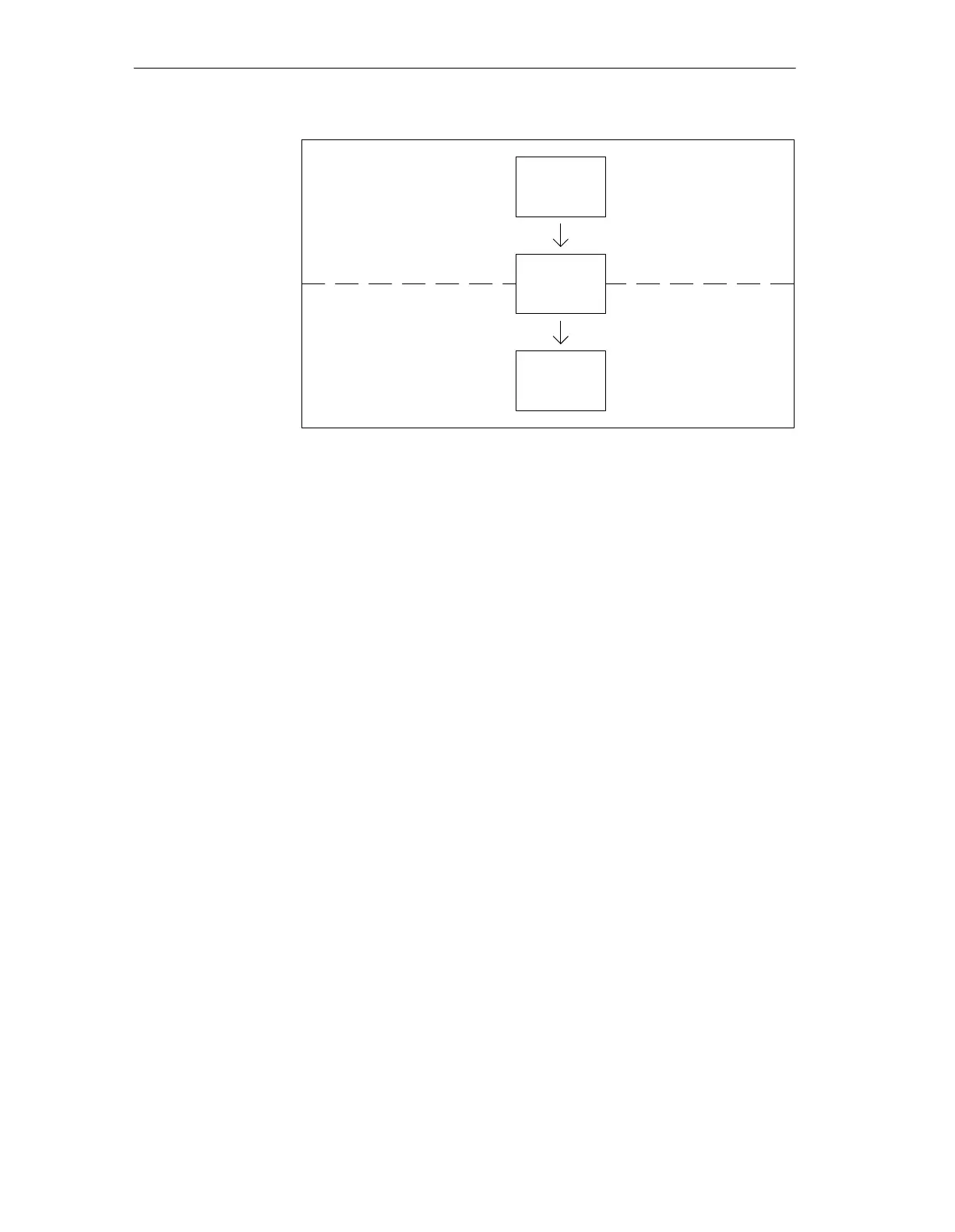
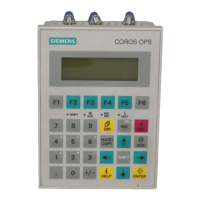
Figure 1-1 Configuration and Process Control Phase
Text which is required to be displayed on the OP has first to be created on the
PC/PU with ProTool/Lite and then transferred to the OP. If, for example, text
for display is required to comprise static and variable components, the vari-
ables have to be configured and the static text for explaining the variables has
to be entered – for example:
Temperature
Variable_xx
C of Furnace 1
Here, Temperature C of Furnace 1 is the static text and
Vari-
able_xx
is the variable that is read from the memory area of the PLC.
You will find information on configuring the OP in the ProTool/ Lite User’s
Guide. The Communications User’s Guide provides information on connect-
ing the OP to the PLC.
Static and variable
text components
Further
information
Product Description





 To Next Page