B516
B516 Page 8 840D/828D SINUMERIK Operate
Notes
Section 3
CNC-full keyboard
Further keys in the cursor-block
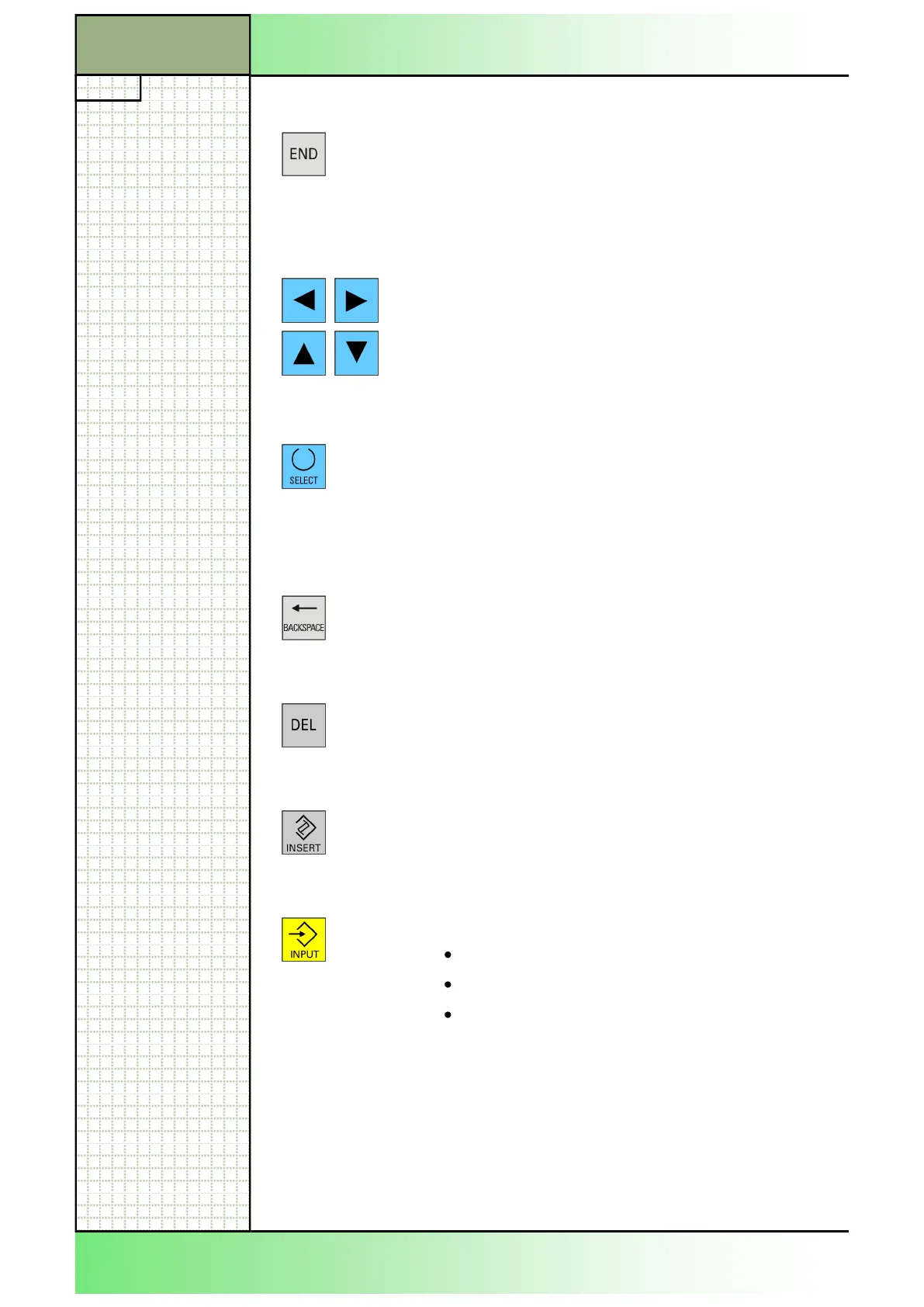
END
Locates the cursor in the last input field of a parame-
ter mask. In the G-code editor the cursor will be set
to the end of the active line and by pressing STRG +
END the cursor jumps to the end of the last line of
the program.
Cursor-Keys
Navigates to the various fields or lines on the
screen.
While in the program listing, the “cursor right”-key
opens a directory or a program. To change to the
next level above the present level press the “cursor
left”-key.
SELECT
Lets you select amongst several given alternatives.
Keys in the Number-Block
BACKSPACE
Clears a value in the active input field.
While in the edit mode, just the character in front of
the cursor will be cleared.
DEL
Clearing the value in the parameter field.
While in the edit mode, just the character in front of
the cursor will be cleared.
INSERT
Activation of the insertion mode or the pocket calcu-
lator. Opens a parameter menu in an input field if
available.
INPUT
Accepts an edited value
Opens/closes a directory
Opens a file
















 To Next Page