840D/828D SINUMERIK Operate Page 7
B516
B516
Notes
Section 3
CNC-full keyboard
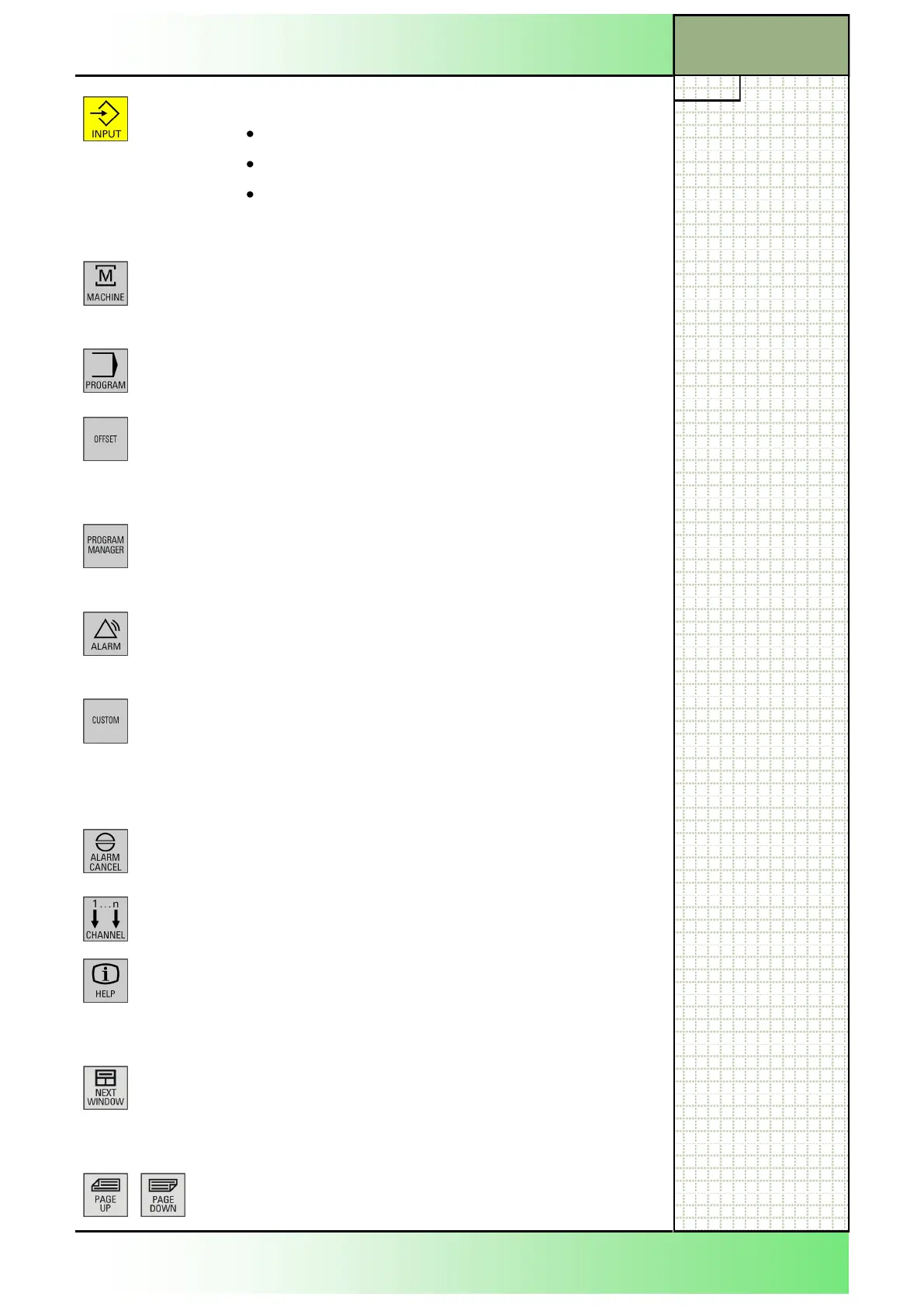
INPUT
Accepts an edited value
Opens / closes a directory
Opens a file
Keys in the hotkey-block
MACHINE
Opens up the operating area "Machine" (in operating
mode “JOG”, “MDA”, “Auto”).
Corresponds to the yellow HSK 1 “Machine”
PROGRAM
Opens up the operating area "Program".
The key corresponds to the yellow HSK 3 “Program”.
OFFSET
Opens up the operating area "Parameter” (Tool list,
Tool wear, Magazine, Work offset, User variable,
Setting data). The key corresponds to the yellow
HSK 3 "Parameter".
PROGRAM MANAGER
Opens up the operating area "Program manager“.
The key corresponds to the yellow HSK 4 "Program
Manager".
ALARM
Opens up the actual Alarmlist-window.
The key corresponds to the VSK 1 "Alarm list" in the
operating area “Diagnostics”.
CUSTOM
This key is customized by the machine manufac-
turer.
See the machine manufacturer’s documentation .
Keys in the Cursor-Block
ALARM CANCEL
Clears an active alarm shown in the alarm and mes-
sage line that is identified with this symbol.
CHANNEL
Selects a channel from 1 - n.
HELP
Opens the context-sensitive help window in a split-
screen view. In case of the G-Code editor the help
documentation with intelligent support for program-
ming instructions is called up.
NEXT WINDOW
Activates the next subwindow in the actual working
window. By pressing “CTRL + NEXT WINDOW“ in
the G-Code editor window you can jump to the first
line of the program code.
PAGE UP or PAGE DOWN
Paging up or down in a directory or the work plan.
















 To Next Page