B519
B519 Page 4 840D/828D SINUMERIK Operate
Notes
Section 2
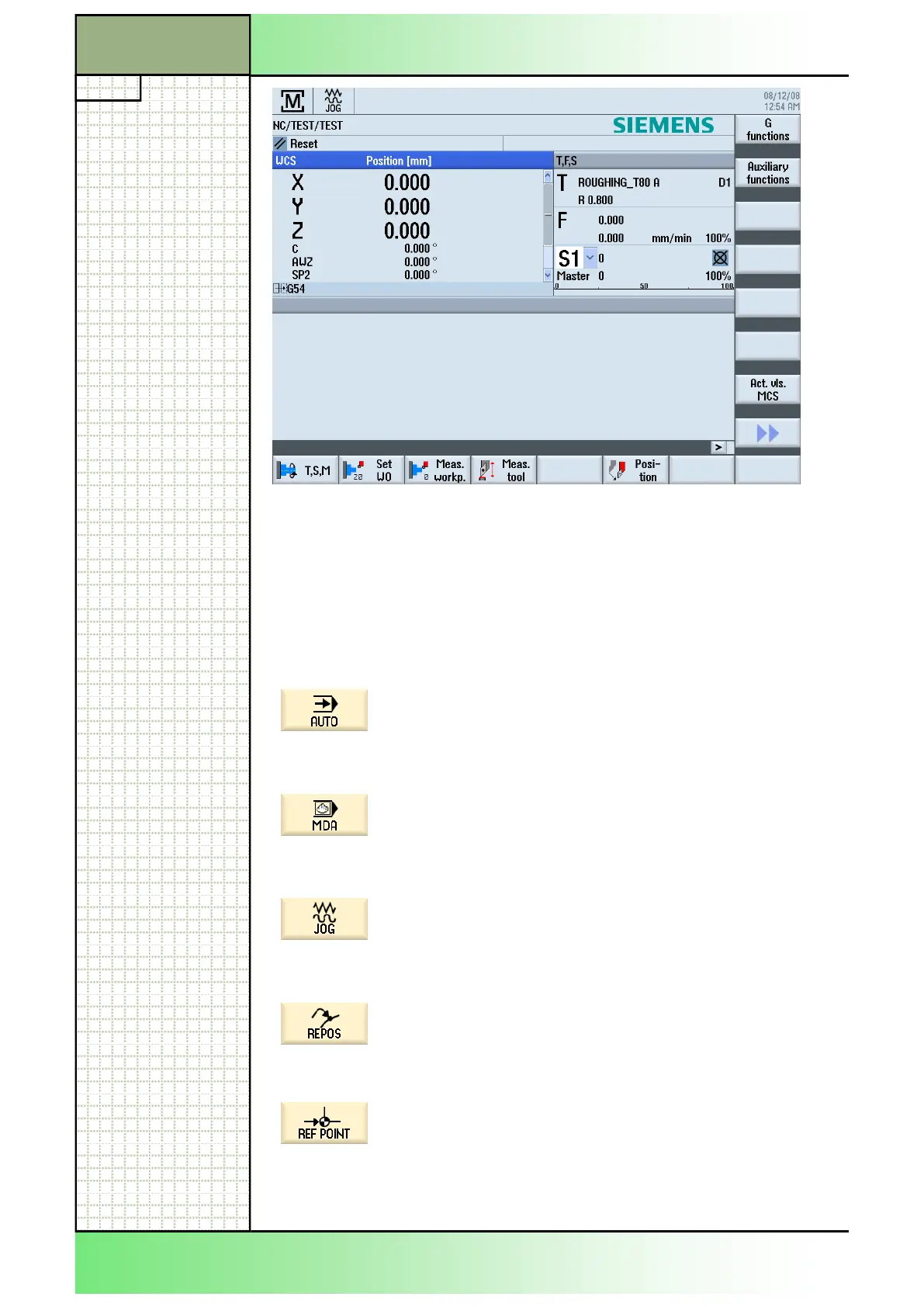
Operating area "Machine"
You can switch to the operating modes "JOG", "MDA" or "AUTO" in the
operating area "Machine" immediately by pressing the respective button
on the machine control panel, or by pressing the button “MENU SELECT“
first and then the corresponding VSK.
2.2 Vertical softkey (VSK) bar of the main menu
Display section Description
By pressing the VSK 1 "AUTO" in the operating
area "Machine", the operation mode "AUTO" will be
called up.
See module B522 - Operating mode "AUTO".
By pressing the VSK 2 “MDA“ in the operating area
"Machine" the operation mode “MDA“ will be called
up.
See module B521 - "Operating mode MDA"
By pressing the VSK 3 “JOG“ in the operating area
“Machine“ the operating mode "JOG" will be called
up.
See module B520 - "Operating mode JOG".
After a programm interuption (“CYCLE STOP“) and
after traversing the axis you can reposition the axis
to a saved position by pressing the VSK 4
“REPOS“.
By pressing the VSK 5 "REF POINT" in the operat-
ing mode "JOG" or "MDA" you can approach the
reference points.
















 To Next Page